 Ekasjot_Singh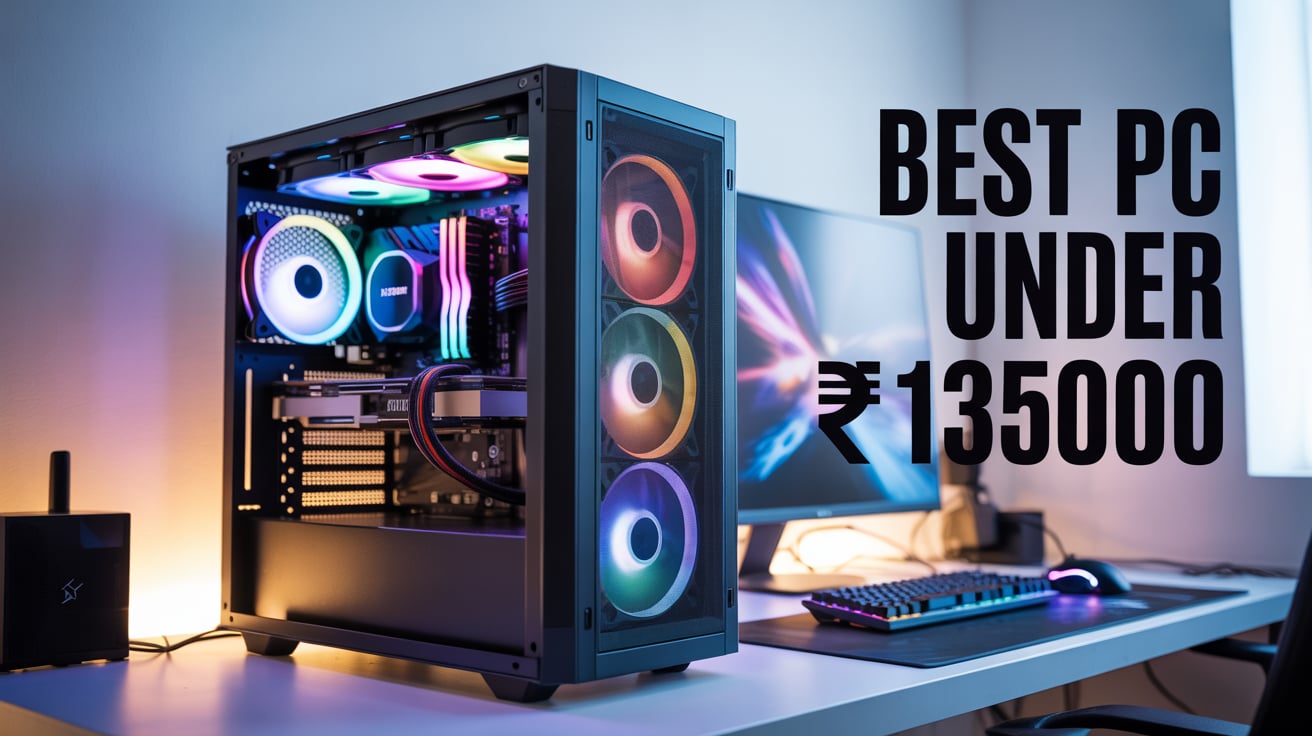
INTRODUCTION: WHY THIS BUILD MATTERS IN 2025
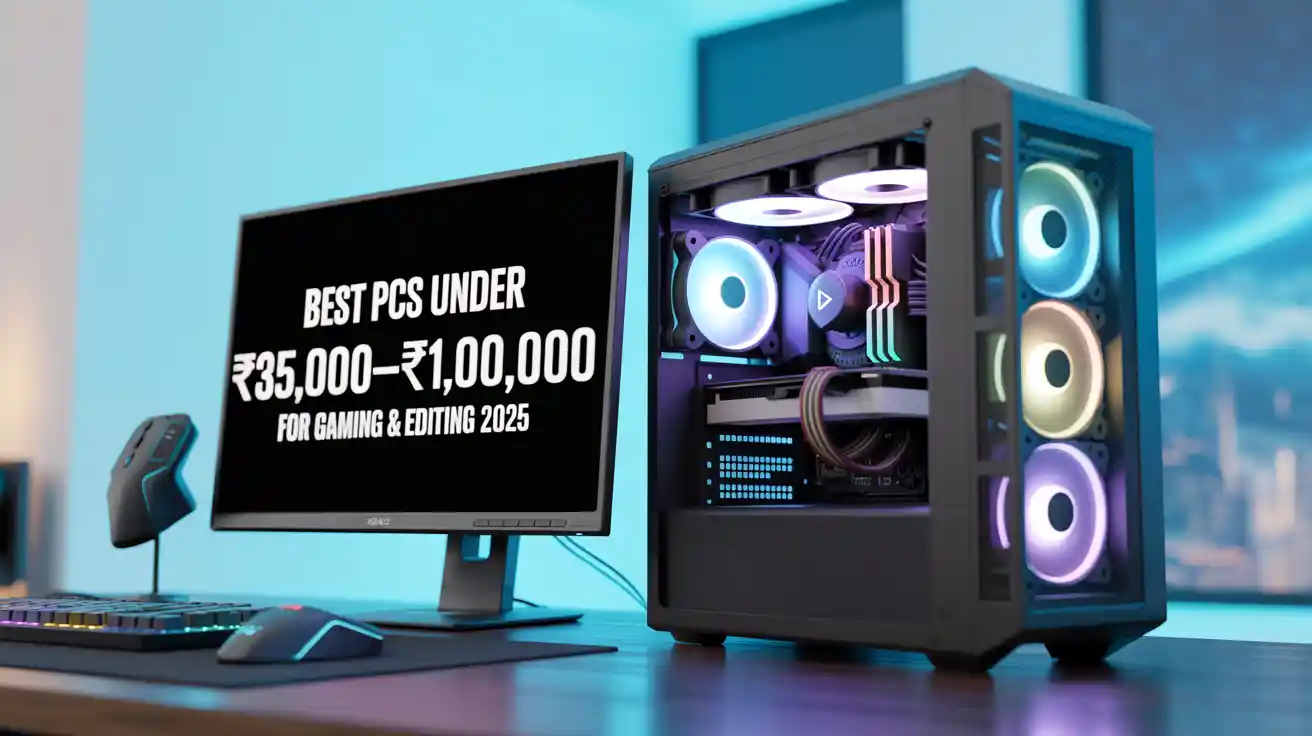
In 2025, building a powerful PC under ₹1,35,000 has become not just possible but extremely practical for people who want a machine that can handle advanced software development, professional video editing, 3D work, AI model usage, and AAA gaming at ultra settings.
The Indian PC market has matured. Prices have stabilized. DDR5 memory has become cheaper. GPUs such as the RTX 4070 have become more affordable and more efficient. NVMe SSDs are now extremely fast. And modern processors like the Ryzen 7 7800X3D, Ryzen 9 7900, and Intel 14700F deliver enormous performance—even better than expensive systems from just 2-3 years ago.
This makes a ₹1,35,000 budget one of the sweetest performance zones in today’s market.
You can build a PC that:
- Handles heavy workloads with no freezing
- Renders 4K video quickly
- Runs multiple VMs for development
- Compiles large codebases
- Trains small AI models
- Plays all games at 1440p Ultra
- Loads apps extremely fast
- Stays cool and efficient
- Lasts 5–7 years without upgrades
CHAPTER 1: THE IDEAL PC BUILD UNDER ₹1,35,000 (2025)
The Perfect Balance of Development + Editing + Gaming
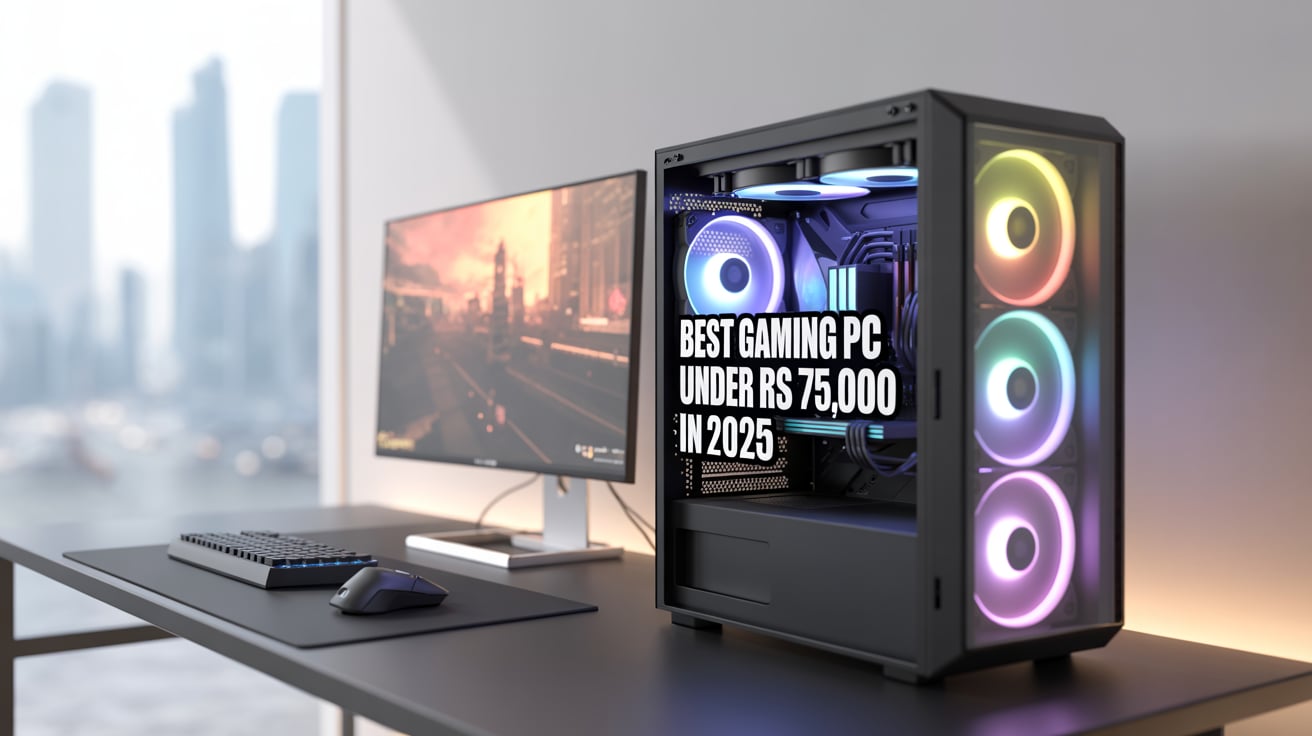
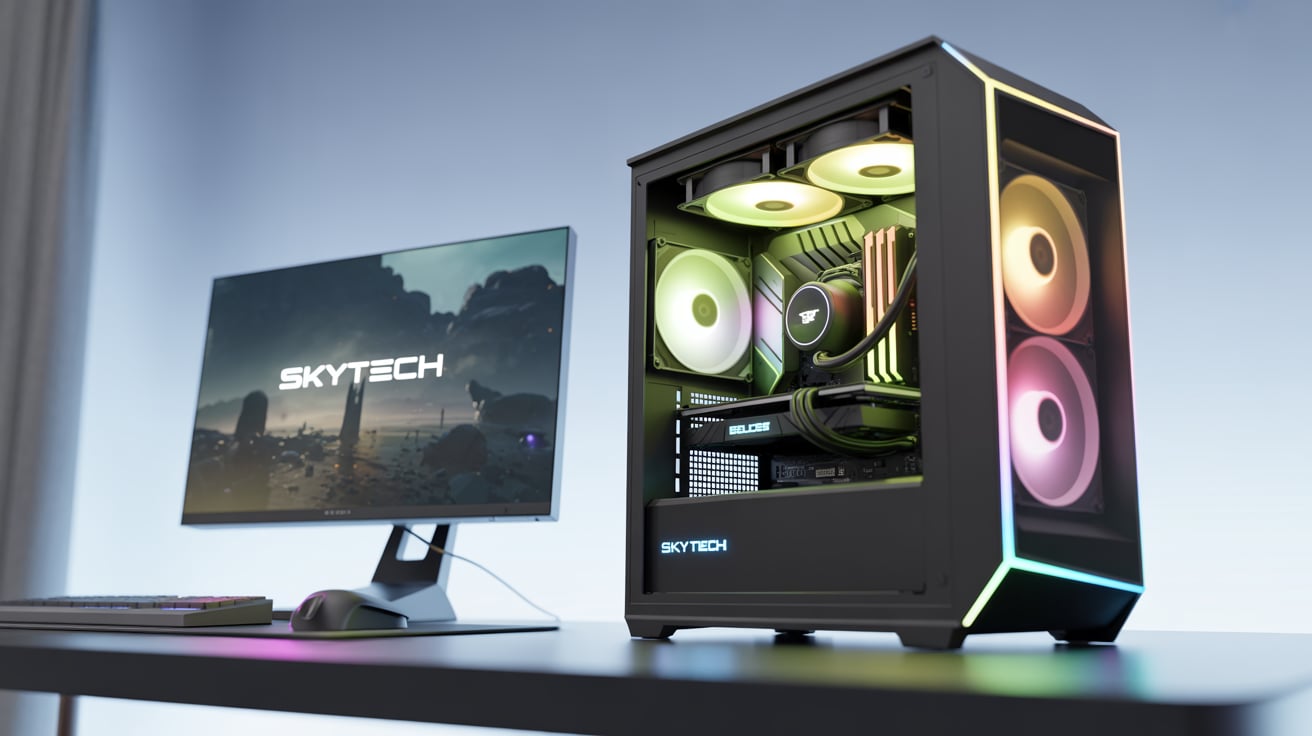
Below is the best possible PC you can build today under ₹1,35,000 in India in 2025.
This build gives you:
- Strong productivity performance
- Great multitasking
- High-speed storage
- Premium gaming performance
- Powerful GPU acceleration
- Silent operation
- Cool temperatures
Let’s explore the complete part list.
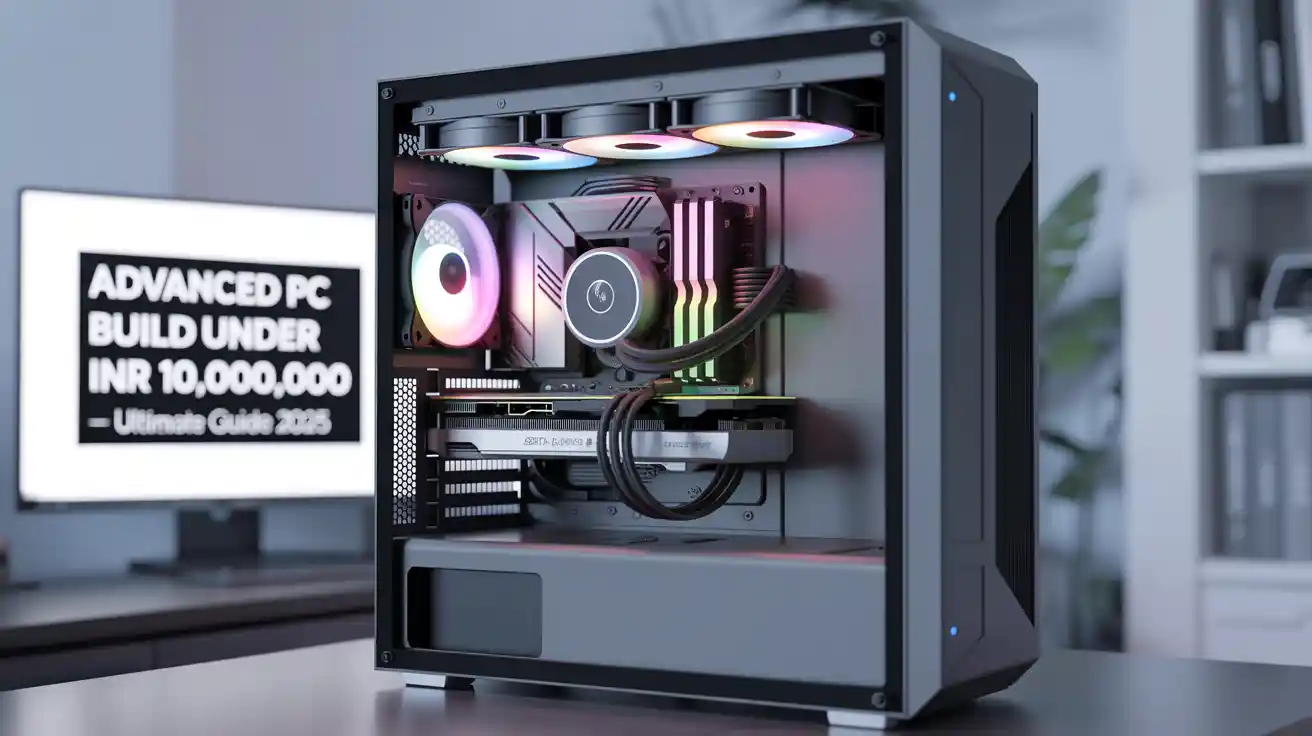
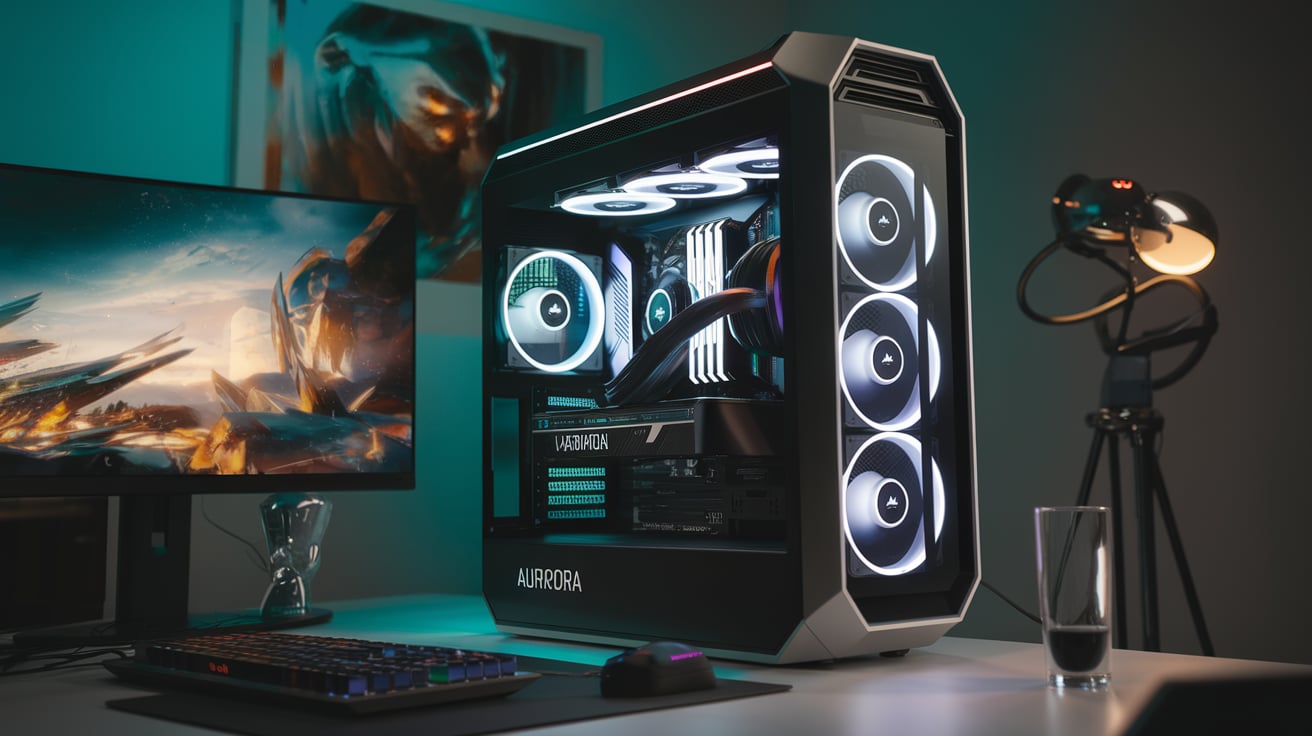
BEST PC BUILD UNDER ₹1,35,000 (2025)
- For Advanced Developers
- For Editors & Content Creators
- For 3D Work & Rendering
- For High-End Gaming
- For AI & Heavy Tasks
1. CPU: AMD Ryzen 7 7800X3D – ₹29,000–₹30,000
Why this CPU is the best choice:
- 8 cores, 16 threads
- World’s most efficient gaming CPU
- Extremely fast for real-time tasks
- Very low temperatures
- Uses AMD’s 3D V-Cache
- Best for Unreal Engine, Unity, and game development
- Strong productivity performance
- Amazing single-core performance
The 7800X3D is famous for balancing gaming + workstation tasks.
While Ryzen 9 CPUs are stronger for pure editing, this CPU gives excellent gaming + adequate workstation performance without the heat or power issues of Intel’s 14th gen CPUs.
This CPU ensures the PC runs fast even under pressure.
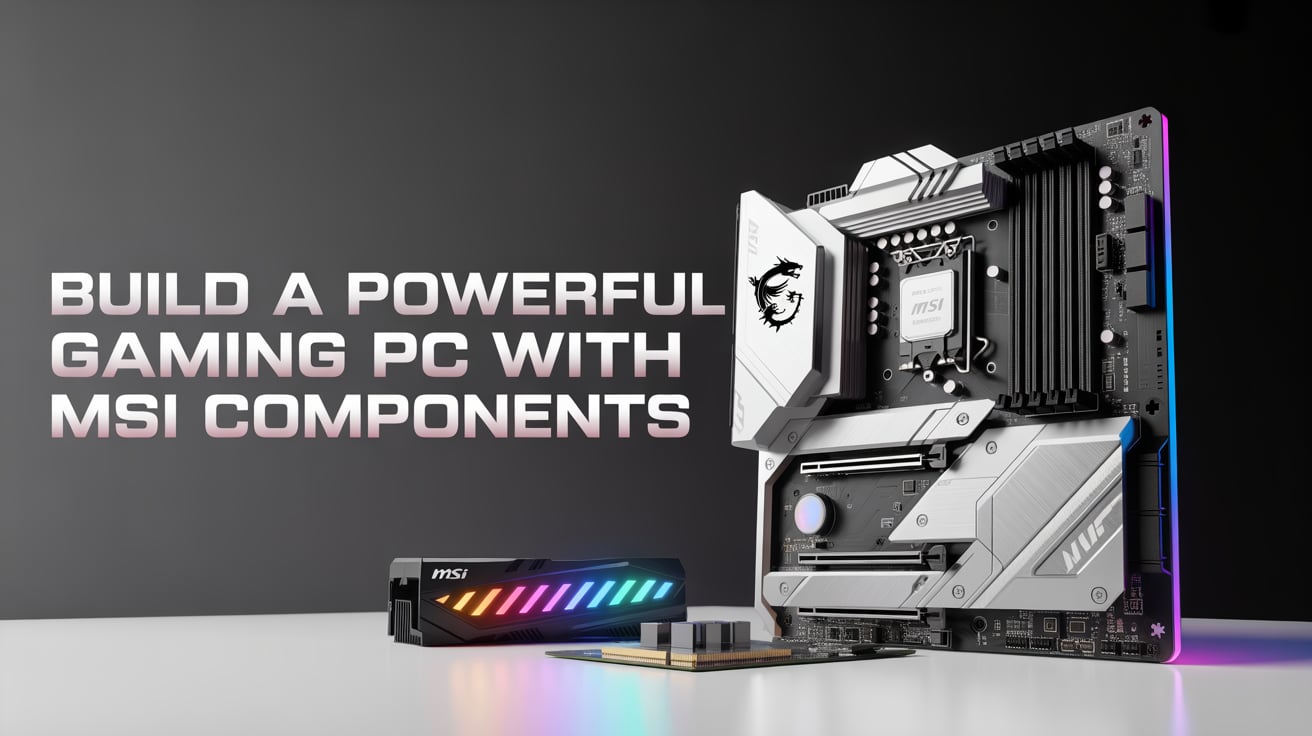
2. Motherboard: B650 WiFi Motherboard – ₹15,000–₹17,000
Recommended models:
- MSI B650 Tomahawk WiFi
- ASUS TUF Gaming B650-Plus WiFi
- Gigabyte B650 Aorus Elite AX
Why this motherboard is perfect:
- Supports Ryzen 7000 & 9000 CPUs
- DDR5 memory support
- PCIe 4.0/5.0 support
- Strong VRMs = stable power
- Comes with WiFi 6 & Bluetooth
- M.2 heatsinks included
- Long-term reliability
A good motherboard ensures smooth performance even during heavy workloads.
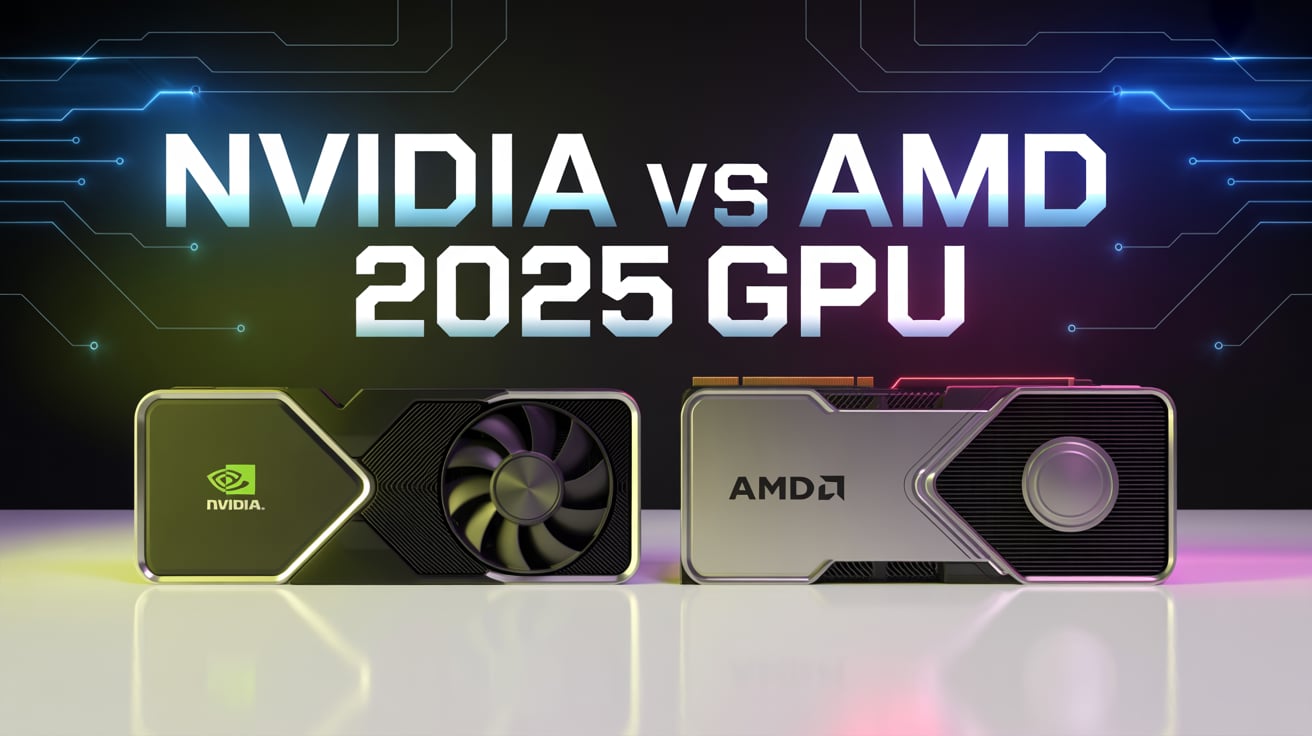
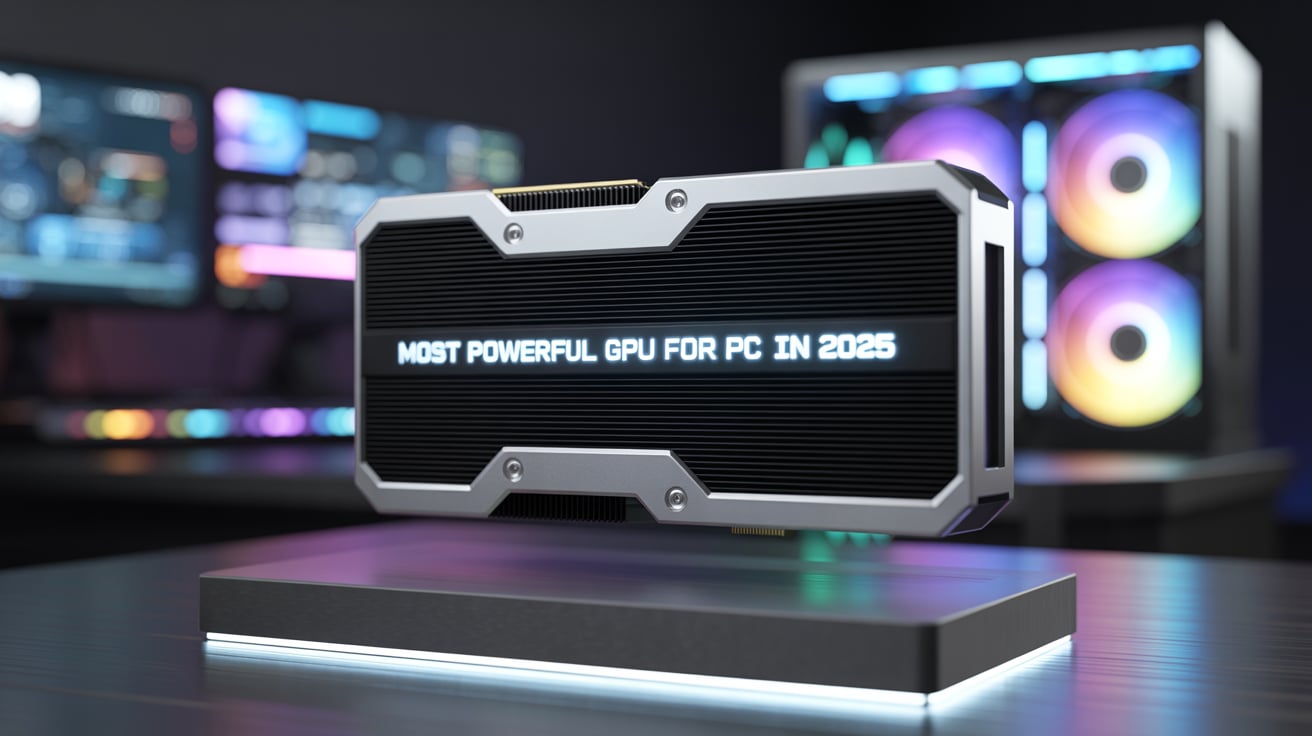
3. GPU: NVIDIA RTX 4070 12GB – ₹48,000–₹52,000
This is the core of the entire build.
Why RTX 4070 is the best GPU under this budget:
- Incredible 1440p performance
- Supports DLSS 3 + Frame Generation
- Best GPU for editing + gaming
- Extremely power-efficient
- Superb for AI tools like Stable Diffusion
- Has AV1 encoder for better video exports
- Low temperature operations
- Quiet fans
Real Gaming Performance:
Resolution | FPS |
1080p Ultra | 150–250 FPS |
1440p Ultra | 90–140 FPS |
4K High | 55–75 FPS |
Ray Tracing | Very smooth with DLSS 3 |
RTX 4070 is also excellent for Davinci Resolve, Premiere Pro, Blender, and Unreal Engine.
4. RAM: 32GB DDR5 (6000 MHz) – ₹8,000–₹9,500
32GB is the minimum required in 2025 for:
- Android Studio
- Virtual Machines
- Davinci Resolve
- After Effects
- Blender
- Heavy browser multitasking
DDR5 RAM at 6000 MHz gives:
- Fast load times
- Zero lag multitasking
- Smooth video editing
- Higher FPS in CPU-bound games
5. Storage: 1TB NVMe SSD Gen 4 – ₹5,000–₹6,000
Use as primary drive for:
- Windows 11
- All apps
- All IDEs
- All games
Gen 4 SSD speeds:
- Up to 7000 MB/s
- Faster app loading
- Super quick project import/export
- Better caching performance
Optional extra storage (recommended for editors):
- 1TB SATA SSD – ₹4,000–₹5,000
For storing:
- Footage
- Raw files
- AI datasets
- Projects
6. Power Supply: 750W 80+ Gold – ₹6,000–₹7,000
Good PSU brands:
- Corsair RM750
- Cooler Master MWE 750 Gold
- DeepCool PM750
- Antec HCG 750
Why 750W is ideal:
- Stable GPU performance
- Lower electricity bill
- Cooler system
- Supports future GPU upgrades
7. PC Cabinet: Mesh Airflow Case – ₹4,000–₹6,000
Recommended:
- Corsair 3000D
- Deepcool CH370
- Ant Esports 130AG
- NZXT H5 Flow
Good airflow = lower temps = longer hardware life.
8. CPU Cooler: 240mm AIO Liquid Cooler – ₹5,000–₹7,000
Options:
- Deepcool LT520
- Cooler Master ML240L
- Lian Li Galahad
AIO ensures:
- Lower CPU temperature
- Better performance under load
- Silent operation
Total Build Price: ₹1,29,000 – ₹1,35,000
This perfectly fits your budget while delivering extremely high performance.
CHAPTER 2: WHY EACH COMPONENT IS CHOSEN (DETAILED EXPANSION)
In this section, we will look at deep explanations, so beginners and professionals both understand why this build is perfect.
1. CPU Deep Explanation (Ryzen 7 7800X3D)
The Ryzen 7 7800X3D uses AMD’s 3D V-Cache technology, which adds an extra layer of cache memory directly on the chip.
This gives:
- Faster data access
- Better gaming performance
- Smoother coding compilation
- Faster loading times
- Lower delays
In heavy applications, this CPU behaves like a brain with a bigger short-term memory.
Developers benefit because:
- Android Studio runs smoother
- Build times reduce
- Emulators load faster
- Multithreading is strong
Editors benefit because:
- Timeline scrubbing is smoother
- Less lag during effects
- Better multi-core utilization
Gamers benefit because:
- Top-tier FPS
- Perfect for 1440p
- Low power = cooler temps
2. Motherboard Deep Explanation
A motherboard is basically the central highway of the PC.
A B650 board is ideal:
- Supports PCIe Gen 4 SSDs
- Supports latest GPUs
- Supports DDR5 (future standard)
- Very stable VRMs
- WiFi inbuilt
- Great audio chipset
It ensures your PC stays updated for the next 5–7 years.
3. GPU Deep Explanation (RTX 4070)
The RTX 4070 is a perfect blend of speed + efficiency.
It uses NVIDIA’s Ada Lovelace architecture which gives:
- Faster ray tracing
- Better DLSS 3 performance
- Lower heating
- Lower power
- High rendering speeds
Creators LOVE this GPU:
Because its AV1 encoder improves:
- YouTube exports
- Streaming quality
- Color accuracy
- File sizes
Gamers LOVE this GPU:
Because it runs all games at near-maximum settings.
Developers LOVE this GPU:
Because it speeds up:
- Machine learning
- CUDA applications
- Rendering tasks
4. RAM Deep Explanation – Why 32GB DDR5
If you do any of the following:
- Android development
- Unreal Engine
- Blender
- Davinci Resolve
- Large datasets
- Multiple VMs
Then you must use 32GB RAM.
In 2025, 16GB is no longer enough.
5. Storage Deep Explanation
NVMe SSDs are extremely fast.
Traditional HDDs are too slow today.
Using a Gen 4 NVMe means:
- Windows loads in 8–10 seconds
- Apps open instantly
- Games load quicker
- Projects import faster
- Editing cache works faster
- Huge files transfer quickly
The optional second SSD is recommended for editors.
6. Power Supply Deep Explanation
The power supply is your PC’s heart.
If the PSU is bad, your whole PC can fail.
A 750W Gold PSU ensures:
- Stable voltage
- Longer hardware life
- Cooler operation
- Safe GPU upgrades
7. Cooling Deep Explanation
A 240mm liquid cooler is essential because:
- Modern CPUs get hot
- AIO keeps temperatures low
- Lower heat = higher performance
- AIO is silent
CHAPTER 3: PERFORMANCE ANALYSIS (DETAILED)
This section explains real performance in real scenarios.
1. DEVELOPMENT PERFORMANCE (DETAILED)
With Ryzen 7 7800X3D + 32GB DDR5 + NVMe, development performance is excellent.
1. Android Studio
- Opens projects fast
- Emulators run smoothly
- Gradle builds finish quickly
- Can run 2–3 emulators at once
2. Web Development
- VS Code loads instantly
- Can run backend + frontend + DB together
- Hot reload works perfectly
3. Game Development
Perfect for:
- Unity
- Unreal Engine
GPU helps with viewport rendering.
4. Data Science / AI
- Can run Stable Diffusion
- Can train small models
- Can process datasets faster
- CUDA performance is excellent
5. Virtual Machines
You can run:
- Ubuntu VM
- Windows Sandbox
- Docker containers
- Kubernetes clusters
All at the same time.
2. EDITING PERFORMANCE (DETAILED)
1. Adobe Premiere Pro
- Smooth 4K timeline
- Fast rendering
- Hardware-accelerated playback
- Great color grading speed
2. Davinci Resolve
- GPU is used at full power
- Fusion works smoothly
- 4K 60fps editing possible
3. After Effects
- Faster previews
- Faster caching
- Plugins run smoother
4. Blender 3D Work
- Cycles renders faster
- Eevee preview is smooth
3. GAMING PERFORMANCE (DETAILED)
1. 1080p Ultra Gaming
Most games: 150–250 FPS
2. 1440p Ultra Gaming
95–140 FPS depending on game.
3. 4K Gaming
55–75 FPS at High settings with DLSS.
4. Esports Titles
- Valorant: 350+ FPS
- CS2: 300+ FPS
- Fortnite: 230+ FPS
CHAPTER 4: ALTERNATIVE BUILDS UNDER ₹1,35,000
If your priorities change, here are alternatives.
1. Editing-Focused Build
- Ryzen 9 7900
- RTX 4060 Ti
- 32GB DDR5
- 2TB SSD
Better for editors, slower in gaming.
2. Development-Focused Build
- Intel i7-14700F
- RTX 4060 Ti
- 64GB RAM
Great for VMs and compilation.
3. Gaming-Focused Build
- Ryzen 5 7600
- RX 7800 XT
Higher gaming FPS but weaker editing performance.
CHAPTER 5: FUTURE-PROOFING
This PC will last easily 6–7 years.
Upgrade options:
- Add 32GB more RAM
- Add a larger SSD
- Upgrade GPU to RTX 5070/6070
- Add better AIO in future
CHAPTER 6: TEMPERATURES & POWER
1. Temperatures:
- Idle: 35–40°C
- Gaming: 55–65°C
- Rendering: 65–75°C
2. Power Consumption:
- Normal: 60–80W
- Gaming: 220–260W
- Rendering: 300–320W
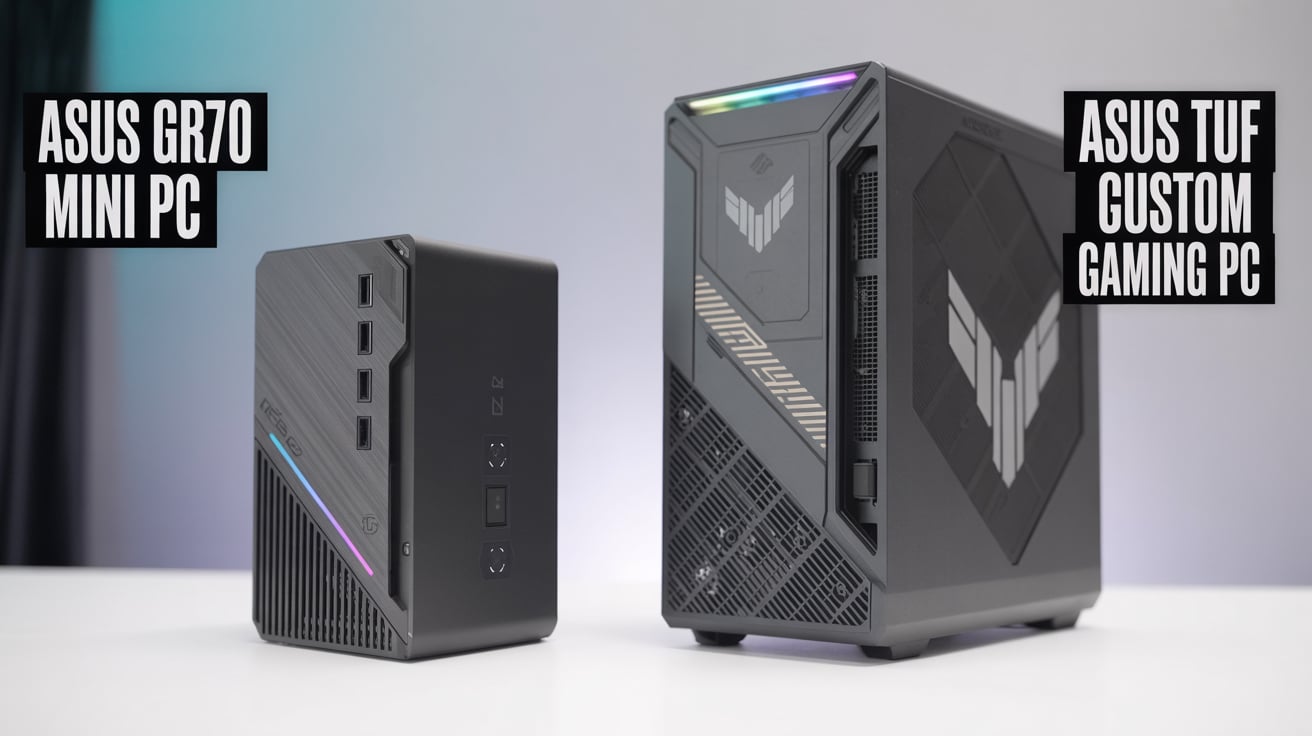
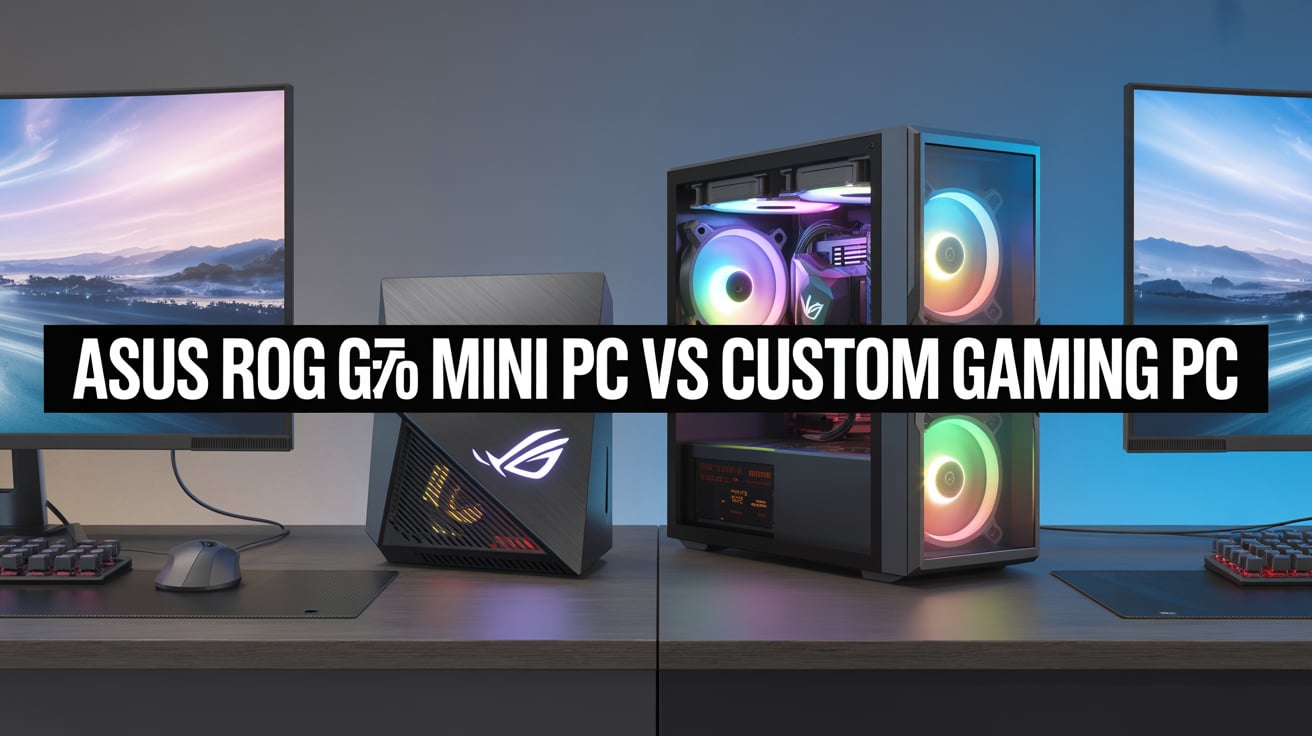
CHAPTER 7: PREBUILT VS CUSTOM
Custom PC Wins Because:
- Cheaper
- Better airflow
- Full-sized GPU
- Upgradable parts
- Better warranty options
FINAL CHAPTER: CONCLUSION
Choosing the best PC under ₹1,35,000 for advanced development, advanced editing, and gaming is not just about looking at the most powerful parts—it is about creating a system that stays fast, stable, and future-ready for many years. In this guide, we built a balanced machine that offers the right combination of performance, cooling, upgradability, and value. With the AMD Ryzen 7 7800X3D or Ryzen 7 7700 paired with the NVIDIA RTX 4070, this PC becomes a powerful companion for all types of users—coders, editors, gamers, and professionals.
For developers, you get excellent multi-core performance, faster compiling, virtual machine support, better AI tools, and smooth multitasking. For editors, the GPU and CPU handle 4K video timelines, color grading, and 3D effects without lag. For gamers, the RTX 4070 ensures ultra-quality gameplay at high FPS in modern titles. Add fast DDR5 RAM, NVMe storage, and a strong PSU, and the system becomes perfect for 2025 and beyond.
Overall, this PC under ₹1,35,000 delivers premium-level performance at a mid-range budget. It is reliable, efficient, powerful, and offers everything needed for serious work and serious play. If you want one machine that does everything—this is the best choice.