 Ekasjot_Singh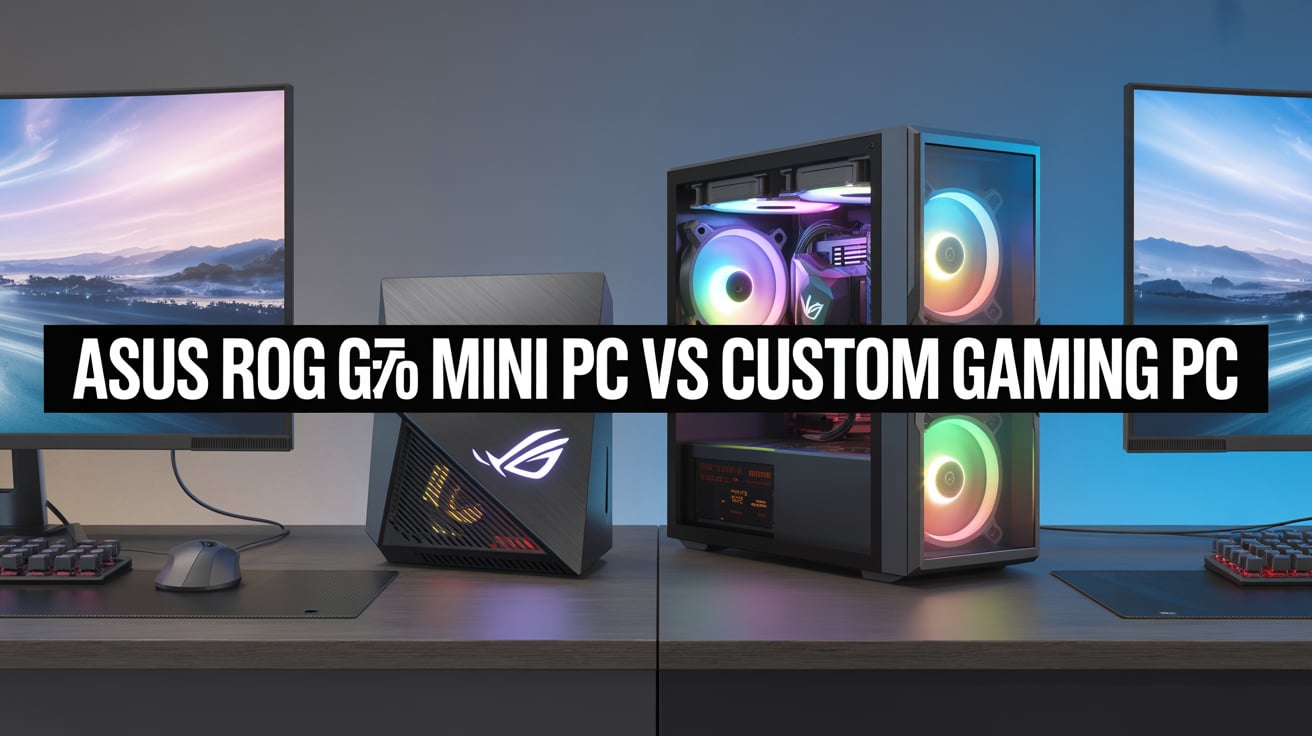
Introduction — what you’ll learn
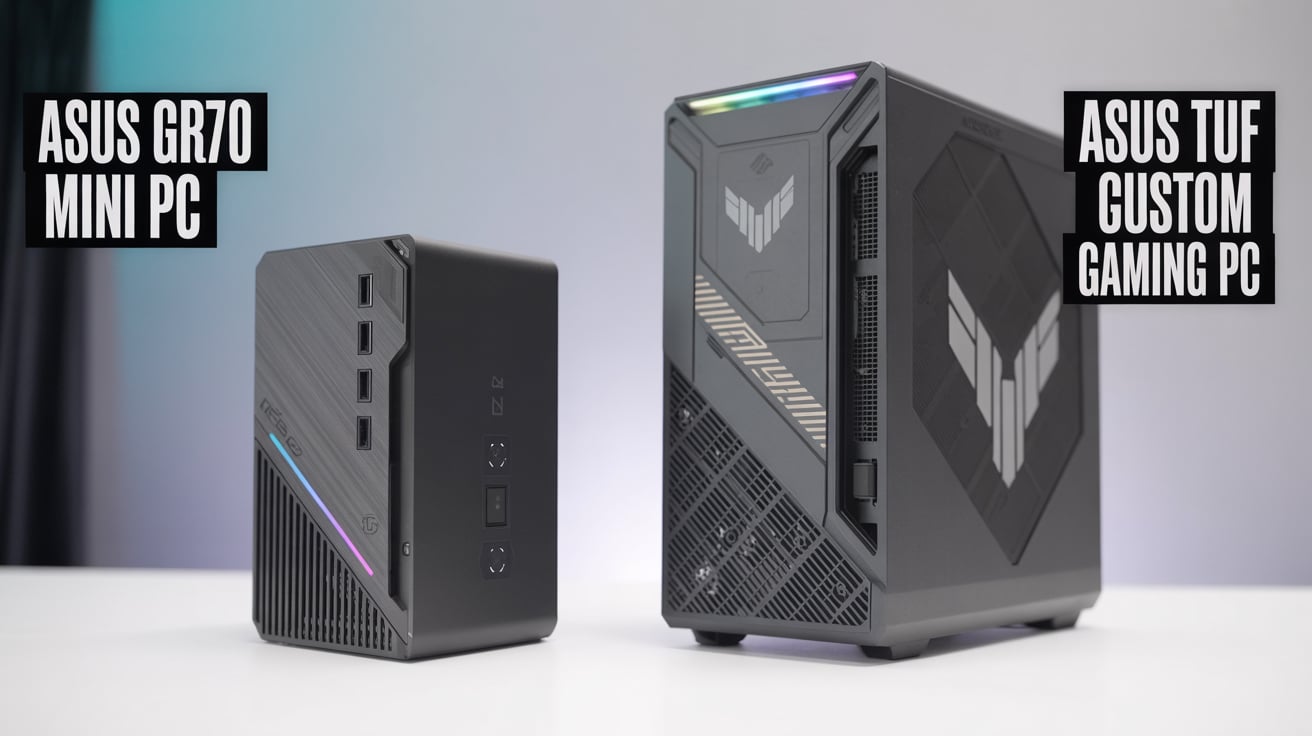
If you’re thinking about building or buying a gaming PC, you’ve probably seen two main choices: a small pre-built system like the ASUS ROG GR70 mini PC and a custom-built gaming PC (you pick each part and assemble it yourself or with help). Both options can run the latest games, but they are very different in design, price, upgradeability, cooling, noise, and long-term value.
This article explains those differences in very simple language. I’ll walk you through:
- What the ASUS GR70 mini PC is and what it’s good at
- What a custom gaming PC is and what it offers
- Head-to-head comparisons across important categories (performance, price, upgrades, heat, noise, size, warranty, software, etc.)
- Who should buy which option (use-case based)
- A practical buying guide with sample configurations and cost considerations
- Tips to get the best gaming experience for your money
- A final recommendation to help you decide
I’ll keep the language easy and the advice practical, so you can decide with confidence which option suits you.
1. What is the ASUS ROG GR70 mini PC?
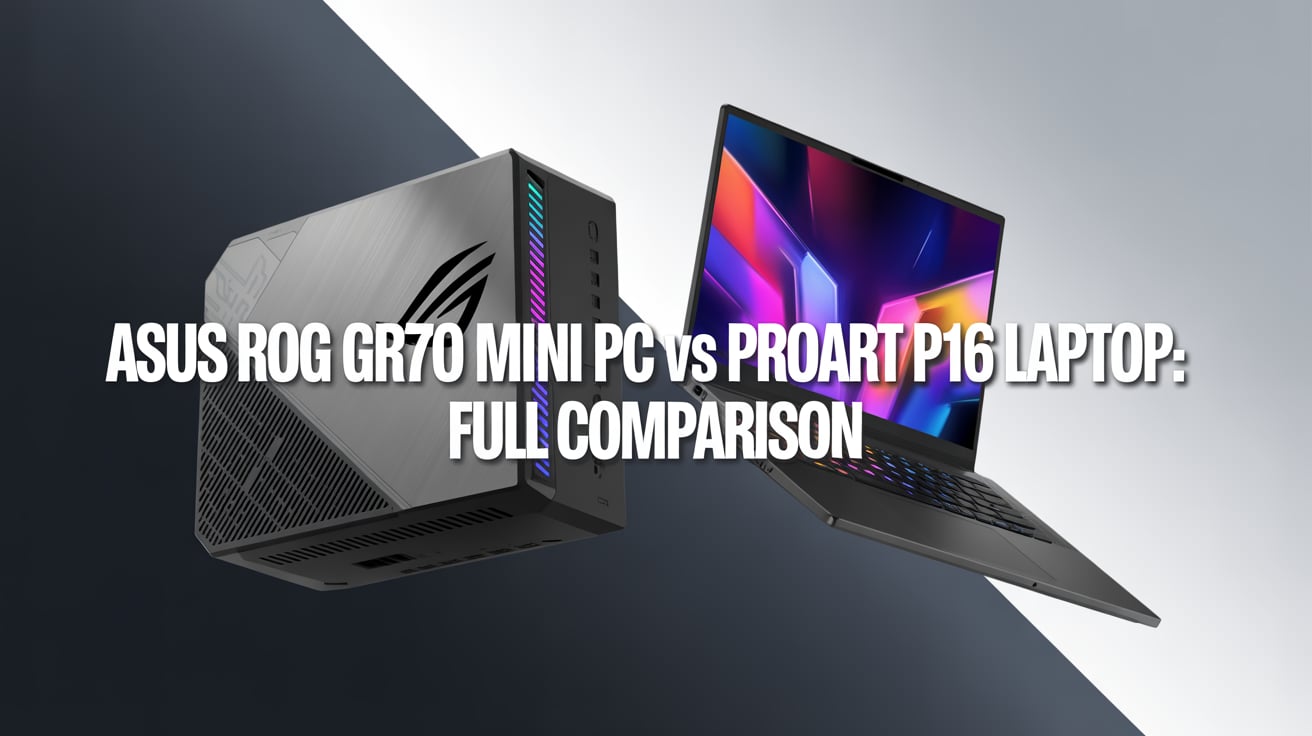
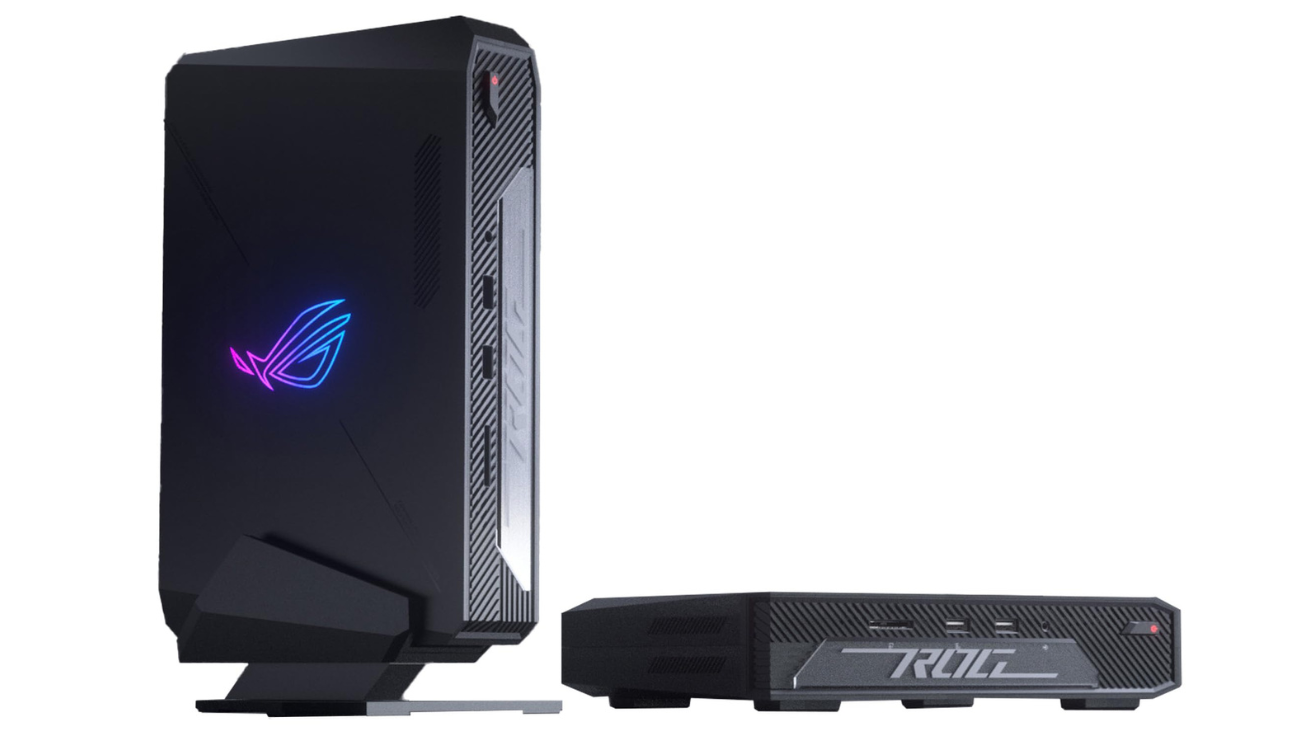
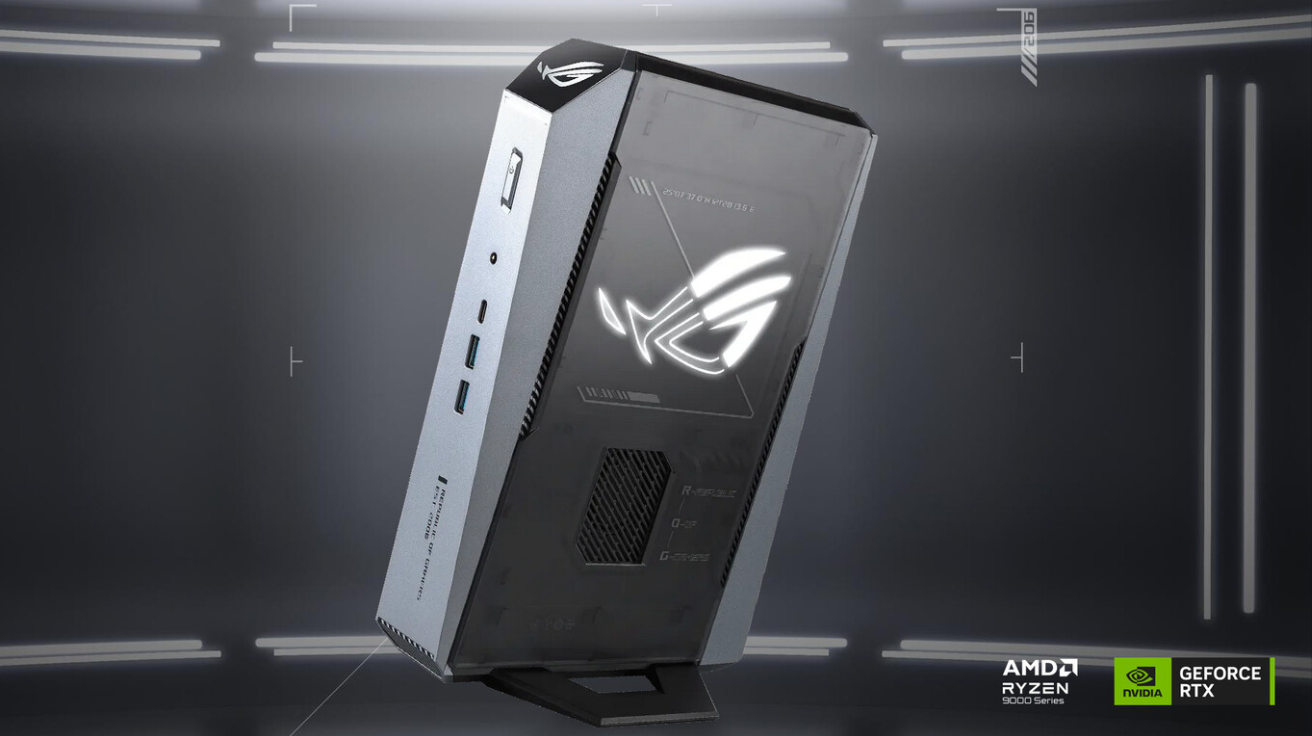
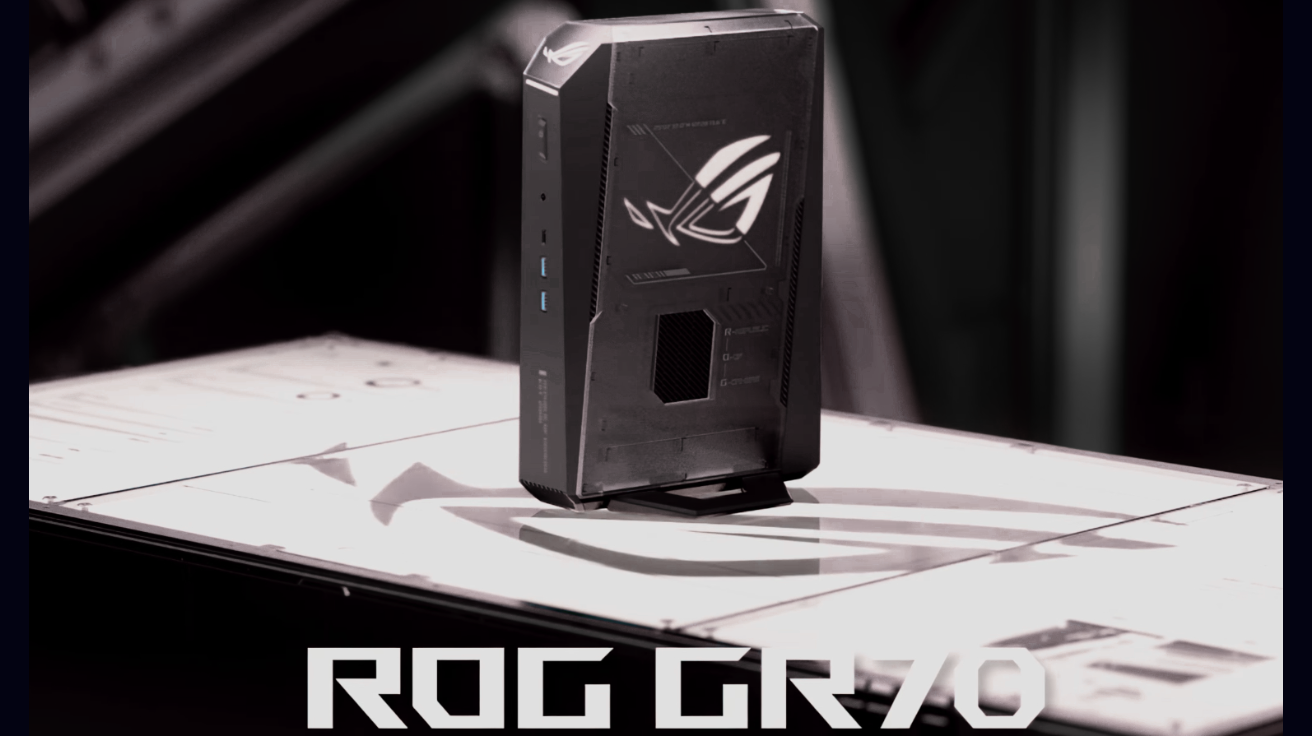
The ASUS ROG GR70 is a compact, pre-built mini PC from ASUS’s ROG (Republic of Gamers) line. Mini PCs like this aim to deliver strong CPU and GPU performance in a small, stylish case.
They often come with:
- A small but powerful CPU (often AMD or Intel laptop/desktop chips)
- A discrete GPU (sometimes a mobile/desktop hybrid or a compact desktop GPU) or an integrated powerful APU
- Fast SSD storage (M.2 NVMe) and some SODIMM/RAM slots
- Pre-installed OS (usually Windows) and ROG software for tuning
- Compact cooling solutions and a smaller power supply built-in
Key idea: the GR70 is a ready-to-use compact gaming machine. You buy it, plug it in, and start playing. It’s designed to be portable (easy to move), space-saving, and visually attractive.
2. What is a custom gaming PC?
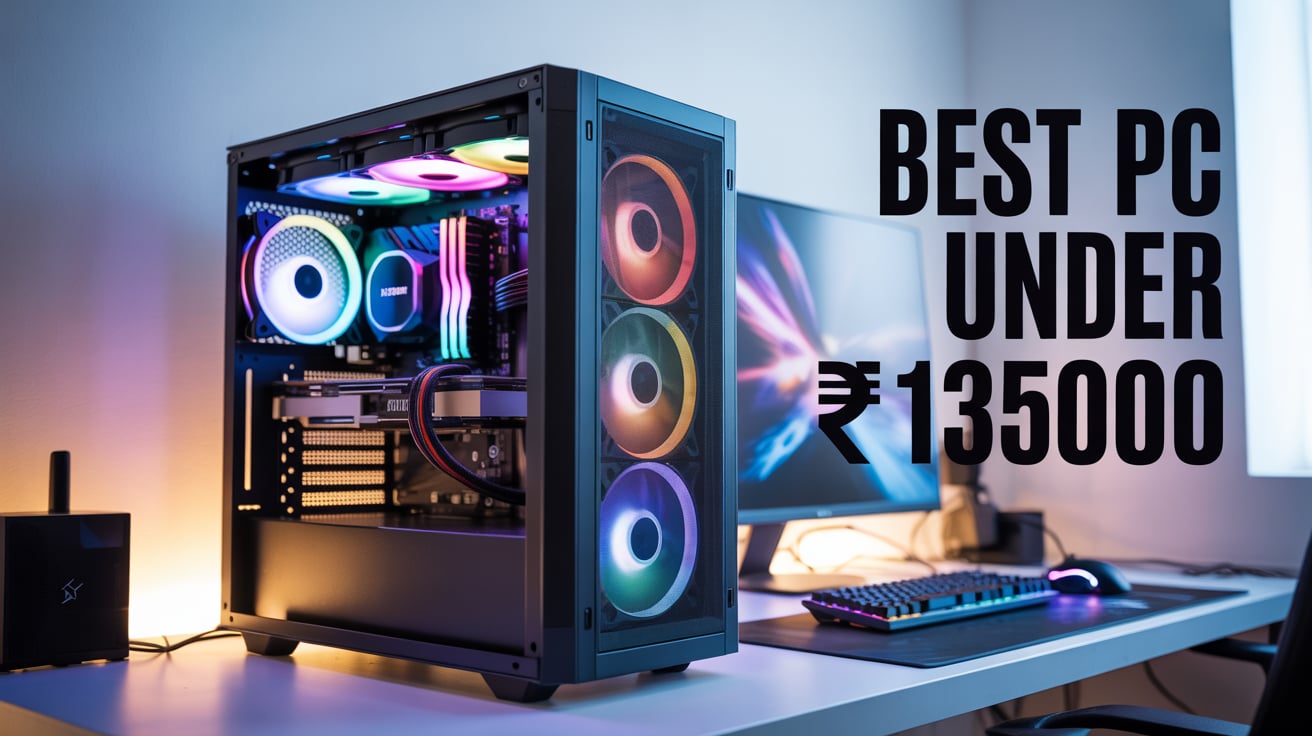
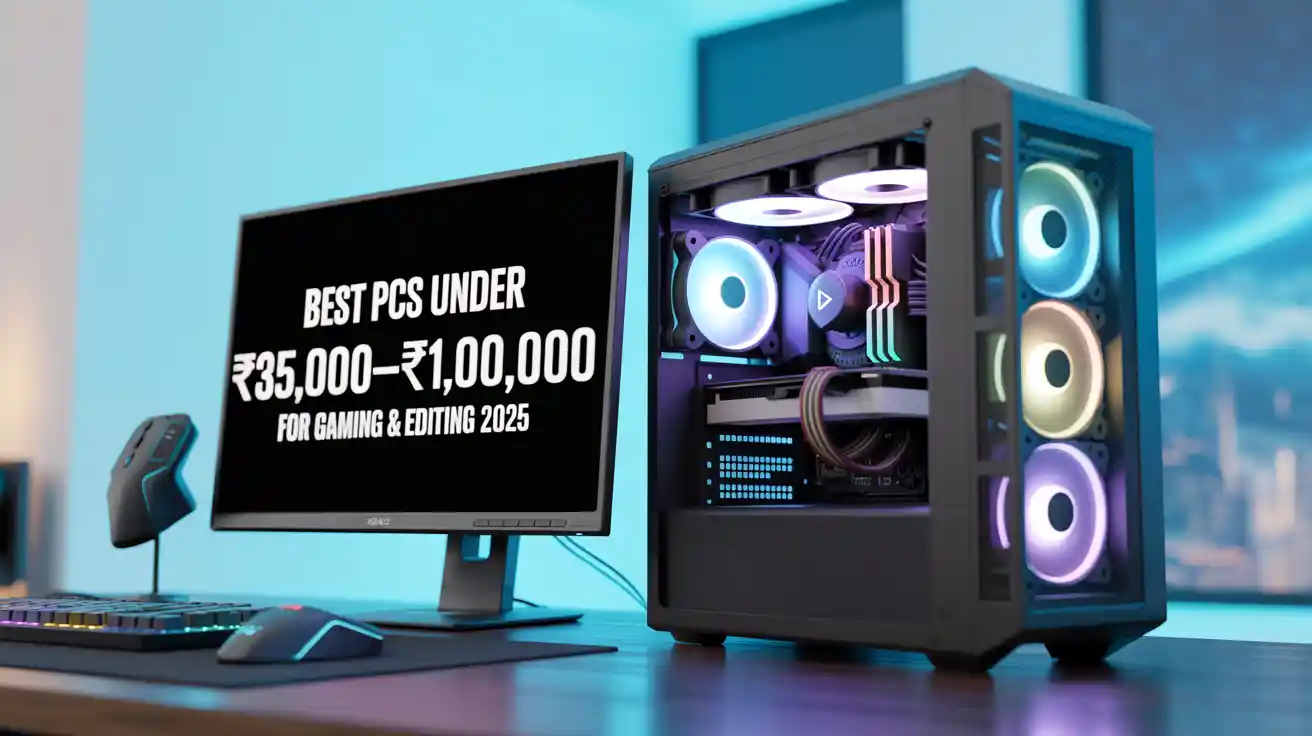
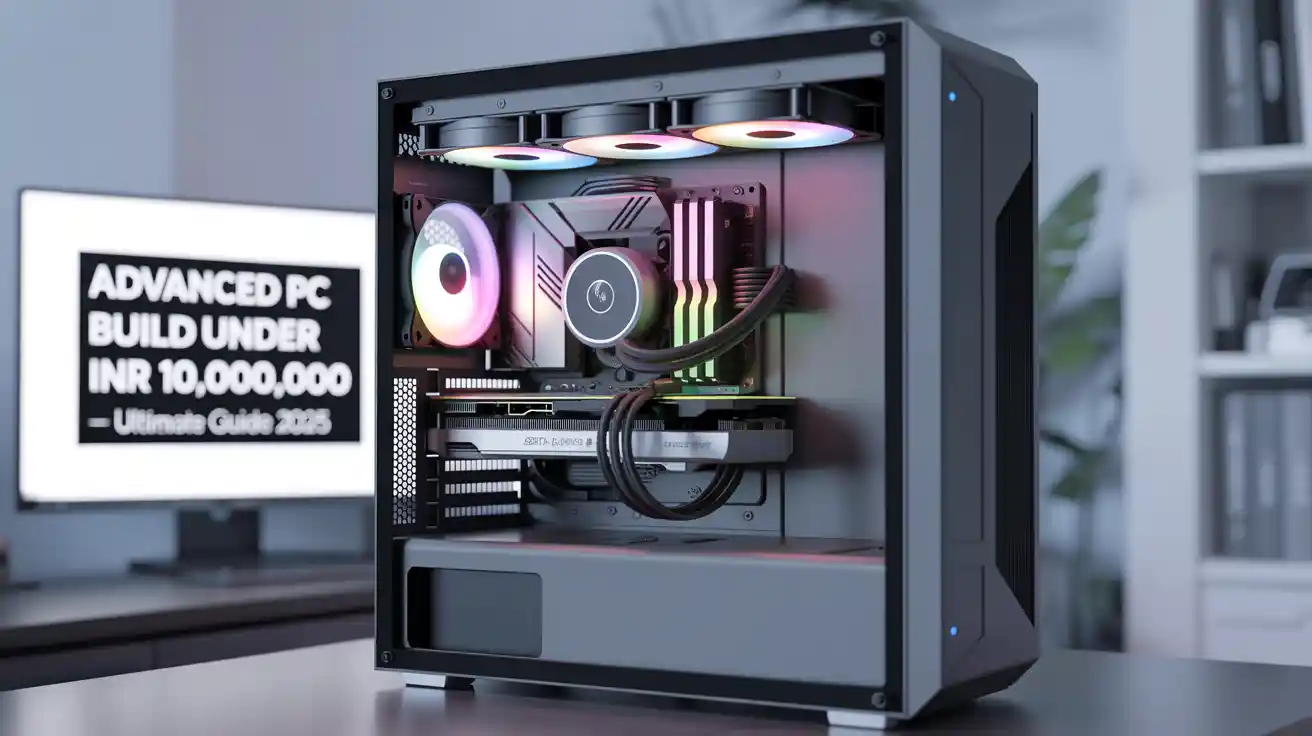
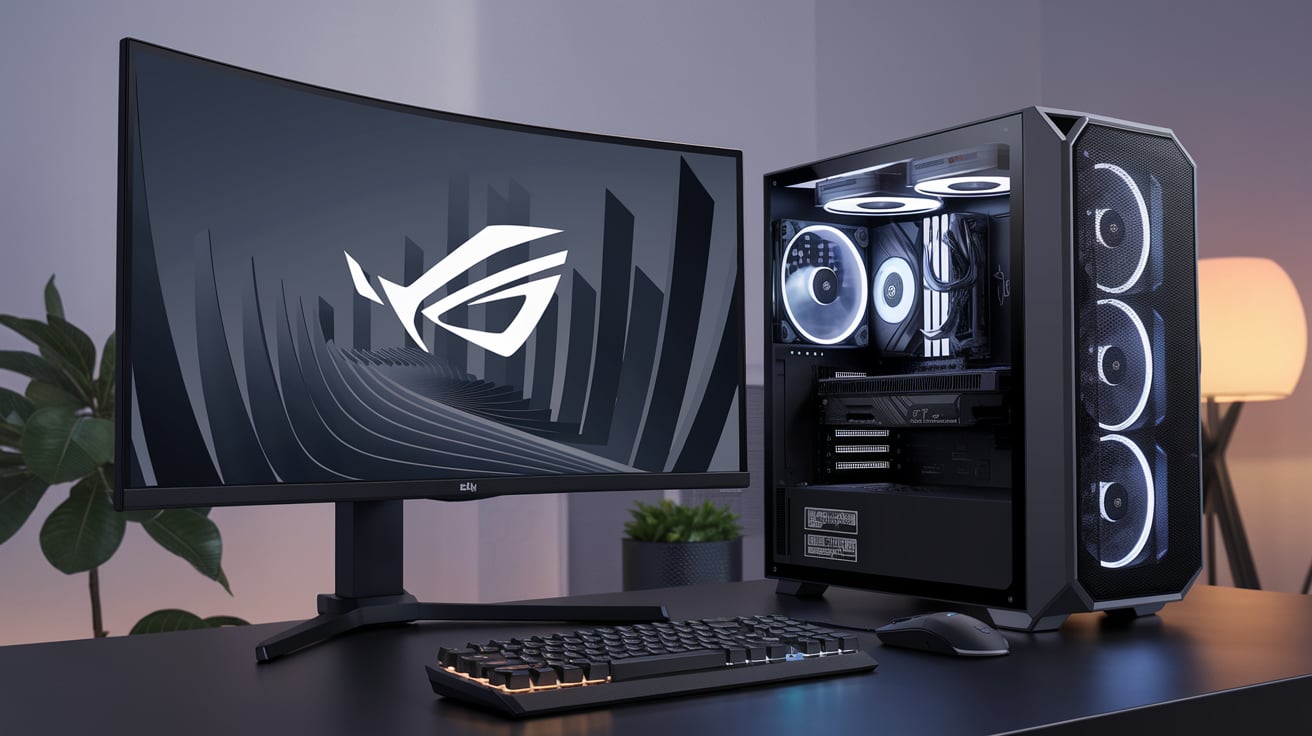
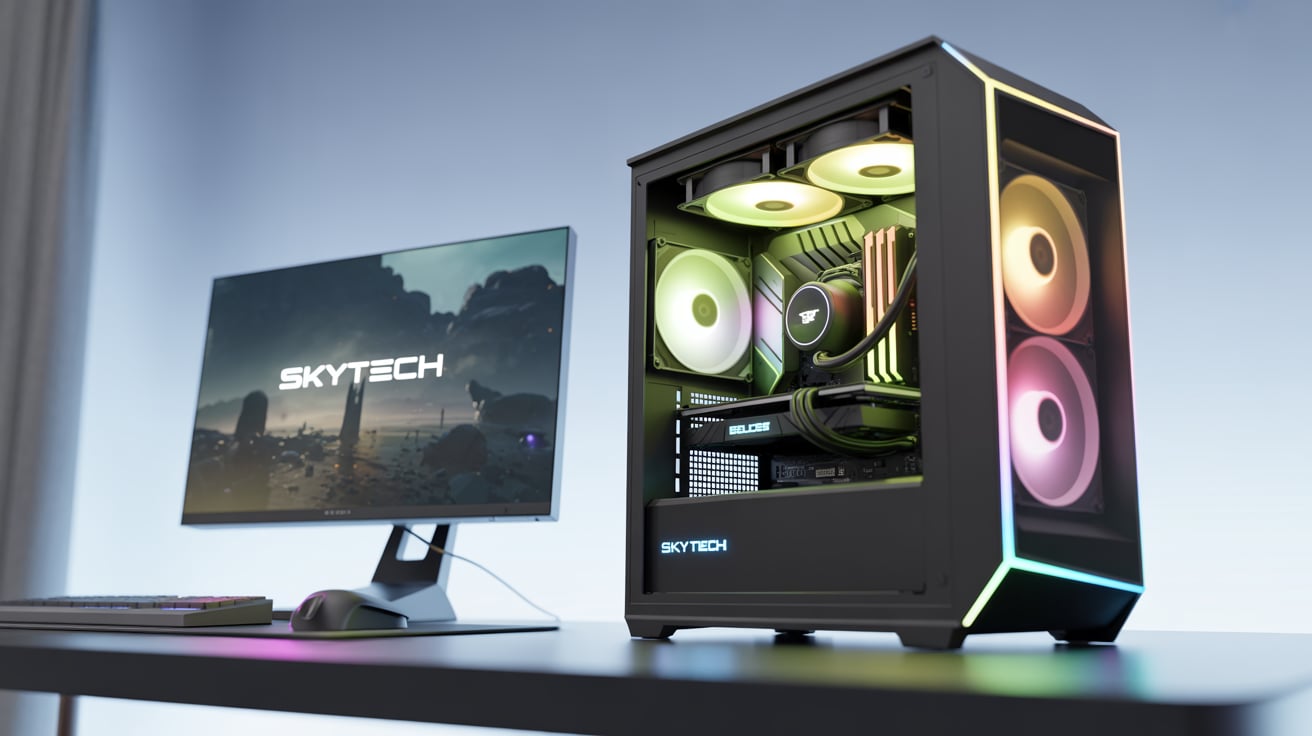
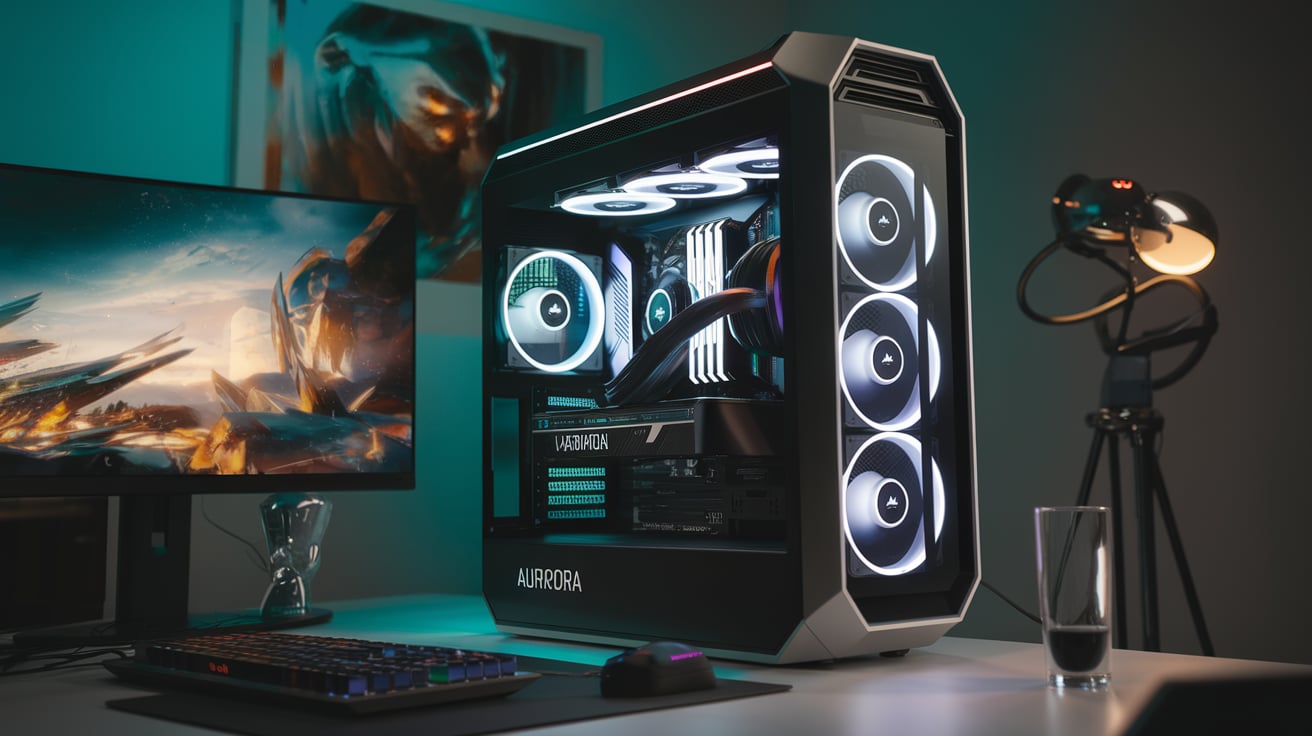
A custom gaming PC is a desktop you build yourself (or have a shop build for you) by choosing each component: CPU, motherboard, RAM, GPU, storage, case, cooling, power supply, and peripherals.
The main aspects:
- You choose exactly which parts to buy (brand, model, price range).
- You can prioritize performance, silence, looks, or budget.
- You can mix and match to suit your needs (e.g., a budget GPU + high-end CPU, or vice versa).
- Assembly is either DIY or done by a retailer/technician.
Key idea: a custom PC gives full control. You decide the balance between price, performance, upgradability, and aesthetics.
3. Quick high-level comparison (short summary)
- Size & Portability: GR70 wins — small and portable. Custom PC loses unless you build a small form factor (SFF) custom rig.
- Performance for price: Custom PC usually wins — you can get more raw power per rupee/dollar.
- Upgradability: Custom PC wins by a large margin. GR70 is limited.
- Thermals & noise: Custom PC (well-built) generally wins. Mini PCs can get hot and loud under heavy load.
- Warranty & convenience: GR70 (pre-built) often has simpler warranty/support. Custom PC parts have separate warranties and can be more hassle.
- Aesthetics & space: GR70 is sleek and compact. Custom PC gives customization (RGB, glass panels, big coolers).
- Time & knowledge required: GR70 is plug-and-play. Custom needs parts research and build time or money to pay someone.
- Value over time: Custom PC tends to be better value long-term because of upgrade paths and repairability.
4. Deep-dive comparison by categories
4.1 Performance (gaming & general use)
Custom PC
- Advantage: You can choose the best GPU and CPU in your budget. For raw gaming FPS and high-res gaming (1440p, 4K), a custom PC with a full-size GPU (e.g., NVIDIA RTX 40/50 series or AMD RX series) will outperform most mini PCs.
- You can prioritize GPU over CPU or vice versa as needed (games often rely more on GPU).
- You can add more RAM or faster SSDs easily.
ASUS GR70 mini PC
- Delivers good performance for its size. Great for 1080p and some 1440p gaming depending on the GPU inside.
- Mini PCs might use laptop/mobile-class GPUs or compact desktop GPUs. That means performance is often lower than full-size desktop equivalents at the same tier.
- For CPU-heavy tasks, modern mini PCs can surprise you — some use powerful desktop-grade chips — but cooling limits continuous high-load performance.
Verdict: For maximum gaming performance (especially at higher resolutions), custom PC wins. For solid performance in a small package for 1080p/1440p, GR70 is very capable.
4.2 Price and value for money
Custom PC
- You can optimize cost: if you want best GPU possible, allocate more budget to GPU and reduce spending elsewhere.
- Parts prices fluctuate; sometimes a custom build is cheaper than pre-built for the same specs; sometimes pre-builts can be cheaper due to OEM discounts.
- Long-term value: you can swap parts (e.g., upgrade GPU later) — better ROI.
ASUS GR70 mini PC
- Price includes design, miniaturized cooling, and assembly — OEM premium.
- Good if you value convenience and a compact form factor; may cost more per unit performance than a custom build.
- Warranty & support can add value for users who don’t want to manage individual component warranties.
Verdict: Custom PC usually offers better value per performance, but GR70’s price can be worth it for small size and convenience.
4.3 Upgradability & repairability
Custom PC
- Clear winner. You can upgrade CPU (depending on socket), GPU, RAM, storage, and often motherboard.
- Repairs usually mean replacing one faulty part — easy to troubleshoot.
ASUS GR70 mini PC
- Limited. Many mini PCs have soldered components, proprietary layouts, and space limits.
- Upgrades may be limited to 1–2 M.2 drives or RAM slots; GPU upgrades are usually not possible unless it uses a modular external GPU solution.
- Repairs may require sending to service center.
Verdict: If you want to upgrade in future, choose custom.
4.4 Cooling & thermal performance
Custom PC
- Customizable: big air coolers, AIO liquid cooling, or custom loops. Better thermal performance reduces throttling and noise.
- Larger cases improve airflow.
ASUS GR70 mini PC
- Limited cooling space. Cooling is engineered to fit the small chassis, which is impressive but has limits.
- Under long gaming sessions, temperatures can be higher and throttling more likely.
- Manufacturers tune fans for a balance — sometimes louder fans under load.
Verdict: Custom PC can deliver better temps and quieter systems if designed right.
4.5 Noise levels
Custom PC
- Can be very quiet with good fans, fan curves, and large heat sinks.
- Custom builds allow emphasis on silence (large slow fans, fanless PSU options for lower wattage).
ASUS GR70 mini PC
- Mini PCs often have smaller fans that spin faster and may be louder under load.
- ASUS often tunes their software for quiet operation at light loads, but peak noise can be noticeable.
Verdict: Custom PC typically offers better silence options.
4.6 Form factor & space
Custom PC
- Usually larger. Requires desk space and is less portable.
- You can build small form factor (SFF) custom PCs, but SFF custom builds still face similar thermals/space trade-offs as mini PCs.
ASUS GR70 mini PC
- Compact, great for small desks, living room setups, or LAN parties.
- Easier to carry and hide — ideal if you value minimal footprint.
Verdict: GR70 wins for small spaces/portability.
4.7 Software, drivers & warranty
Custom PC
- You manage OS installation, driver updates, and warranties for each part individually.
- Flexibility to choose OS, control drivers, and tweak settings.
ASUS GR70 mini PC
- Comes pre-installed with Windows and ROG utilities (fan profiles, performance modes).
- Single-vendor warranty simplifies support: one place to call for hardware issues, which many buyers find convenient.
Verdict: GR70 is easier for users who want a simple supported experience. Custom PC is for users who don’t mind managing parts.
4.8 Aesthetics & customization
Custom PC
- Huge flexibility: RGB, tempered glass, custom paint, custom loops, vertical GPU mounts — anything goes.
- You control the look completely.
ASUS GR70 mini PC
- Slim and polished ROG design. Limited visual customization beyond external peripherals and RGB in built-in components.
Verdict: Custom PC wins for personalization and showpiece builds. GR70 looks clean and professional out-of-the-box.
4.9 Power draw & electricity cost
Custom PC
- Can have higher peak power draw if using big GPUs and overclocking.
- You choose the PSU efficiency rating (80 Plus Gold/Platinum) to save electricity.
ASUS GR70 mini PC
- Designed to be relatively efficient for its size, but compact powerful components can still draw substantial power under load.
- Some mini PCs use laptop-class efficient components, lowering idle consumption.
Verdict: Depends on configuration. A well-tuned custom PC with efficient PSUs can be more efficient under some loads; mini PC might be more efficient overall for light usage.
4.10 Longevity and resale
Custom PC
- Better resale value for individual parts (GPUs, SSDs) as you can sell/upgrade pieces.
- Easier to keep the system relevant by upgrading the GPU or adding more RAM.
ASUS GR70 mini PC
- Resale depends on the whole unit; limited upgrade path can shorten practical lifespan for high-end gaming demands.
- Great for people who want a 2–4 year worry-free machine; beyond that, upgrades are limited.
Verdict: Custom PC has better long-term flexibility and potential resale.
5. Use-case based recommendations — who should buy which?
Buy ASUS GR70 mini PC if:
- You have limited desk space or want a clean living-room PC.
- You value portability or plan to move the PC occasionally (LAN parties, office/home switch).
- You want plug-and-play convenience and a single warranty/service experience.
- You prefer a stylish, compact machine without the hassle of part selection and assembly.
- You play mostly at 1080p (or light 1440p) and don’t need the absolute top-tier GPU.
- You don’t plan to upgrade major parts over time.
Buy / Build a custom gaming PC if:
- You want maximum performance for your budget (higher FPS, high-res gaming, ray tracing).
- You plan to upgrade parts (GPU, CPU, storage) over time.
- You like customization (looks, cooling, sound levels).
- You want better thermal performance and quieter operation.
- You enjoy the process of building or want to learn PC hardware.
You need the best price-to-performance ratio.
6. Practical buying guide & sample builds
Below are sample builds and price/feature guidance to help you decide. Prices change, so treat the ranges as estimates and focus on component choices.
Note: these are templates — if you choose a GR70, pick the configuration that matches the GPU/CPU tier you need. For a custom PC, match the GPU tier to your gaming resolution.
6.1 Sample: Compact, mid-range — for 1080p/1440p gaming (GR70-style alternative)
Goal: Play modern games at 1080p with high settings and 1440p with medium/high.
Custom PC parts (mid-range):
- CPU: AMD Ryzen 5 7600 / Intel Core i5 14th gen (or newer)
- GPU: NVIDIA RTX 4060 Ti / AMD RX 7600 XT
- RAM: 16GB DDR5 (2×8GB)
- Storage: 1TB NVMe SSD
- PSU: 650W 80+ Gold
- Case: Mid-tower with good airflow
- Cooling: Stock + 1 or 2 good intake/exhaust fans
Why choose custom? Better raw GPU power per rupee, easy to upgrade GPU later. This will outperform a mini PC at similar price for gaming.
ASUS GR70 option: Choose GR70 with a GPU roughly equivalent to RTX 4060 Ti class or an APU that targets similar performance. You get smaller size but expect slightly lower performance due to thermal limits.
6.2 Sample: High-end custom — for 1440p/4K or high refresh-rate 1440p
Goal: High FPS at 1440p, good 4K performance, ray tracing.
Custom PC parts (high-end):
- CPU: AMD Ryzen 7/9 series or Intel Core i7/i9 (recent gens)
- GPU: NVIDIA RTX 4070 / 4080 / AMD RX 7900 XT (depending on budget)
- RAM: 32GB DDR5
- Storage: 1–2TB NVMe + secondary HDD/SSD
- PSU: 850W+ 80+ Gold/Platinum
- Case: Full tower or high-airflow mid-tower
- Cooling: Good AIO or high-end air cooling
Why custom? Full-size GPUs and robust cooling deliver the best gaming experience. Mini PCs rarely match this tier.
6.3 Sample: Small form factor custom — if you want small + power
Goal: Combine compact size and near-desktop performance.
Custom SFF parts:
- SFF case (ITX)
- Mini-ITX motherboard
- CPU: Efficient Ryzen 7 / Intel i7 mobile-desktop alternative
- GPU: Compact/low-profile full-length GPU (carefully chosen)
- RAM: 32GB SODIMM or regular DIMM depending on board
- Cooling: SFF cooling solutions, custom fan curves
Why choose SFF custom? You can get closer to GR70’s size while keeping some upgradeability, but SFF custom builds are more complex and may cost more.
7. Real-world considerations (not always obvious)
7.1 Port selection & I/O
- Mini PCs often have many I/O ports packed on the small chassis — useful for monitors, USB, Thunderbolt, and networking.
- Custom PC I/O depends on motherboard; you can choose boards with many USBs, Wi-Fi, Bluetooth, and multi-monitor support.
7.2 Network & Wi-Fi
- GR70 likely includes built-in Wi-Fi and Bluetooth.
- Custom PC requires a Wi-Fi card or USB adapter unless motherboard includes it. Ethernet is standard in both.
7.3 Driver/BIOS updates
- With custom builds, you update drivers and BIOS yourself.
- Pre-built systems sometimes ship with manufacturer-customized BIOS and drivers that can be easier to manage.
7.4 Noise on desk vs living room
- A mini PC might sit next to your TV — fan noise may be more noticeable sitting close.
- Custom PC can be placed under desk or away from seating area; larger cases allow quieter cooling.
7.5 Warranty trade-offs
- GR70: single warranty covering the whole system (easy to use).
- Custom: each part has its warranty; you may need to ship parts individually — more effort.
8. Common myths and clarifications
Myth 1 — Mini PCs can’t game: False. Modern mini PCs can handle many games very well at 1080p and some at 1440p. They are just less likely to match full-size flagship GPUs.
Myth 2 — Custom PCs are always better value: Mostly true for raw performance, but not always. Pre-builts sometimes benefit from OEM pricing on parts. Mini PCs add value in size and convenience.
Myth 3 — Upgrading custom PCs is always cheap: Upgrading a GPU or CPU can be expensive if prices rise. But you have the freedom to upgrade only what you need.
9. Checklist: how to choose based on what matters to you
Ask yourself these questions and check the best-fit option:
- Do I want the smallest possible footprint or portability? → Choose GR70 (mini PC)
- Do I want the absolute best FPS per rupee and upgrade options? → Choose custom PC
- Do I prefer plug-and-play with single warranty? → GR70
- Will I upgrade often (swap GPU in 2–3 years)? → Custom PC
- Do I want a quiet system and excellent cooling? → Custom PC (well-built)
- Is design and clean desk space a top priority? → GR70 or SFF custom
Do I enjoy building and customizing? → Custom PC
10. Troubleshooting & long-term care tips
Whether you pick GR70 or custom, follow these tips:
- Keep drivers and Windows updated.
- Clean dust from air intakes and fans every few months.
- Monitor temps with software (HWMonitor, MSI Afterburner).
- Use good quality surge protectors or UPS to protect hardware.
- For custom systems: choose a good PSU (reliable brand, 80+ efficiency).
- For mini PCs: avoid placing them in closed, poorly ventilated spaces during long gaming sessions.
11. Final recommendation — short and direct
- If you want simplicity, compactness, and a stylish plug-and-play machine that plays modern games well at 1080p/1440p without fuss → ASUS ROG GR70 mini PC is an excellent choice. It’s great for small spaces, living-room setups, or people who don’t want to tinker.
- If you want maximum performance per rupee, upgradeability, quieter operation (with the right parts), and full control → Build a custom gaming PC. This option is best if you want to future-proof and squeeze the most gaming power out of your budget.
Both choices can be great — the right one depends on your priorities: space and convenience vs raw performance and upgrade potential.
12. Quick buying checklist before you click “buy”
If you choose ASUS ROG GR70:
- Check the exact CPU + GPU combo in the model.
- Verify RAM and storage — can you upgrade them later?
- Look at warranty length and what it covers.
- Read reviews about thermals and noise for sustained gaming.
- Confirm the I/O you need (display ports, USB, Thunderbolt).
If you choose custom PC:
- Decide target resolution (1080p/1440p/4K) and refresh rate — choose GPU accordingly.
- Pick a good PSU (reliable brand, efficiency rating).
- Choose a motherboard with the ports and expansion you need.
- Allow budget for a decent cooler and case with airflow.
- Consider getting help assembling if you’re unsure.
13. Closing — make the choice that fits your life
There’s no single “best” between the ASUS ROG GR70 mini PC and a custom gaming PC. Each one solves different problems:
- GR70 solves space, convenience, and style.
- Custom PC solves performance, upgradeability, and personalization.
Think about how you’ll use the PC over 2–5 years, what games you play, how much desk space you have, and how much time (or money) you want to put into setup and upgrades. Then pick the option that matches those needs.