 Ekasjot_Singh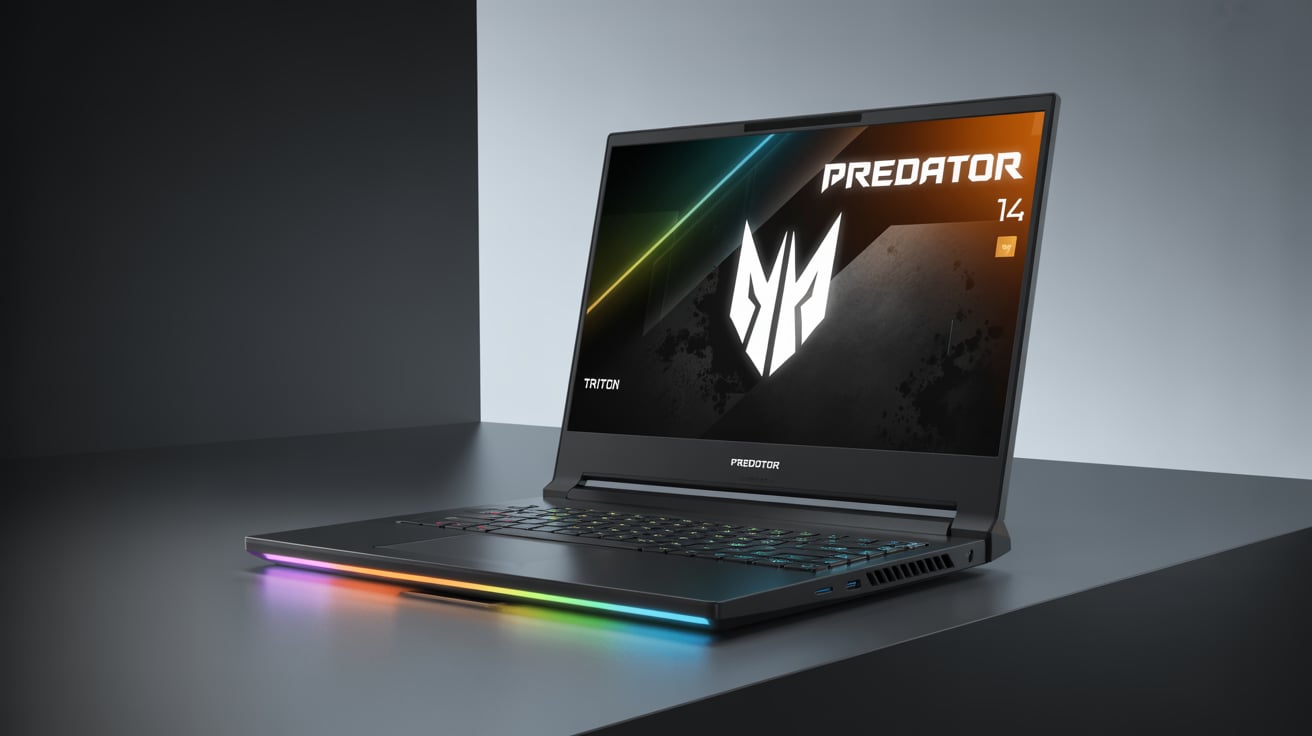
1. Introduction: When AI Meets Portable Gaming Power
In today’s fast-paced digital world, gamers and professionals demand more than just raw power — they need performance that fits in their backpack. Gone are the days when gaming laptops were bulky, heavy, and power-hungry. The new trend is clear: thin, light, and intelligent.
That’s exactly where Acer’s Predator Triton 14 AI enters the scene. It’s not just another gaming laptop — it’s a machine that understands what you’re doing, adapts to your needs, and pushes performance intelligently using AI optimization.
Acer’s Predator lineup has always been about top-tier gaming, but the Triton 14 AI takes things further by adding AI-assisted cooling, performance tuning, and energy management — all packed into a sleek 14-inch chassis.
Whether you’re a gamer, video editor, 3D artist, or student looking for something that blends style, speed, and smarts, this laptop promises a mix of everything.
In this detailed review, we’ll explore every aspect of the Predator Triton 14 AI — from its design and display to its AI features, gaming performance, and real-world usability — all explained in simple, easy language so everyone can understand.
2. Design and Build Quality: Premium, Portable, and Practical
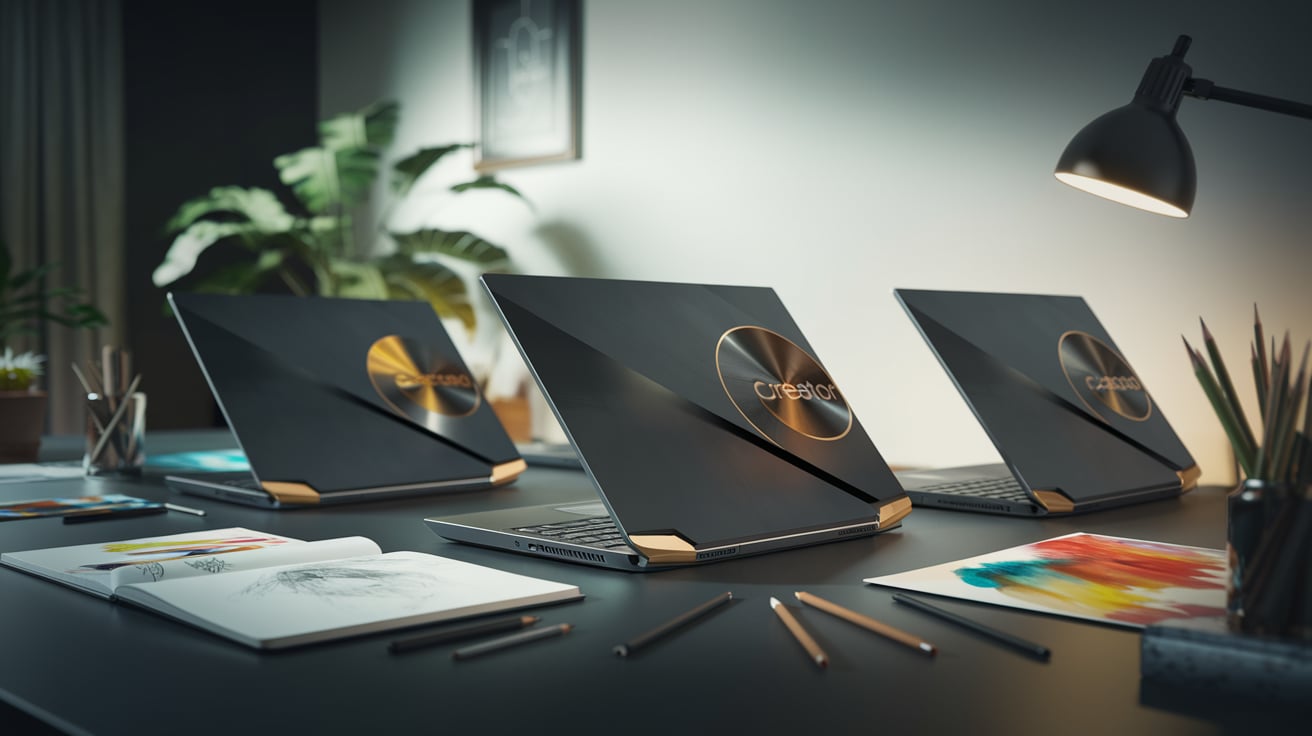
At first glance, the Acer Predator Triton 14 AI feels like a piece of precision engineering. It doesn’t scream “gamer” with flashy lights or loud logos — instead, it’s minimalistic and professional, almost like a productivity laptop that hides a beast within.
Build and Finish
- The entire body is made of anodized aluminum, which gives it a strong and durable structure while keeping it lightweight.
- It weighs around 1.6 kilograms, making it extremely easy to carry.
- The laptop is just 18.9mm thin, which is impressive considering the high-end components inside.
You can easily slide it into a backpack, and it won’t feel like carrying a brick — something that traveling gamers or creators will really appreciate.
The hinge mechanism is tight yet smooth, allowing single-hand opening. It gives a premium “click” sound when closing — a small detail that adds to its quality feel.
Cooling Design
Acer uses its 5th Gen AeroBlade 3D fans, which are ultra-thin metal fans designed to move air efficiently.
There’s also a vapor chamber cooling system with liquid metal thermal paste that enhances heat transfer from the CPU and GPU.
Even during heavy gaming or rendering, the laptop remains surprisingly cool and quiet. The keyboard stays comfortable, and the heat vents direct hot air away from your hands.
For a small machine, Acer’s thermal engineering is a masterpiece.
3. Display: Immersive Visuals in a Compact Frame
The display on the Predator Triton 14 AI is truly jaw-dropping. Acer offers two panel options: an IPS display or a Mini-LED panel — both are stunning, color-rich, and incredibly sharp.
Display Specifications
- Size: 14 inches
- Resolution: WQXGA (2560 x 1600 pixels)
- Aspect Ratio: 16:10
- Refresh Rate: 240Hz
- Brightness: Up to 500 nits
- Color Coverage: 100% DCI-P3
The 16:10 aspect ratio gives you more vertical workspace, which is great for coding, editing, or writing. Games and movies look beautiful, with crisp details and vibrant colors.
The 240Hz refresh rate makes motion buttery-smooth. Whether you’re playing Valorant, CS2, or Cyberpunk 2077, every frame feels responsive and fluid.
Even casual tasks like scrolling through web pages or switching windows feel snappy and enjoyable. The thin bezels add to the modern aesthetic, making the laptop look even more premium.
Color and Clarity
For creators, the 100% DCI-P3 coverage means colors are accurate and consistent — perfect for editing photos or videos. You’ll see true tones, deep blacks, and vivid contrast without oversaturation.
Watching HDR content or streaming Netflix looks incredible, especially on the Mini-LED variant.
4. Keyboard and Touchpad: Comfort Meets Control
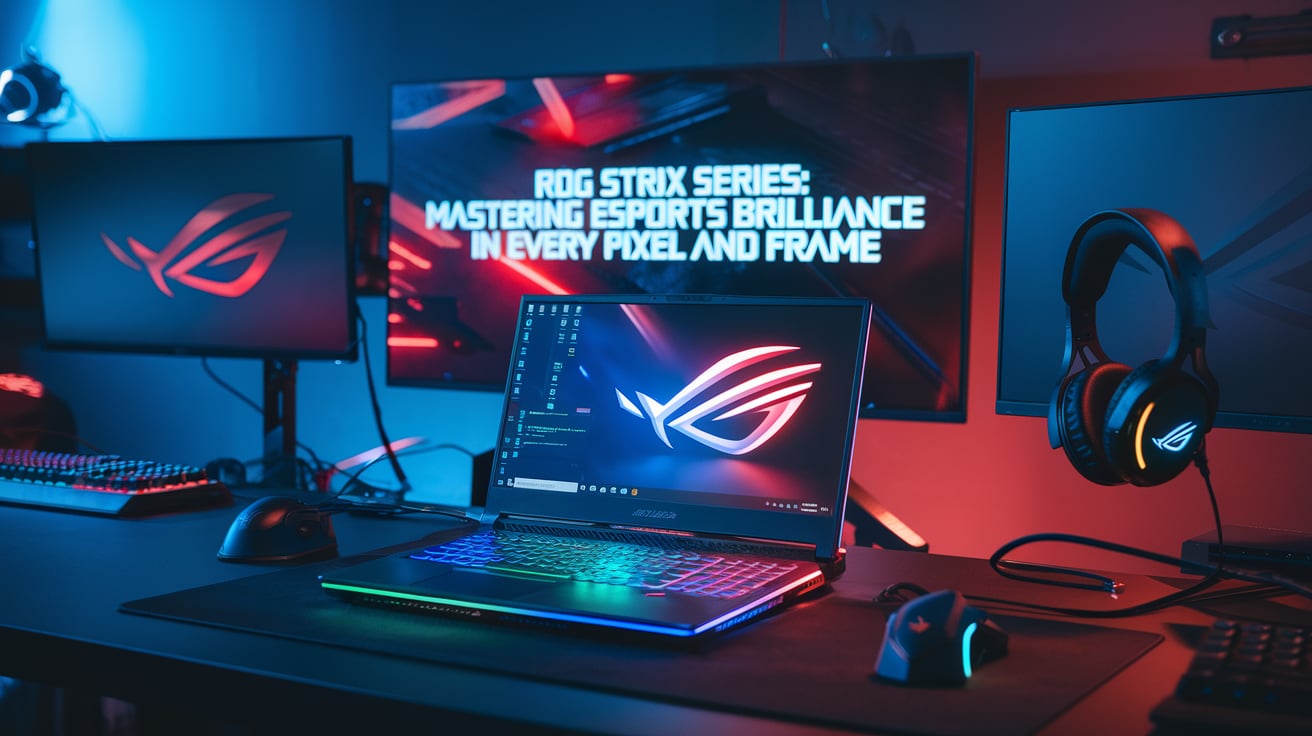
The keyboard on the Triton 14 AI offers a great balance between functionality and aesthetics. Acer uses per-key RGB backlighting, allowing users to customize each key using the PredatorSense software.
Key Features
- Key travel: 1.5mm
- Backlight: Per-key RGB
- Customization: Full control via PredatorSense
- Touchpad: Glass surface with multi-gesture support
Typing feels natural — not too soft, not too stiff. You can easily type long documents or chat while gaming without fatigue.
Gamers will love the responsive WASD keys and the macro options that let you assign shortcuts or commands.
The glass touchpad is smooth and accurate. It supports gestures like pinch-to-zoom, three-finger swipe, and quick switching between apps. It’s also large enough to be comfortable, which is rare in compact laptops.
5. Hardware and Specifications
Here’s what powers this small gaming monster:
Component | Specification |
Processor | Intel Core Ultra 9 185H (up to 5.1GHz) |
GPU | NVIDIA GeForce RTX 4070 (8GB GDDR6) |
RAM | Up to 32GB LPDDR5X |
Storage | Up to 1TB PCIe Gen 4 SSD |
Display | 14-inch WQXGA 240Hz |
Operating System | Windows 11 Home |
Weight | 1.6 kg |
Battery | 76Wh with fast charging |
Cooling | Vapor chamber + AeroBlade fans |
It’s amazing how Acer fits this much power into such a slim body. You get both Intel’s latest AI-ready processors and NVIDIA’s advanced RTX graphics, making it ready for gaming, editing, AI tools, and professional work.
6. AI Features: Smart and Adaptive Performance
The “AI” in Predator Triton 14 AI isn’t just a name — it’s an actual enhancement that improves how your laptop performs.
AI Features Include:
- Intel AI Boost NPU (Neural Processing Unit): Handles AI-based tasks efficiently without overloading the CPU or GPU.
- AI-based noise reduction: Perfect for video calls and streaming.
- Adaptive performance tuning: The system automatically adjusts CPU/GPU performance based on the task — gaming, browsing, or editing.
- AI-assisted cooling: Adjusts fan speed and heat output dynamically.
- Windows Copilot integration: Built-in AI assistant to help with writing, summarizing, and daily productivity.
This makes the Triton 14 AI not just powerful, but smart. It knows when to save power, when to boost performance, and when to keep things silent.
It’s like having a mini brain inside your laptop that continuously learns your usage pattern to give you the best balance between speed and efficiency.
7. Gaming Performance: Compact but Mighty
Now, let’s get to what truly matters for gamers — the actual gaming experience.
With the RTX 4070 GPU and Intel Ultra 9 185H processor, this laptop handles modern AAA titles with ease. Thanks to DLSS 3.5 and AI frame generation, even demanding games run beautifully at high settings.
Performance Benchmarks (Approximate):
Game | Settings | FPS (Average) |
Cyberpunk 2077 | Ultra + DLSS | 80 FPS |
Forza Horizon 5 | Ultra | 110 FPS |
Valorant | Max | 220 FPS |
Apex Legends | High | 140 FPS |
Call of Duty: Warzone | High | 120 FPS |
GTA V | Very High | 150 FPS |
Gameplay feels responsive, and frame drops are minimal even under heavy load.
The 240Hz display truly shines in competitive titles — every move, shot, and flick feels instant. Combine that with the AI cooling system, and you get long gaming sessions without throttling or loud noise.
8. Audio and Webcam: Clear, Crisp, and AI-Enhanced
Audio Performance
The dual DTS:X Ultra speakers deliver clear, balanced sound. While the bass isn’t very deep (due to size limitations), the overall quality is excellent for movies, music, and gaming.
Sound positioning in games is accurate, helping you detect footsteps or gunfire direction effectively.
Webcam and Mic
The 1080p AI webcam adjusts brightness, contrast, and background blur automatically. It’s perfect for streamers and online meetings.
The microphones include AI noise cancellation, removing background noise during voice chats or recordings.
9. Battery Life: Smarter and More Efficient
Battery life is where AI really shines. Gaming laptops aren’t known for lasting long unplugged, but the Triton 14 AI does surprisingly well.
Battery Performance
- Battery capacity: 76Wh
- Usage (light work): 8–10 hours
- Gaming: 3–4 hours
- Charging time: ~1.5 hours (230W GaN fast charger)
The AI system intelligently shifts between Performance, Balanced, and Eco modes depending on what you’re doing.
When you’re just browsing or watching a movie, it reduces GPU usage and lowers refresh rates — saving power without compromising experience.
10. Connectivity and Ports
Despite its thin design, Acer includes every essential port for gamers and creators alike.
Ports Available:
- 2x USB-C Thunderbolt 4
- 2x USB-A 3.2 Gen 2
- 1x HDMI 2.1
- 1x MicroSD Card Reader
- 1x Audio Jack
- Wi-Fi 6E + Bluetooth 5.3
You can easily connect multiple displays, external storage, or even an external GPU if needed. The Thunderbolt 4 ports support high-speed data transfer and fast charging.
11. PredatorSense Control Center
The PredatorSense software is the command center for the entire laptop.
Here’s what it lets you do:
- Control fan speeds (Silent, Balanced, Turbo)
- Customize RGB lighting
- Monitor CPU and GPU temperatures
- Set performance profiles
- Enable AI optimization mode
The interface is clean, modern, and simple to use — even if you’re not tech-savvy. You can switch between gaming and work profiles with just one click.
12. Creative Work and Productivity
The Predator Triton 14 AI isn’t just for gaming — it’s also a powerhouse for creators.
Video editors can expect faster render times thanks to the RTX GPU’s CUDA cores and AI acceleration. Designers can work on large Photoshop or Illustrator projects without lag.
The 100% DCI-P3 color display ensures accurate color reproduction, which is vital for professional photo and video editing.
Even for programming, CAD, or animation, the laptop stays smooth. Its compact design also makes it ideal for students and professionals who need to move around frequently.
13. Pros and Cons
Pros:
- Excellent AI-enhanced performance
- Premium and lightweight metal build
- Brilliant 240Hz color-accurate display
- Efficient cooling system
- Great battery life for its category
- Smart AI optimization and NPU features
Cons:
- On the expensive side
- Speakers could have more bass
- RAM not upgradable (soldered)
14. Who Should Buy It?
The Acer Predator Triton 14 AI is ideal for:
- Gamers who want power without carrying a bulky laptop.
- Content creators needing high color accuracy and fast performance.
- Students and professionals who value portability and battery life.
- Travelers who need a lightweight yet powerful laptop for gaming and work.
If you’re someone who wants a laptop that can do everything — play AAA games, edit videos, handle AI tools, and still be easy to carry — this is your machine.
15. Final Verdict: Small in Size, Giant in Power
The Acer Predator Triton 14 AI perfectly represents the future of gaming laptops — smart, portable, and powerful.
It blends Intel’s latest AI-driven processors with NVIDIA RTX 4070 graphics, offering smooth gaming and creative performance in a compact 14-inch body.
The 240Hz display, AI cooling system, and premium metal build make it one of the best ultraportable gaming laptops of 2025.
While it’s not cheap, it’s a worthy investment for those who want desktop-class power in an ultraportable form factor.