 Ekasjot_Singh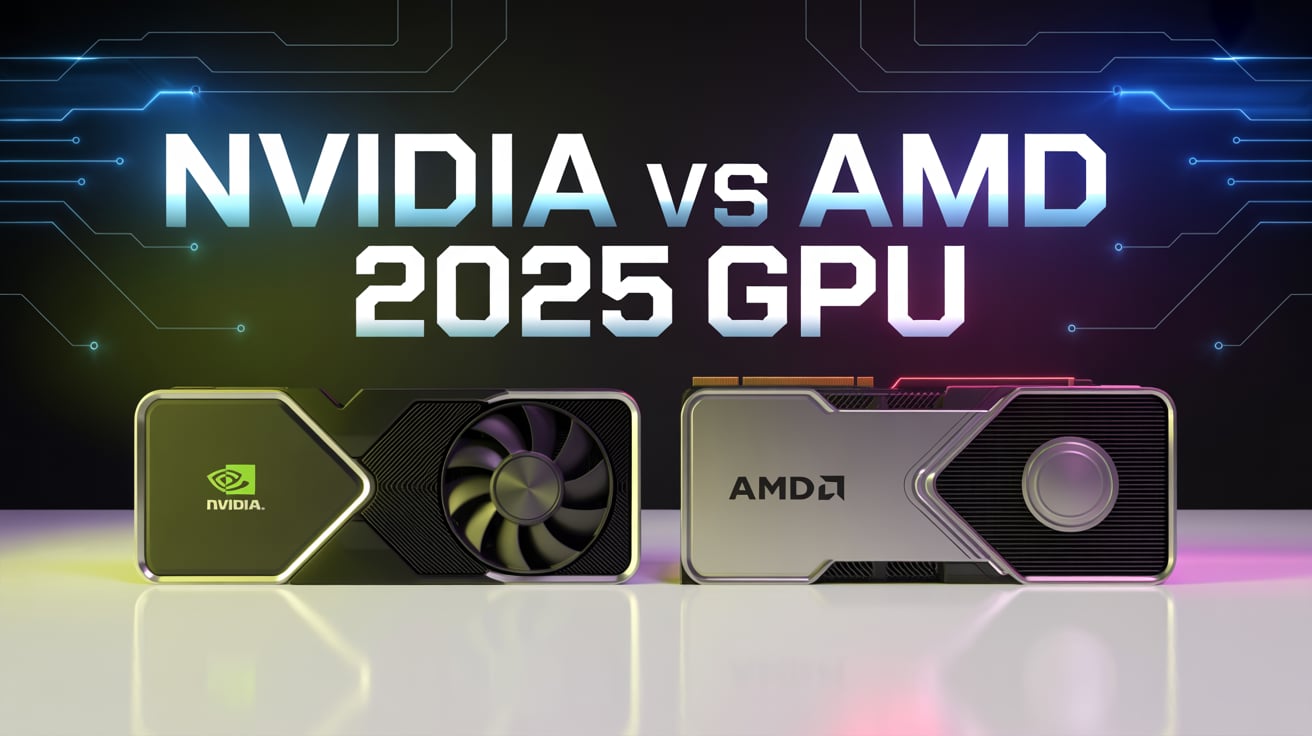
Introduction: The Great GPU Rivalry
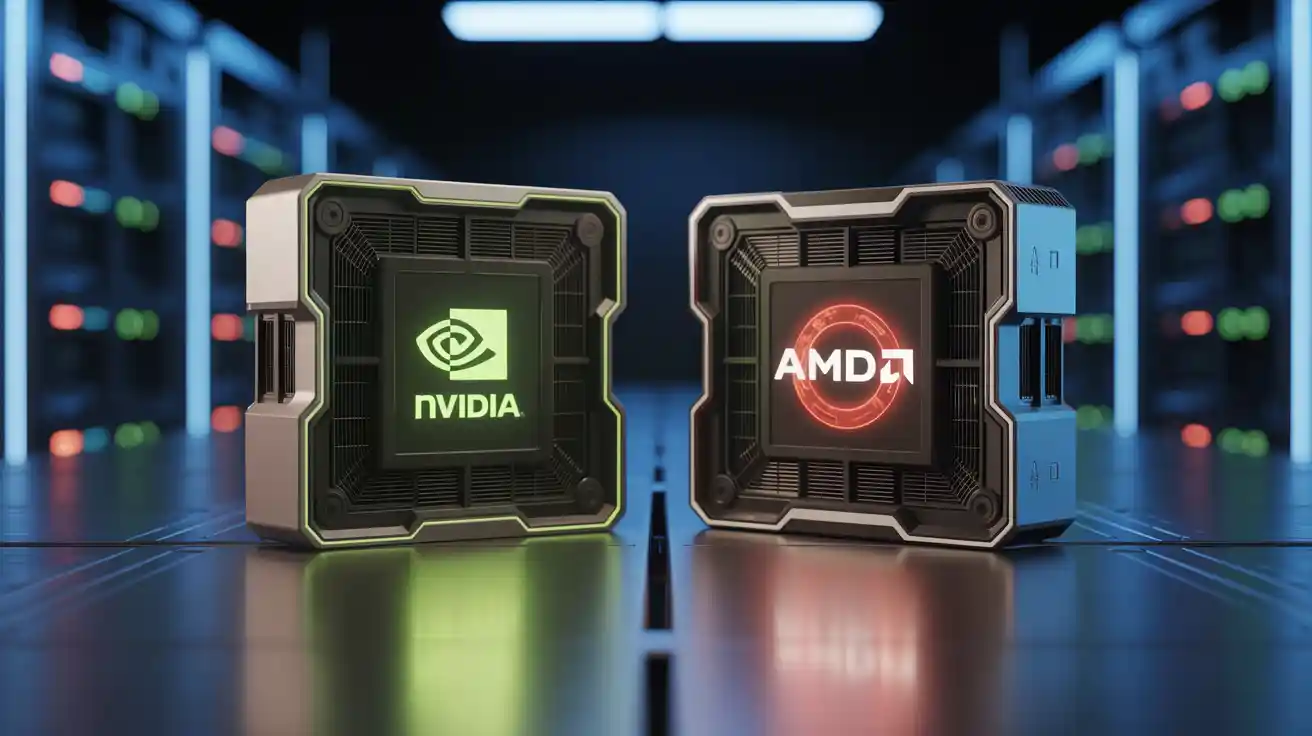
If you play video games, create digital art, or edit videos, you’ve definitely come across two powerful names — NVIDIA and AMD. These two brands dominate the GPU (Graphics Processing Unit) industry. But when it comes to choosing the right one, the question always comes up: Which GPU is better — NVIDIA or AMD?
Both brands make powerful graphics cards, but they have different goals. NVIDIA is known for its advanced features and top-level performance, while AMD is praised for offering great power at lower prices. In simple words, NVIDIA focuses on innovation and premium performance, and AMD focuses on giving maximum value for money.
In this article, we’ll explore everything about these two GPU giants — their strengths, weaknesses, and which one is best for your needs in 2025. By the end, you’ll clearly know whether to go with NVIDIA or AMD for gaming, editing, or professional work.
1. What Exactly Is a GPU and Why It Matters
Before we compare, let’s understand what a GPU actually does.
A GPU (Graphics Processing Unit) is a special kind of processor that handles all the visuals you see on your screen — from games to animations to high-resolution videos.
When you play a game, your CPU controls the logic and instructions, but it’s the GPU that creates every visual frame you see. Without a good GPU, your games would lag and look dull.
Think of it like this:
- A weak GPU shows your game in low detail and choppy motion.
- A powerful GPU shows every shadow, texture, and movement in smooth, crystal-clear graphics.
That’s why a good GPU is essential for gamers, creators, and professionals who use graphic-intensive software.
2. NVIDIA: The Performance King
NVIDIA was founded in 1993 and quickly became the leading name in computer graphics. Over the years, NVIDIA has set the standard for innovation and performance in the GPU market.
When you hear about ray tracing, DLSS, or AI rendering, those are all NVIDIA technologies. Their GPUs power everything from gaming PCs to data centers and even AI research labs.
Main Features of NVIDIA GPUs
- DLSS (Deep Learning Super Sampling):
This AI-powered feature boosts performance by rendering frames at lower resolution and then upscaling them with incredible sharpness. It gives you high frame rates without losing visual quality. - Ray Tracing:
This technology makes lighting and reflections look realistic, just like in movies. It creates lifelike shadows and reflections that respond naturally to the environment. - Reflex:
A feature designed for eSports gamers. It reduces input delay, giving you faster reactions in competitive games like Valorant or Counter-Strike. - NVENC Encoder:
Perfect for streamers and video editors. It lets you record or stream without slowing down your gameplay. - CUDA and Tensor Cores:
These are special processing units inside the GPU that handle AI and scientific computations. That’s why NVIDIA cards are also popular in the world of AI and data science.
NVIDIA GPU Series (Old and New)
- RTX 30 Series (Ampere): Great for high-end gaming and creators.
- RTX 40 Series (Ada Lovelace): Added AI features, improved ray tracing, and DLSS 3.
- RTX 50 Series (Blackwell Architecture – 2025): The newest generation, promising even higher power and efficiency for both gaming and AI workloads.
Why People Love NVIDIA
- Best overall gaming and AI performance
- Advanced ray tracing and DLSS technology
- Highly stable drivers and software
- Excellent for video editors, animators, and AI developers
Where NVIDIA Falls Short
- More expensive than AMD
- Consumes more power, especially the top-end cards
- Some exclusive features only work on RTX cards
3. AMD: The Value Champion
AMD (Advanced Micro Devices) has been around since 1969 and has always been known for offering strong performance at affordable prices. While they compete with Intel in CPUs, AMD’s Radeon graphics cards compete directly with NVIDIA.
Over the past few years, AMD has greatly improved its GPU performance and efficiency, making it a strong competitor in both gaming and professional workloads.
Main Features of AMD GPUs
- FSR (FidelityFX Super Resolution):
AMD’s answer to DLSS. It increases performance by rendering games at lower resolutions and upscaling them. It’s not AI-based like DLSS but works across both AMD and NVIDIA cards. - Radeon Chill and Anti-Lag:
These tools help save power and reduce input lag, giving smoother gameplay and cooler GPU temperatures. - Smart Access Memory (SAM):
When paired with AMD Ryzen CPUs, SAM boosts gaming performance by allowing the CPU to fully access GPU memory. - Infinity Cache:
A smart cache system that makes the GPU more efficient by reducing memory bottlenecks.
AMD GPU Series
- Radeon RX 6000 Series (RDNA 2): Known for solid performance and good prices.
- Radeon RX 7000 Series (RDNA 3): Introduced better efficiency and ray tracing.
- Radeon RX 8000 Series (RDNA 4 – 2025): Expected to take on NVIDIA’s RTX 50 series with improved visuals and performance.
Why People Love AMD
- Affordable prices for excellent performance
- Lower power consumption
- FSR works on almost any GPU
- Good driver improvements and easy-to-use software
Where AMD Falls Short
- Ray tracing performance still behind NVIDIA
- AI-based rendering not as advanced
- New game drivers sometimes take longer to optimize
Lorem ipsum dolor sit amet, consectetur adipiscing elit. Ut elit tellus, luctus nec ullamcorper mattis, pulvinar dapibus leo.
4. Gaming Performance Comparison
When it comes to gaming, both NVIDIA and AMD are neck and neck — but their strengths differ depending on resolution and features.
For gamers who play at 1080p or 1440p, AMD cards often deliver the same performance as NVIDIA but at a lower price. For example, the RX 7800 XT gives similar results to the RTX 4070 but costs less.
At higher resolutions like 4K, NVIDIA’s GPUs usually take the lead because of better ray tracing and DLSS. Games like Cyberpunk 2077 or Alan Wake 2 run smoother and look more realistic on NVIDIA cards due to advanced AI upscaling.
So if you mostly play competitive games like Valorant or Fortnite, AMD will serve you well and save money. But if you love cinematic games with ultra-realistic lighting, NVIDIA gives the edge.
5. Performance for Creators and Professionals
If you’re a video editor, streamer, 3D artist, or animator, GPU performance affects how fast you can complete projects.
NVIDIA has a big advantage here thanks to NVENC, its dedicated hardware video encoder. It allows smooth streaming and faster exports without putting stress on your CPU. Software like Adobe Premiere Pro, DaVinci Resolve, and Blender perform faster with NVIDIA cards due to CUDA support.
AMD GPUs also perform well in creative work, especially in open-source tools. But since many professional programs are optimized for NVIDIA’s architecture, creators often prefer RTX GPUs for stability and faster rendering times.
So, for video editing and content creation, NVIDIA is still the best option.
6. AI and Machine Learning Performance
Artificial Intelligence is becoming a big part of computing, and NVIDIA has invested heavily in this field. Their GPUs include Tensor Cores, which are designed specifically for AI workloads. These cores are used in DLSS, AI image generation, and deep learning training.
That’s why you’ll find NVIDIA GPUs powering AI labs, universities, and even ChatGPT-style servers. The CUDA platform has made NVIDIA the standard for AI developers.
AMD is catching up with its ROCm software, but it’s still not as widely supported. AI frameworks like TensorFlow and PyTorch work better with NVIDIA, making it the go-to brand for machine learning.
If you plan to work in AI, deep learning, or neural networks, NVIDIA is clearly the better choice.
Lorem ipsum dolor sit amet, consectetur adipiscing elit. Ut elit tellus, luctus nec ullamcorper mattis, pulvinar dapibus leo.
7. Price vs Performance: The Real-World Difference
When you compare prices, AMD clearly wins in most categories. Their GPUs often deliver similar gaming results for much less money. For example, AMD’s RX 7900 XT is cheaper than NVIDIA’s RTX 4080 while offering almost the same gaming experience.
This makes AMD perfect for gamers who want great performance but don’t want to spend a fortune. However, NVIDIA’s extra features like DLSS and superior ray tracing justify their higher prices for those who demand the absolute best visuals.
So, if budget is your main concern, AMD gives you more for your money. But if you want the most advanced features, NVIDIA is worth the extra cost.
8. Ray Tracing and Upscaling: DLSS vs FSR
Ray tracing is the future of graphics. It simulates light to create realistic reflections, shadows, and lighting effects. NVIDIA was the first to bring real-time ray tracing to gaming with its RTX cards.
With DLSS, NVIDIA uses AI to upscale images. You get higher resolution graphics without losing performance. The latest version, DLSS 3.5, even includes “ray reconstruction,” which enhances lighting accuracy.
AMD’s FSR (FidelityFX Super Resolution) works differently. It doesn’t use AI but still boosts performance. FSR 3.0 adds frame generation, which helps increase FPS. The best part — it works on both AMD and NVIDIA GPUs.
In simple words:
- DLSS gives better image quality and AI-driven improvements.
- FSR gives wider support and better value for all gamers.
9. Software and Driver Experience
NVIDIA and AMD both provide regular driver updates, but their approaches are different.
NVIDIA releases Game Ready Drivers that are optimized for new releases, ensuring smooth performance from day one. Their stability and compatibility are industry-leading.
AMD, on the other hand, has made huge improvements in its Adrenalin Software. It offers an easy interface with built-in tools for performance monitoring, recording, streaming, and even auto-overclocking.
So while NVIDIA leads in reliability, AMD’s software is more user-friendly and feature-packed. Both companies have reached a point where stability is rarely an issue.
10. Power Consumption and Heat Management
Power efficiency has become more important as GPUs grow stronger.
AMD’s newer GPUs, based on the RDNA 3 and RDNA 4 architectures, are known for using less power while delivering great performance. They run cooler and quieter compared to previous generations.
NVIDIA’s RTX 40 and 50 series are also more efficient than before, but high-end models like the RTX 4090 still consume a lot of power and require large cooling systems.
If you care about lower temperatures, quieter fans, and smaller electricity bills, AMD has the upper hand in efficiency.
11. Best GPU Options in 2025
In 2025, both companies have powerful options at every price range.
For budget gamers, AMD’s RX 7600 delivers great 1080p gaming at a much lower cost than NVIDIA’s RTX 4060.
For mid-range gamers, the RX 7800 XT and RTX 4070 Ti are both excellent, depending on whether you prefer performance-per-dollar (AMD) or advanced AI features (NVIDIA).
For high-end gaming, AMD’s RX 7900 XTX competes closely with NVIDIA’s RTX 4090, but the RTX 5090 is expected to lead the market once again in raw power and AI capability.
So, in short:
- AMD rules the budget and mid-range segment.
- NVIDIA dominates the ultra-high-end category.
12. Which GPU Should You Choose?
The right GPU depends on how you use your PC. Let’s look at a few situations.
For Gamers
If you play modern AAA titles and want the best visual effects, ray tracing, and AI-driven performance, go for NVIDIA. If you just want solid performance and don’t care about fancy lighting, AMD gives you great results for less money.
- For casual gamers: AMD RX 7600 or RX 7700 XT
- For competitive gamers: NVIDIA RTX 4070 or AMD RX 7900 XT
- For 4K gamers: NVIDIA RTX 4090 or RTX 5090
For Video Editors and Streamers
NVIDIA has a clear advantage due to its NVENC encoder and better software support. If your main work involves video editing, animation, or 3D rendering, go with NVIDIA.
- Best for creators: NVIDIA RTX 4070 Ti, RTX 4080, or RTX 5090
For AI Developers
No debate here — NVIDIA’s CUDA and Tensor cores make it unbeatable for AI work. AMD’s ROCm is improving but still not widely used.
- Best for AI: NVIDIA RTX 4080, 4090, or 5090
For Budget Buyers
If you just want excellent gaming without overspending, AMD is the better option. It offers strong performance and better efficiency at a lower cost.
13. Future of GPUs: NVIDIA vs AMD Beyond 2025
Both companies are pushing the limits of technology.
NVIDIA is developing new GPUs under the Blackwell architecture, expected to bring revolutionary improvements in AI and ray tracing. These GPUs will likely dominate high-end gaming and professional workloads.
AMD, with its RDNA 4 architecture, is focusing on delivering high performance at affordable prices. It’s improving ray tracing, power efficiency, and its FSR technology to challenge NVIDIA’s dominance.
The competition is heating up, which is great for gamers and creators. The more they compete, the better and cheaper GPUs become for everyone.
14. Final Verdict: Which GPU Is Best in 2025?
Choosing between NVIDIA and AMD depends on what matters most to you.
If you care about the absolute best performance, AI features, ray tracing, and professional reliability, NVIDIA remains the top choice. It’s more expensive but also more advanced.
If you want great performance at a lower price, better power efficiency, and solid gaming without spending too much, AMD is the smart choice.
So, to sum it up:
- NVIDIA is best for hardcore gamers, content creators, and AI users.
- AMD is best for budget-conscious gamers who still want great visuals and performance.
In the end, both brands are excellent. NVIDIA gives you raw power and futuristic features, while AMD gives you unbeatable value and efficiency. Your final choice depends on your priorities — performance or price — but whichever you pick, you’ll be getting a great GPU in 2025.