 Ekasjot_Singh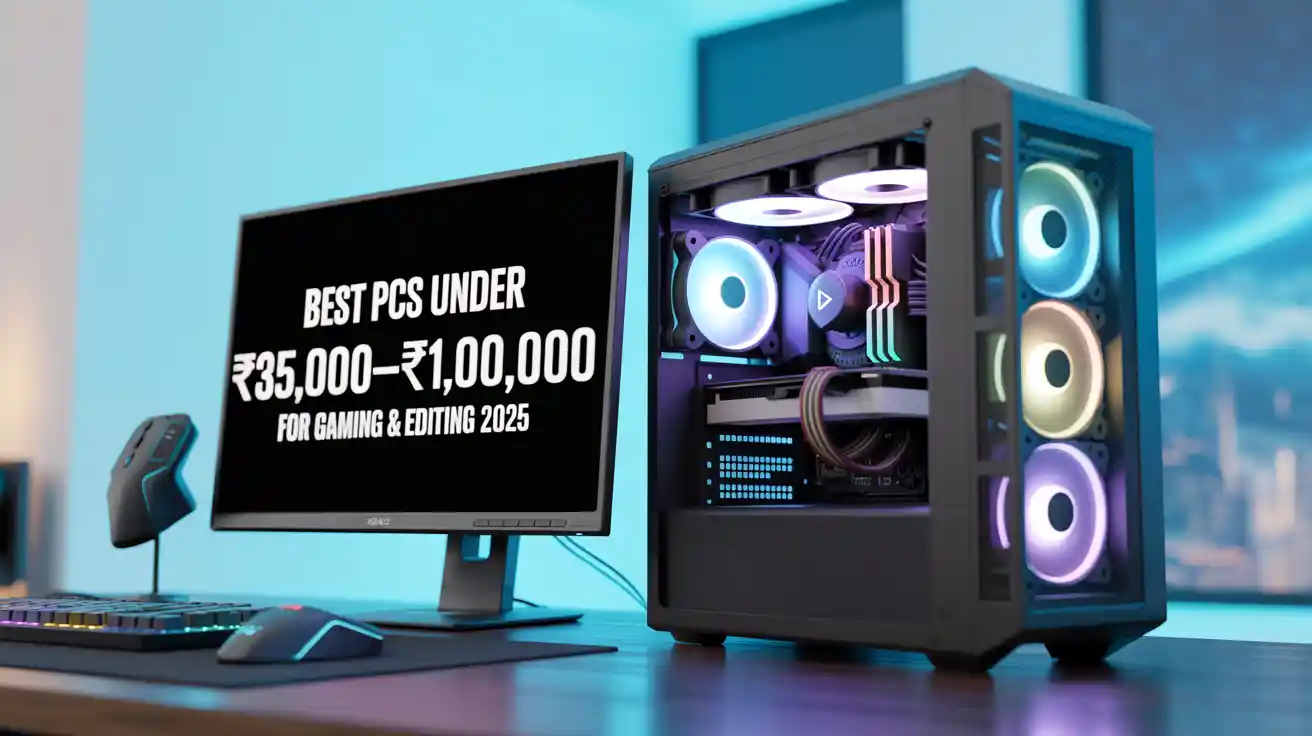
1. Introduction
In today’s world, a computer is more than just a machine to browse the internet or type documents. Developers, video editors, content creators, and gamers all need a powerful PC that can handle advanced workloads. Whether it is coding complex applications, editing 4K videos, or playing modern AAA games, your computer must deliver high performance, stability, and speed.
However, not everyone can spend lakhs of rupees on a high-end workstation. This is why the ₹35,000 to ₹1,00,000 budget range is considered the sweet spot in India. In this price range, you can build or buy a PC that offers excellent performance for development, editing, and gaming without burning a hole in your pocket.
This article will help you understand:
- What to expect in this budget range.
- Key components you should focus on.
- Suggested builds for ₹35,000, ₹50,000, ₹75,000, and ₹1,00,000.
- Pre-built PC and laptop alternatives.
- Which configuration is best for your needs (gaming, editing, or development).
By the end, you’ll be able to make a smart decision when buying or building your PC.
2. Why the Budget Range Matters
Before diving into builds, let us understand why ₹35,000 to ₹1,00,000 is the most preferred price bracket.
1. ₹35,000 to ₹50,000 – Entry-level PCs
- Good for beginners in development.
- Suitable for light gaming (1080p medium settings).
- Can handle basic video/photo editing.
2. ₹50,000 to ₹75,000 – Mid-range PCs
- Ideal for advanced development like AI/ML coding, running VMs, and compiling large projects.
- Great for 1080p/1440p gaming with smooth frame rates.
- Can handle 4K video editing with decent render times.
3. ₹75,000 to ₹1,00,000 – High-performance PCs
- Best for professionals in editing and 3D modeling.
- Suitable for AAA gaming at 1440p or even 4K.
- Perfect for multi-tasking, streaming, and software development.
This range ensures you don’t overspend, but still get future-proof performance for at least 3–5 years.
3. Factors to Consider Before Buying
1. Processor (CPU)
- For development and editing, more cores and higher clock speeds matter.
- For gaming, single-core performance is important.
- Recommended brands: Intel Core i5/i7, AMD Ryzen 5/7.
2. Graphics Card (GPU)
- For gaming and video editing, GPU is essential.
- Nvidia RTX 3050, RTX 4060, and RTX 4070 are excellent in this range.
- AMD Radeon RX 7600 is also a good option.
3. Memory (RAM)
- Minimum 16GB for development and editing.
- 32GB recommended for professionals.
- For gaming, 16GB is sufficient.
4. Storage (SSD/HDD)
- SSD is a must for speed.
- 512GB NVMe SSD + 1TB HDD is a balanced choice.
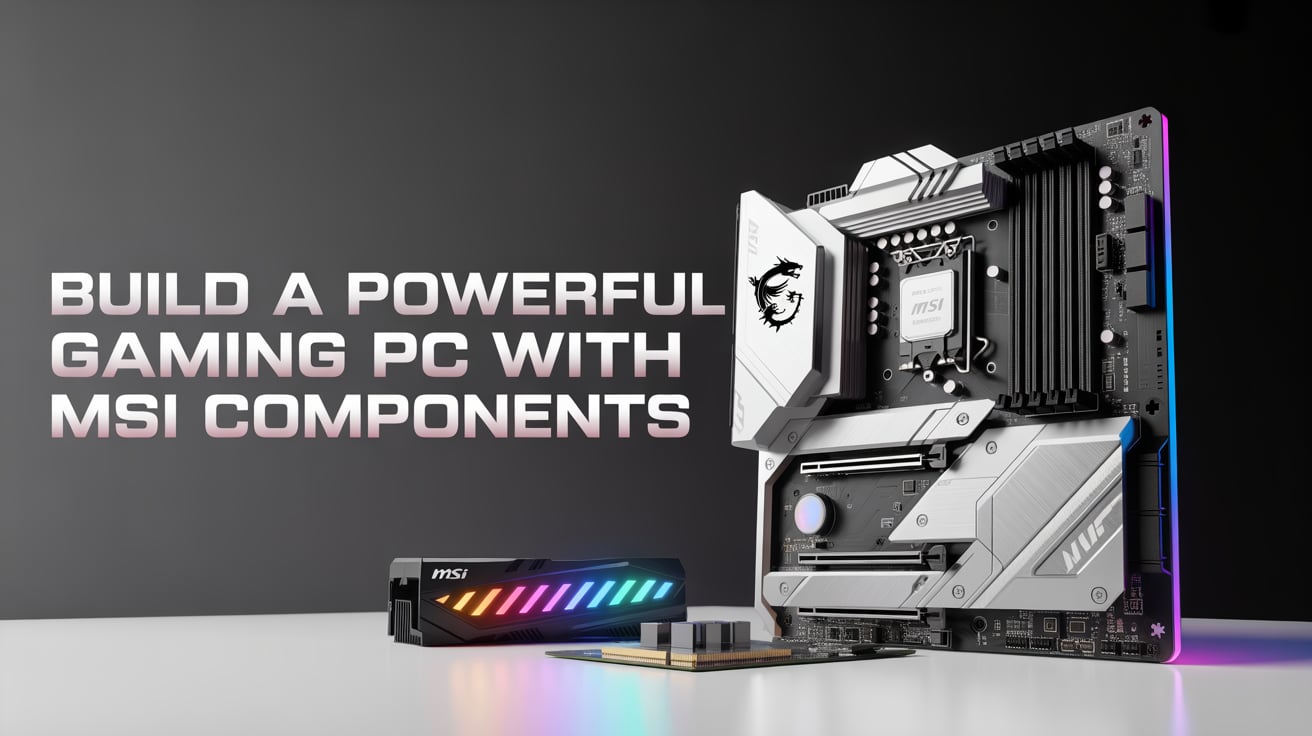
5. Motherboard
- Should support latest CPUs and RAM upgrades.
- Prefer B550, B650 (AMD) or B660, B760 (Intel).
6. Power Supply (PSU)
- At least 550W for mid-range builds.
- 650W–750W for high-end builds with dedicated GPU.
7. Monitor & Peripherals
- 1080p 144Hz monitor for gaming.
- 2K/4K monitors for editing and design work.
- Good mechanical keyboard and precision mouse for development.
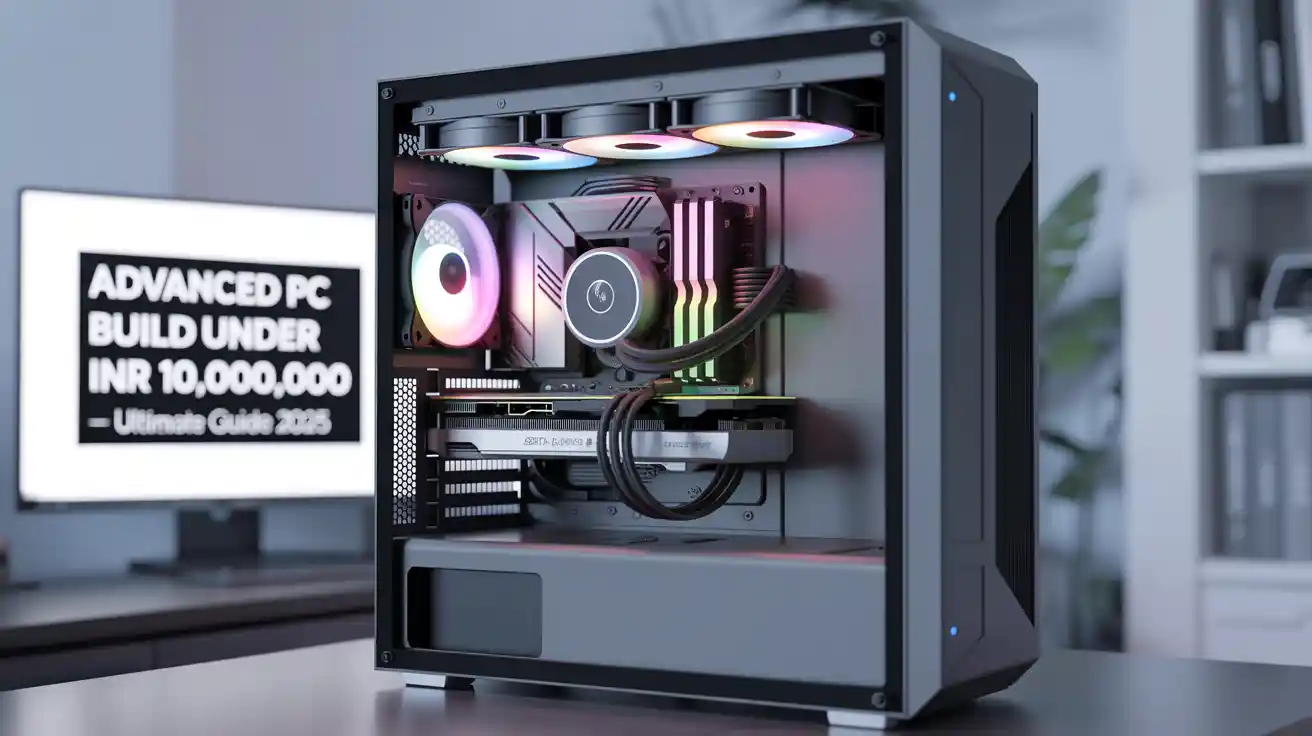
4. Suggested PC Builds in Each Budget
Build 1: PC Under ₹35,000 – Entry-Level Build
- CPU: AMD Ryzen 5 5600G (with integrated Vega graphics)
- GPU: None (integrated graphics)
- RAM: 16GB DDR4 (3200 MHz)
- Storage: 512GB NVMe SSD
- Motherboard: B450 / B550 chipset
- PSU: 500W 80+ Bronze
- Cabinet: Budget ATX with airflow
Best for beginners in coding and light editing. Can run games like GTA V, Valorant, and Fortnite on medium settings.
Build 2: PC Under ₹50,000 – Balanced Performer
- CPU: Intel Core i5-12400F
- GPU: Nvidia RTX 3050 8GB
- RAM: 16GB DDR4 (3200 MHz)
- Storage: 512GB NVMe SSD + 1TB HDD
- Motherboard: B660 chipset
- PSU: 550W 80+ Bronze
- Cabinet: Mid-tower with airflow
Perfect for developers running VMs and editors working on 1080p/2K projects. Can handle AAA gaming at 1080p ultra settings.
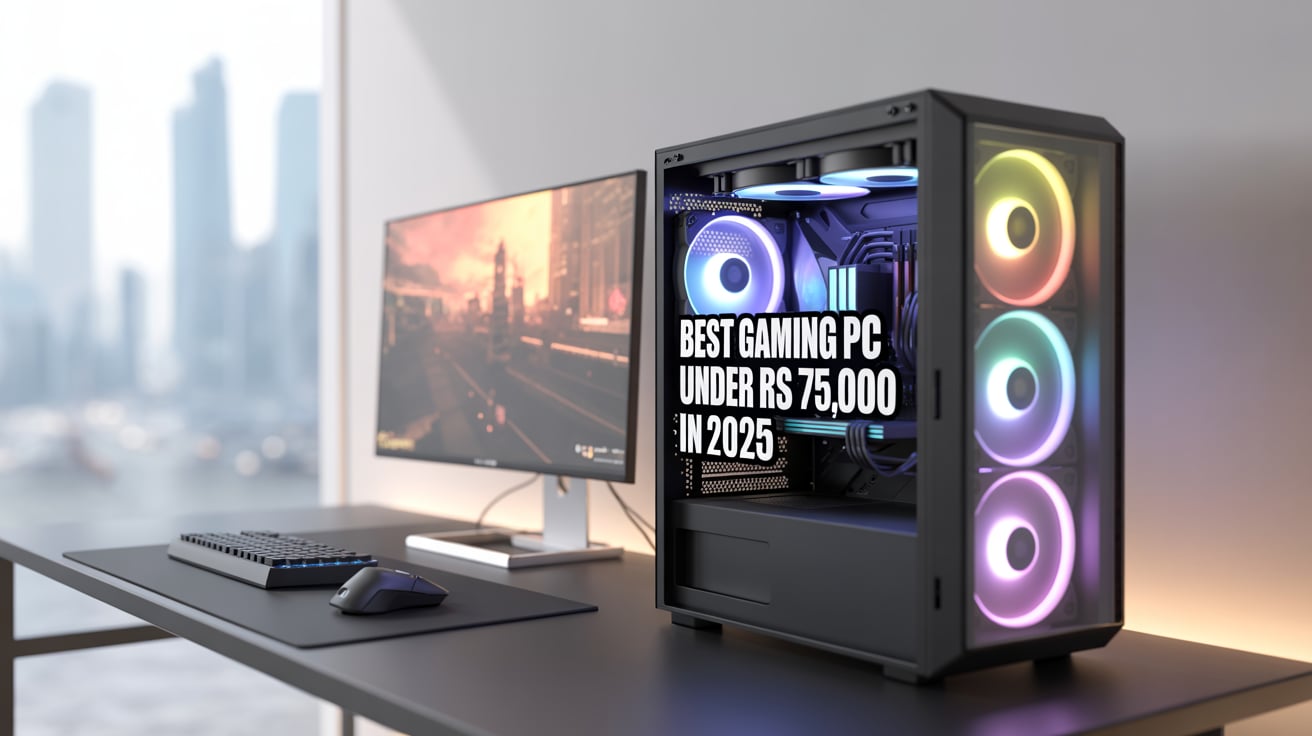
Build 3: PC Under ₹75,000 – Mid-High Range
- CPU: AMD Ryzen 7 7700
- GPU: Nvidia RTX 4060 Ti 8GB
- RAM: 32GB DDR5 (5200 MHz)
- Storage: 1TB NVMe SSD
- Motherboard: B650 chipset
- PSU: 650W 80+ Gold
- Cabinet: Premium ATX with good airflow
Excellent for game developers, video editors, and gamers. Can edit 4K videos smoothly and play AAA games at 1440p ultra settings.
Build 4: PC Under ₹1,00,000 – High-End Build
- CPU: Intel Core i7-13700K
- GPU: Nvidia RTX 4070 12GB
- RAM: 32GB DDR5 (5600 MHz)
- Storage: 1TB NVMe SSD + 2TB HDD
- Motherboard: Z790 chipset
- PSU: 750W 80+ Gold
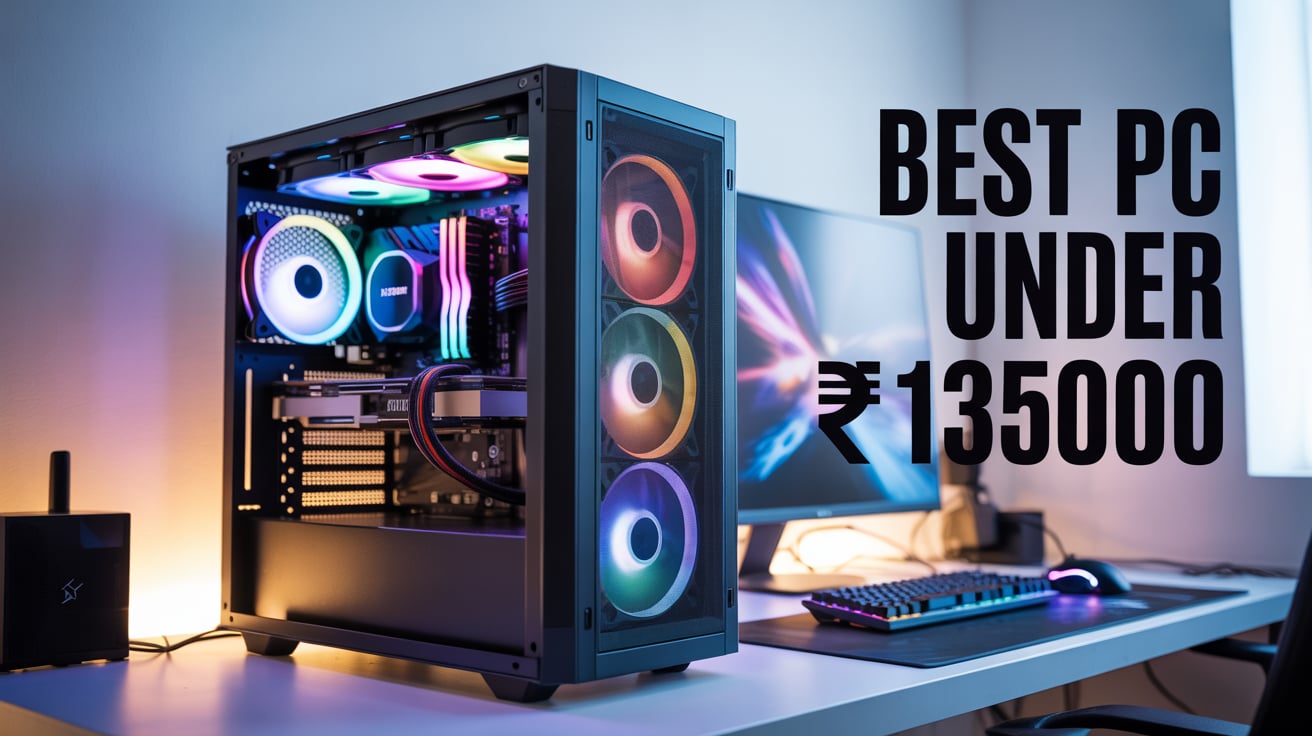
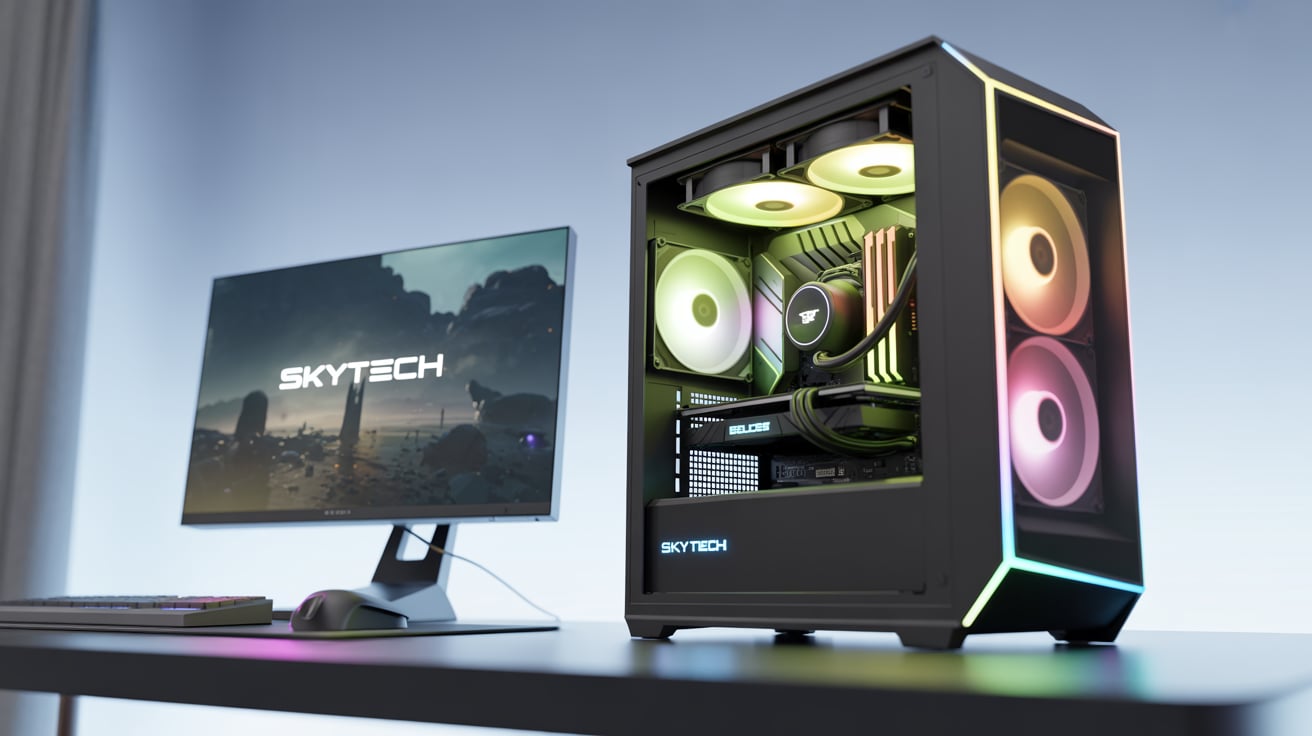
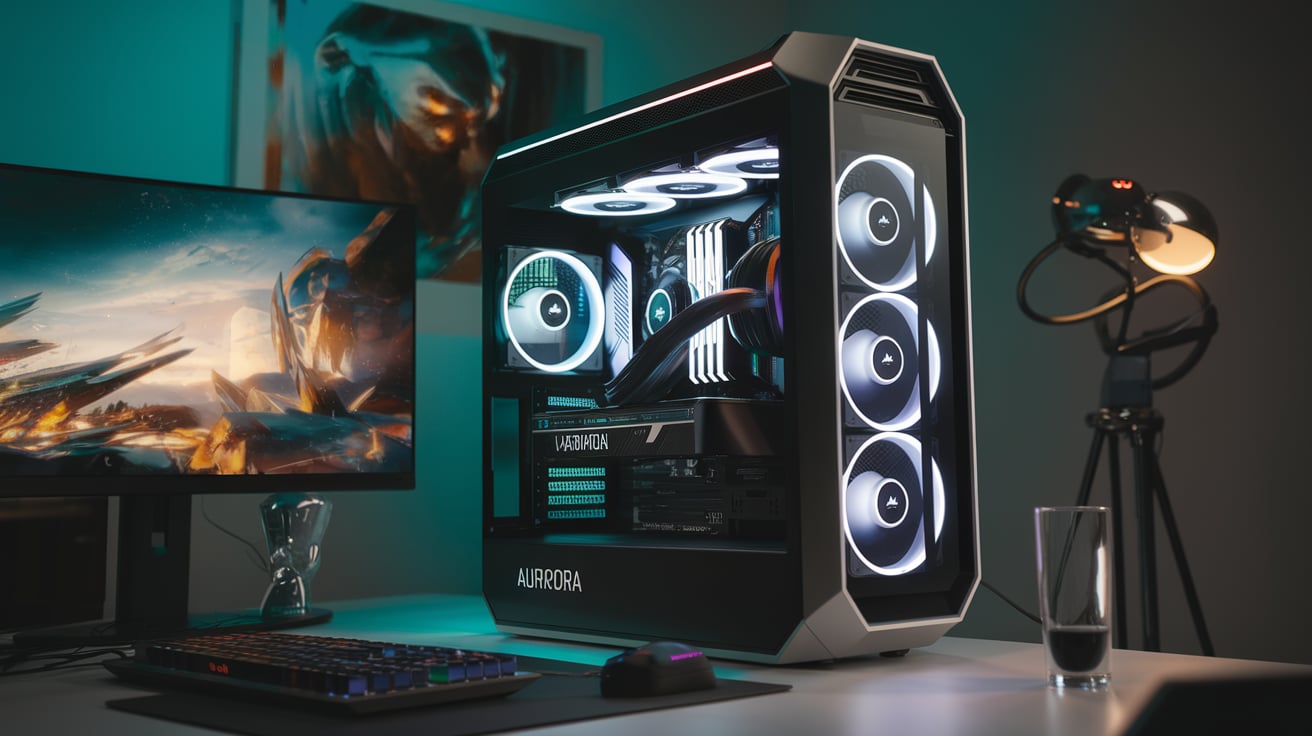
- Cabinet: High airflow case with RGB
Designed for professionals. Handles AI/ML development, 3D rendering, 4K editing, and 1440p/4K gaming without breaking a sweat.
5. Pre-Built PC Options
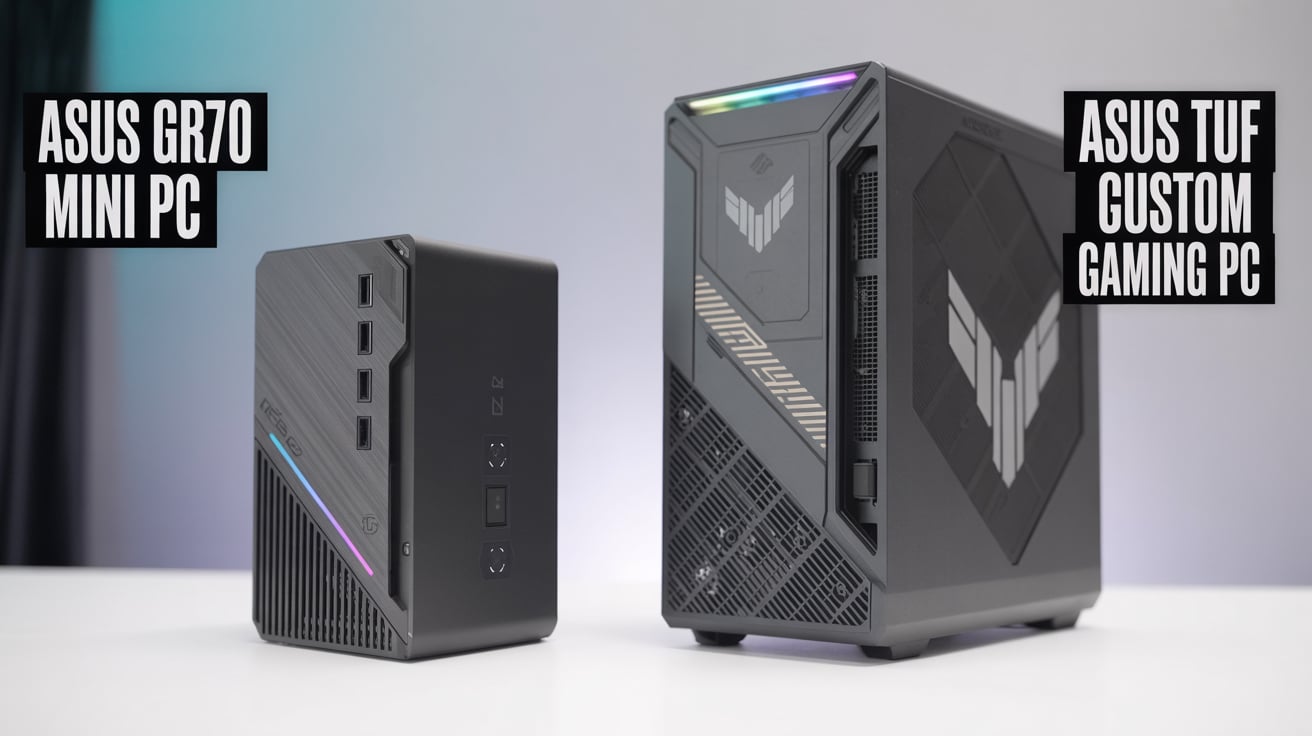
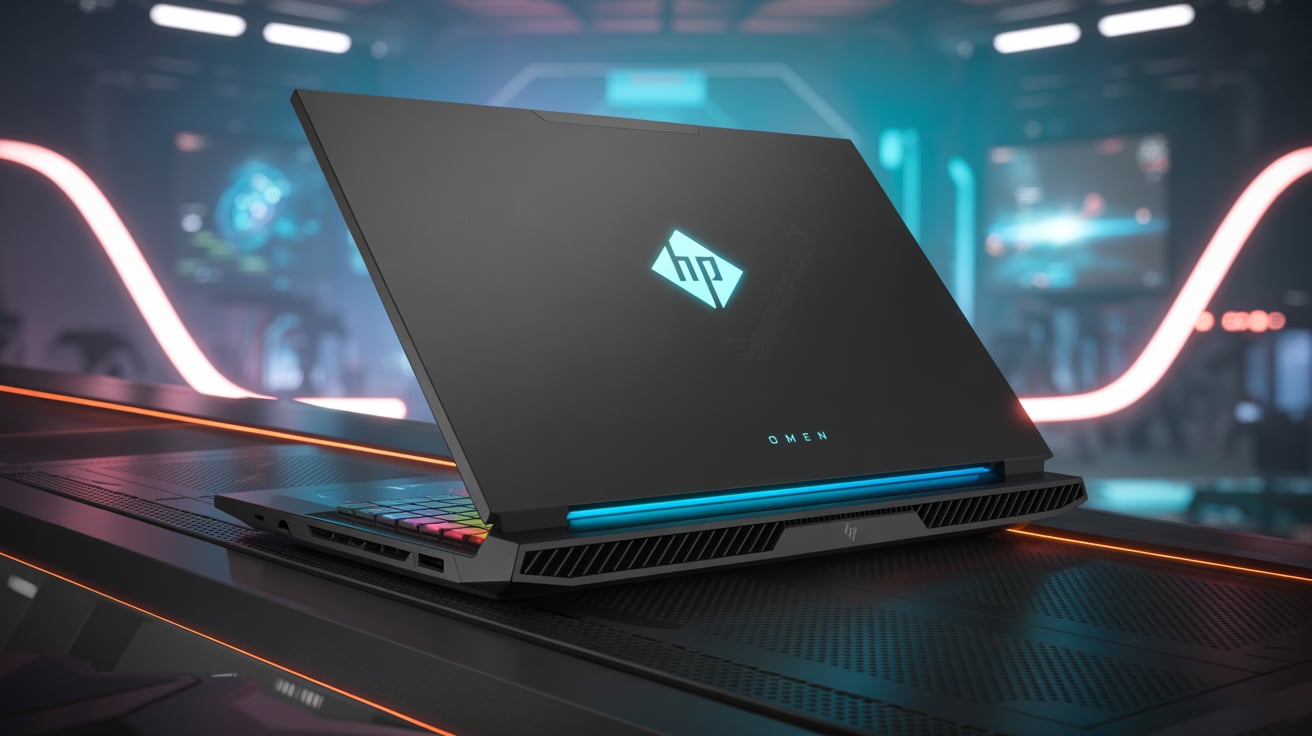
If you don’t want to build, you can buy pre-built desktops like.
- HP Omen series – Gaming & editing.
- Lenovo Legion Tower – Balanced performance.
- Acer Predator Orion – High-end gaming.
- ASUS ROG Strix desktops – Premium gaming PCs.
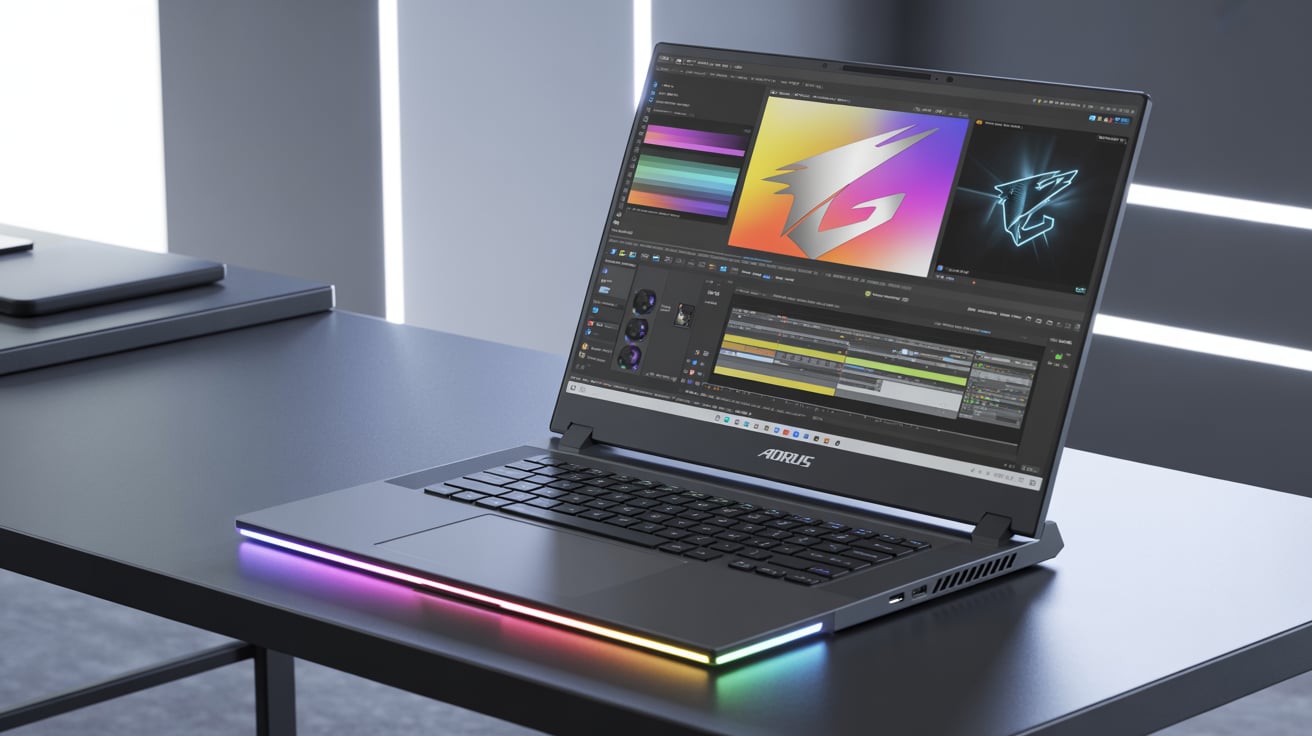
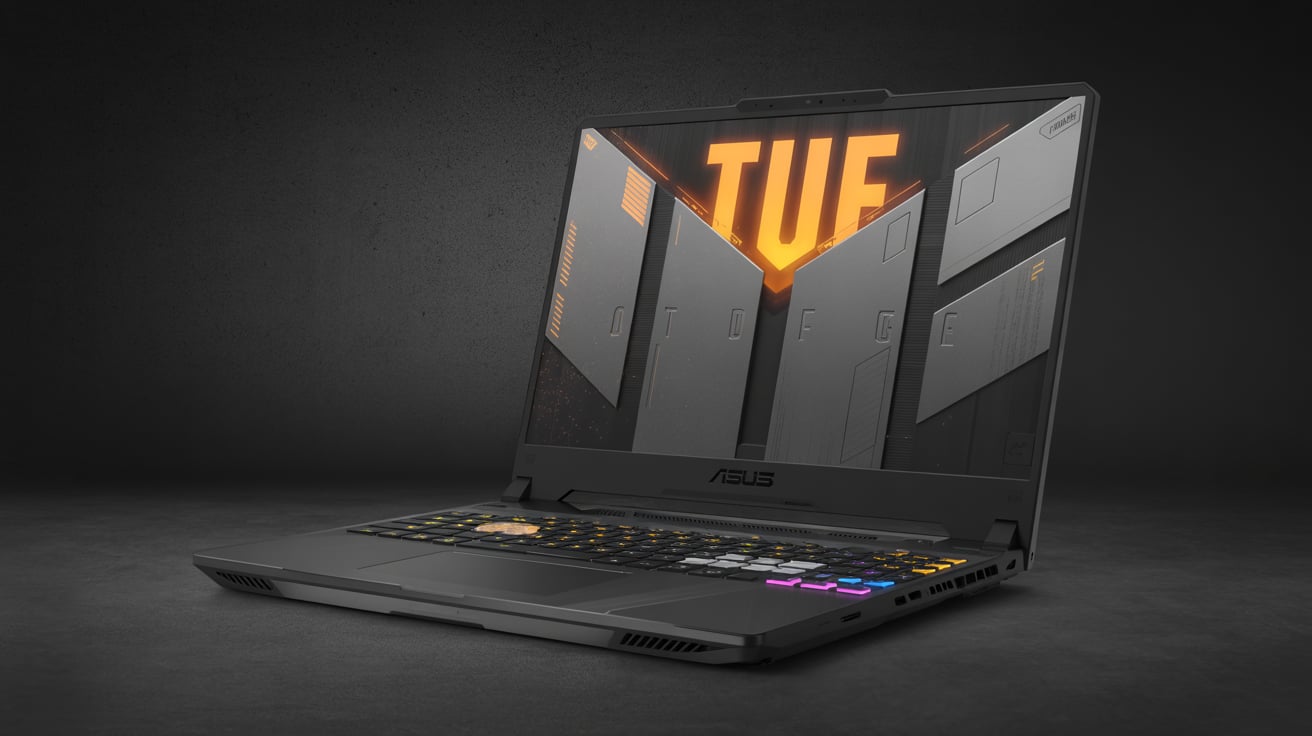
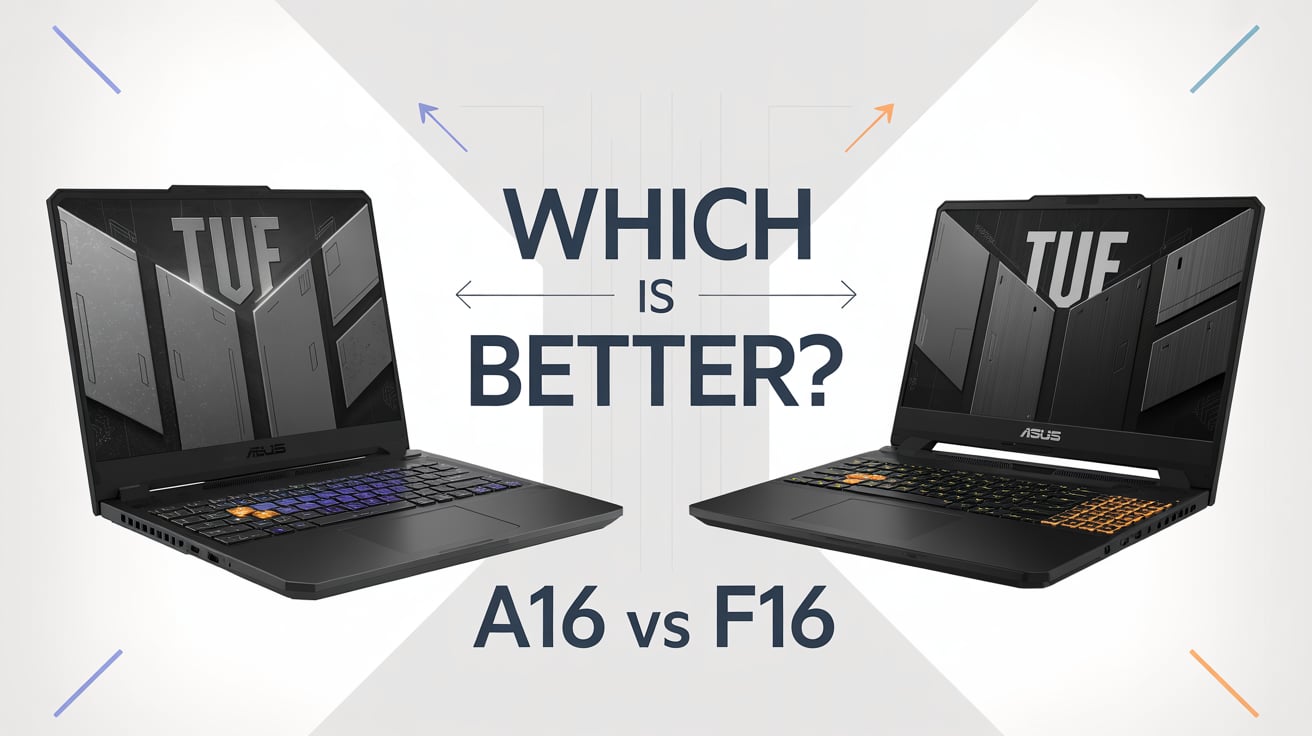
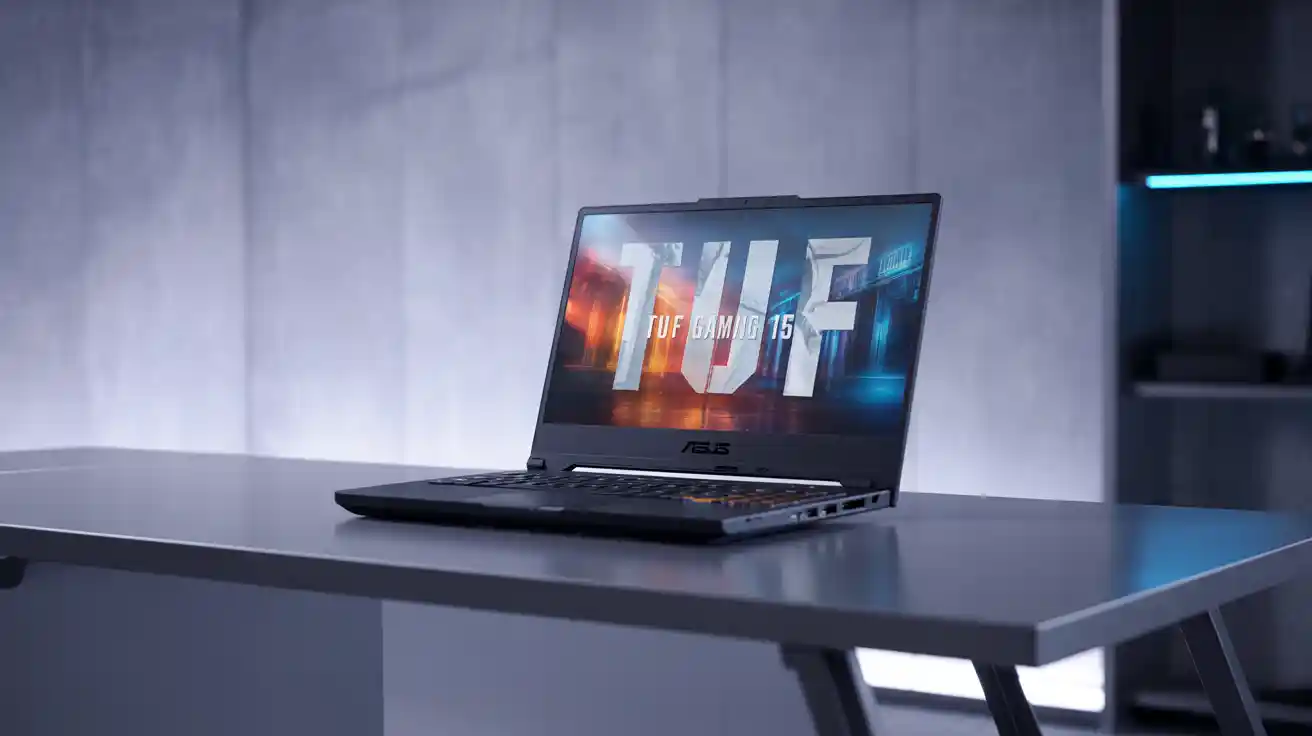
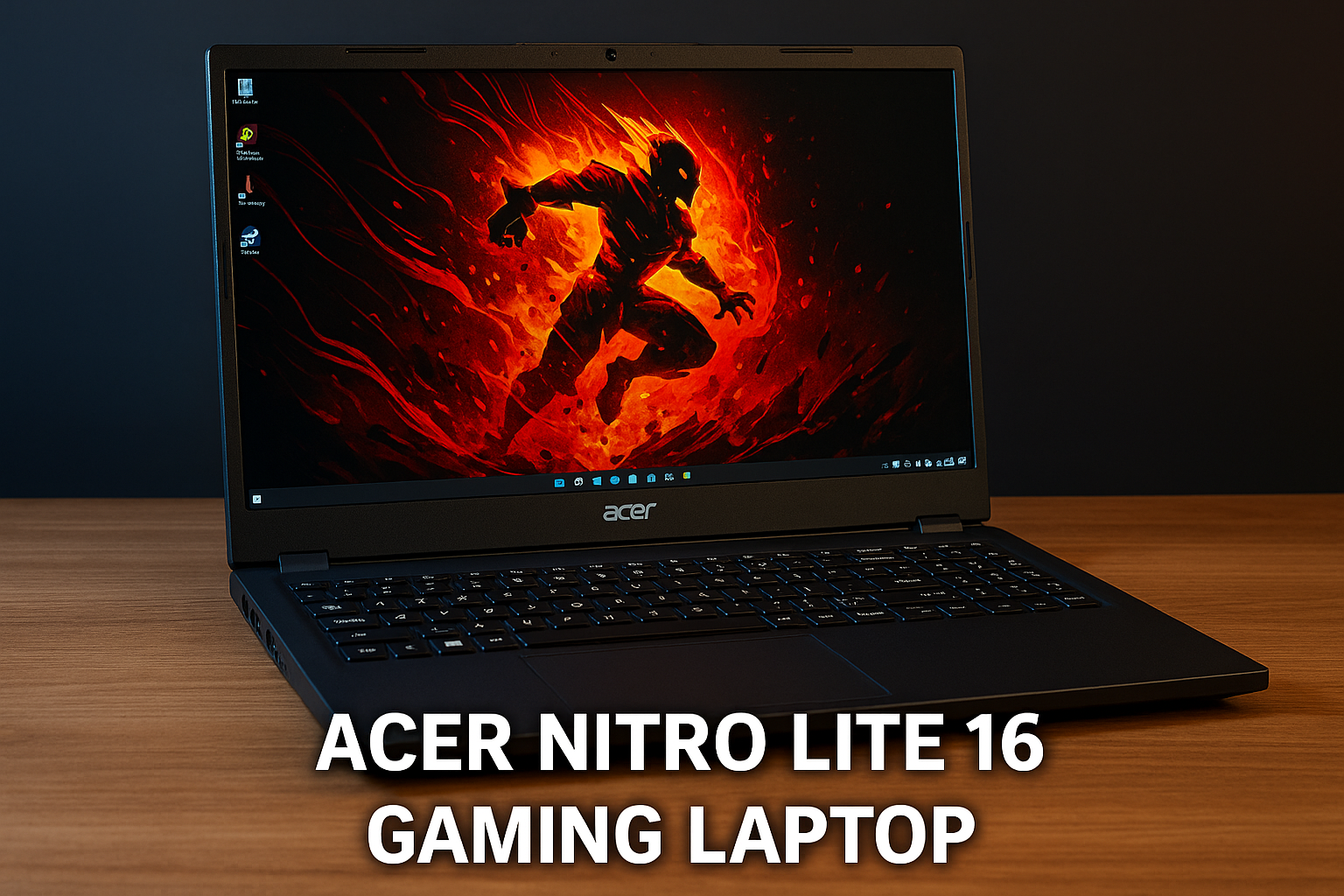
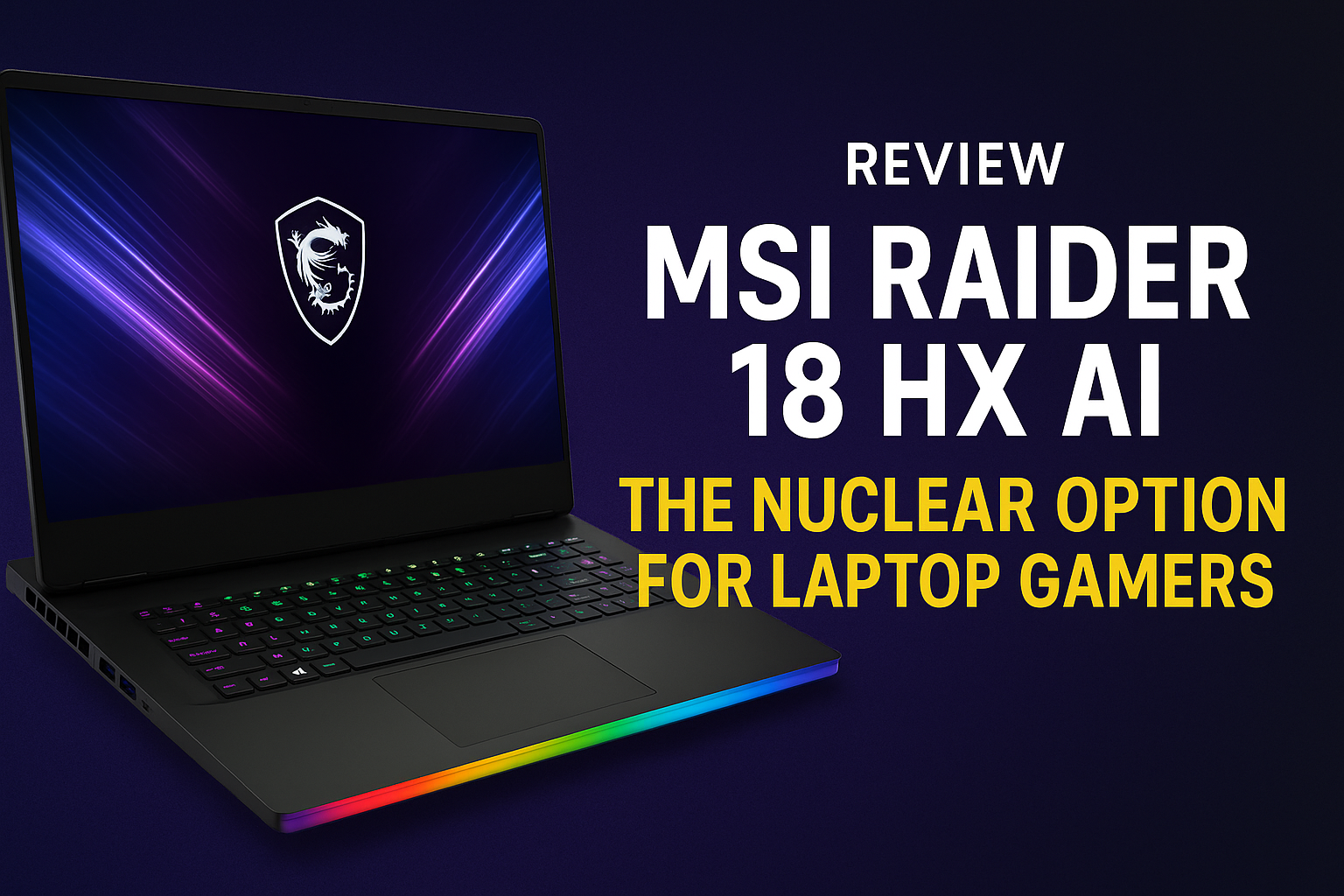
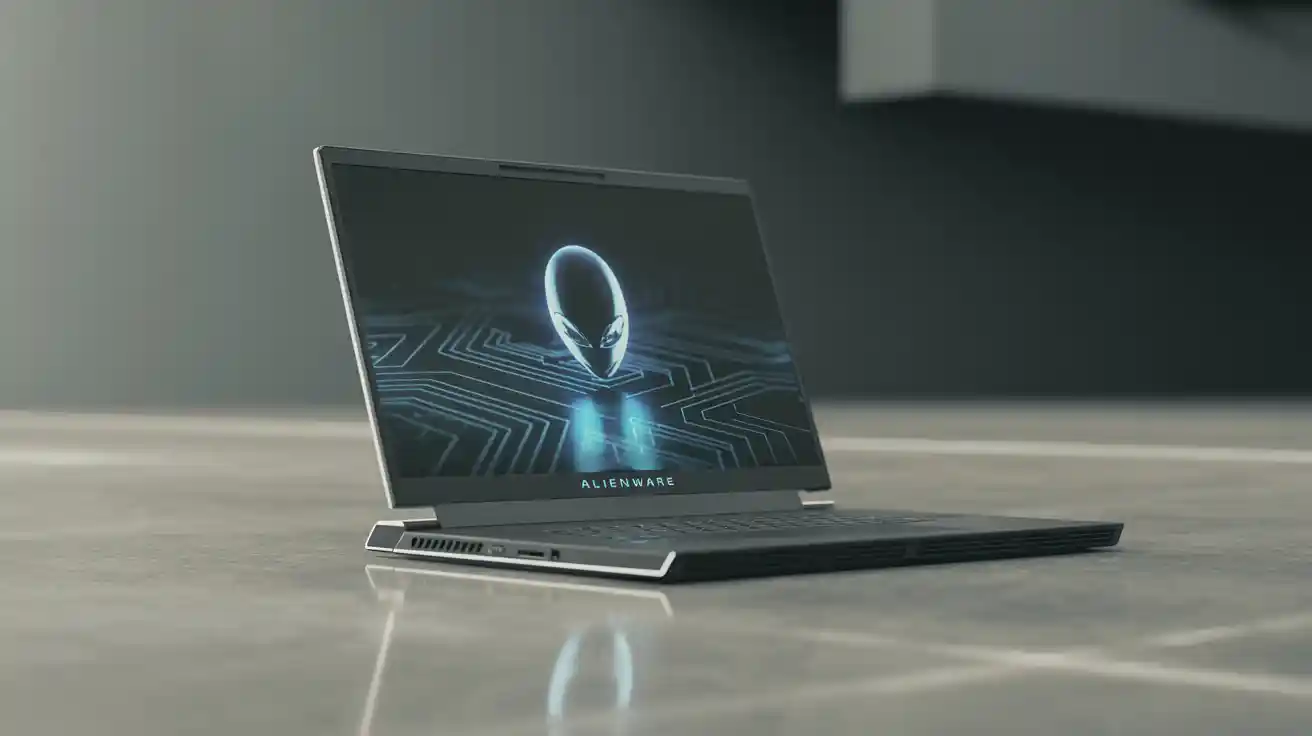
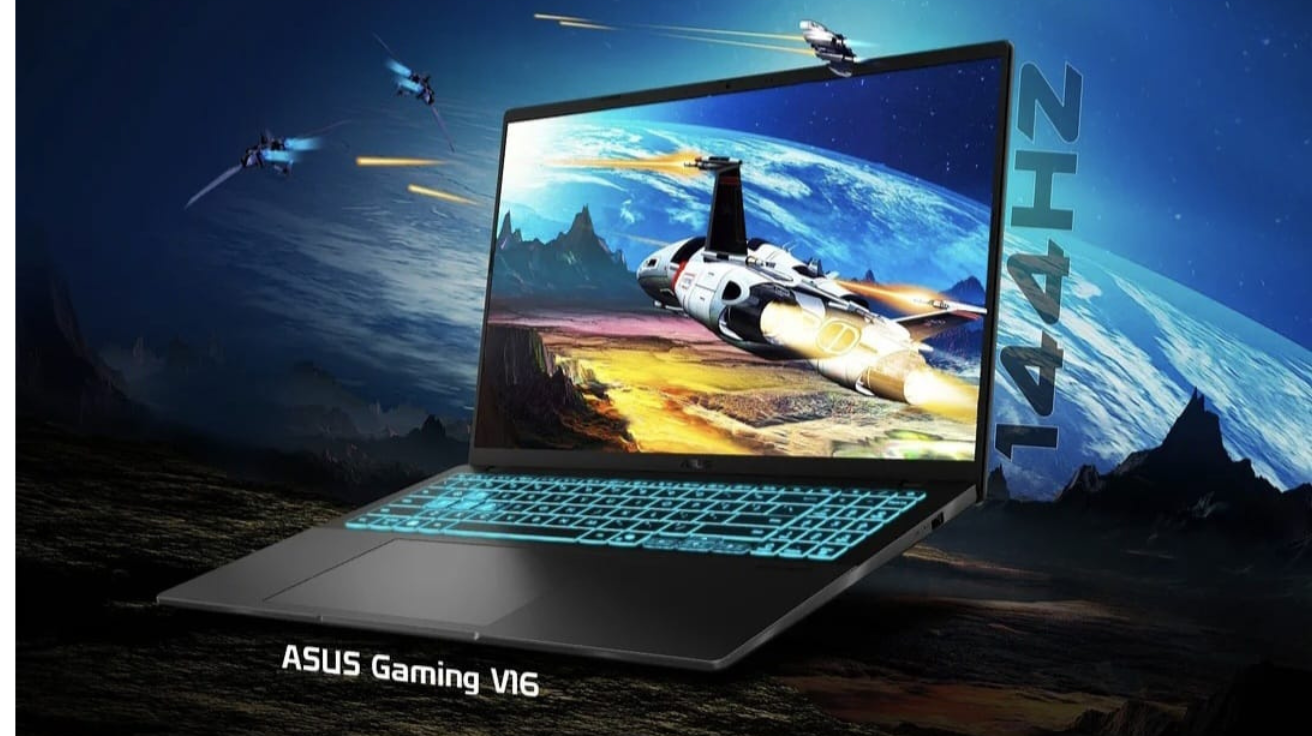
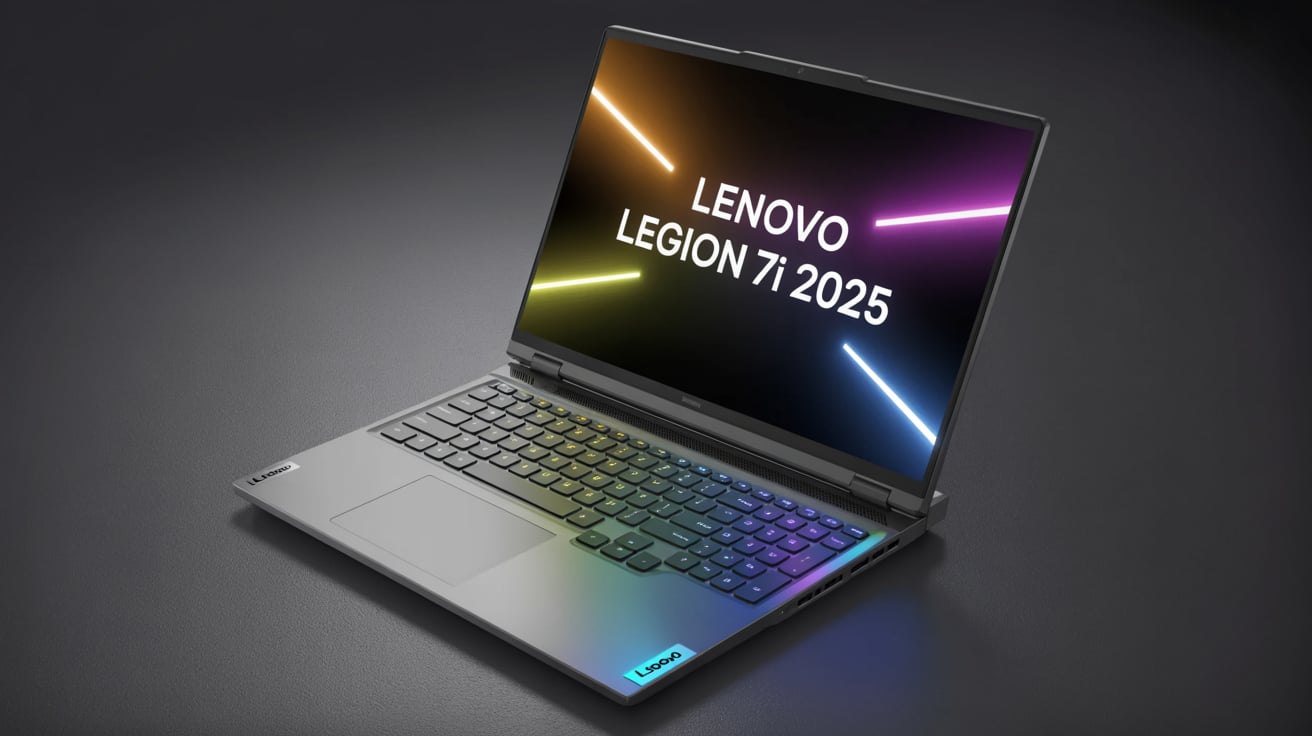
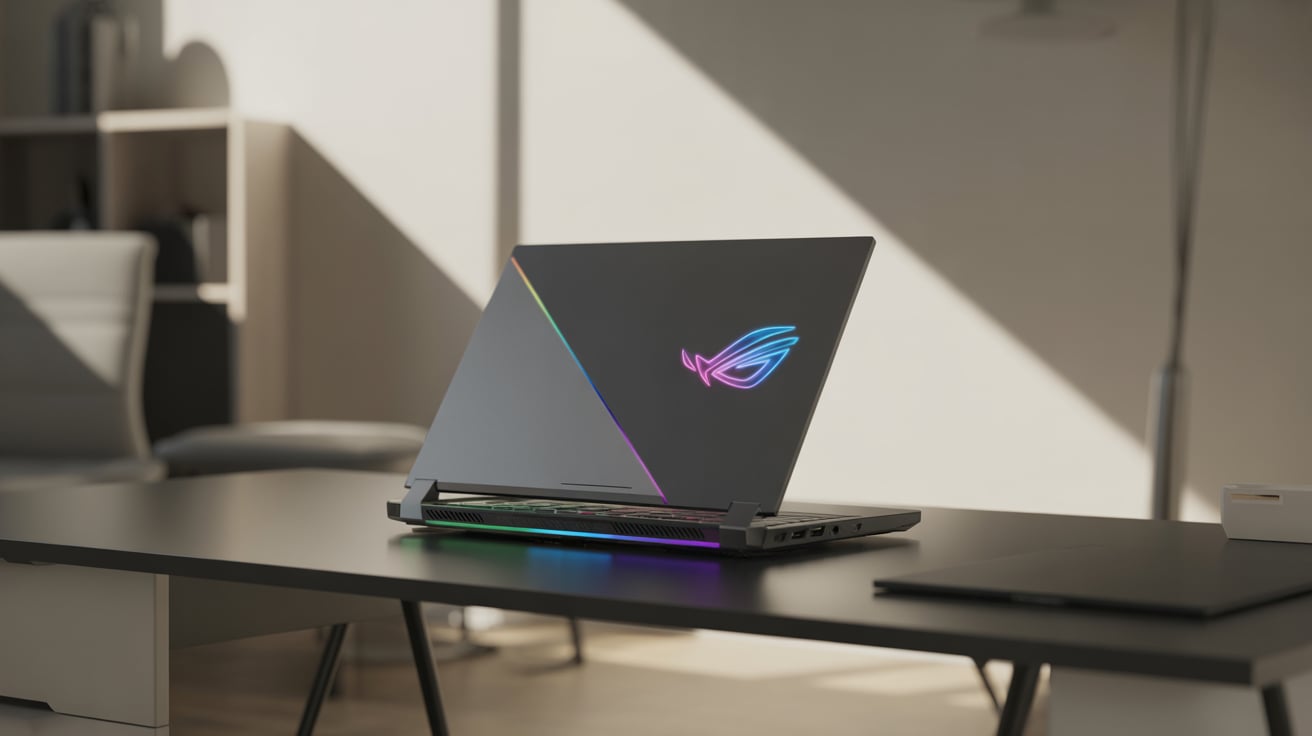
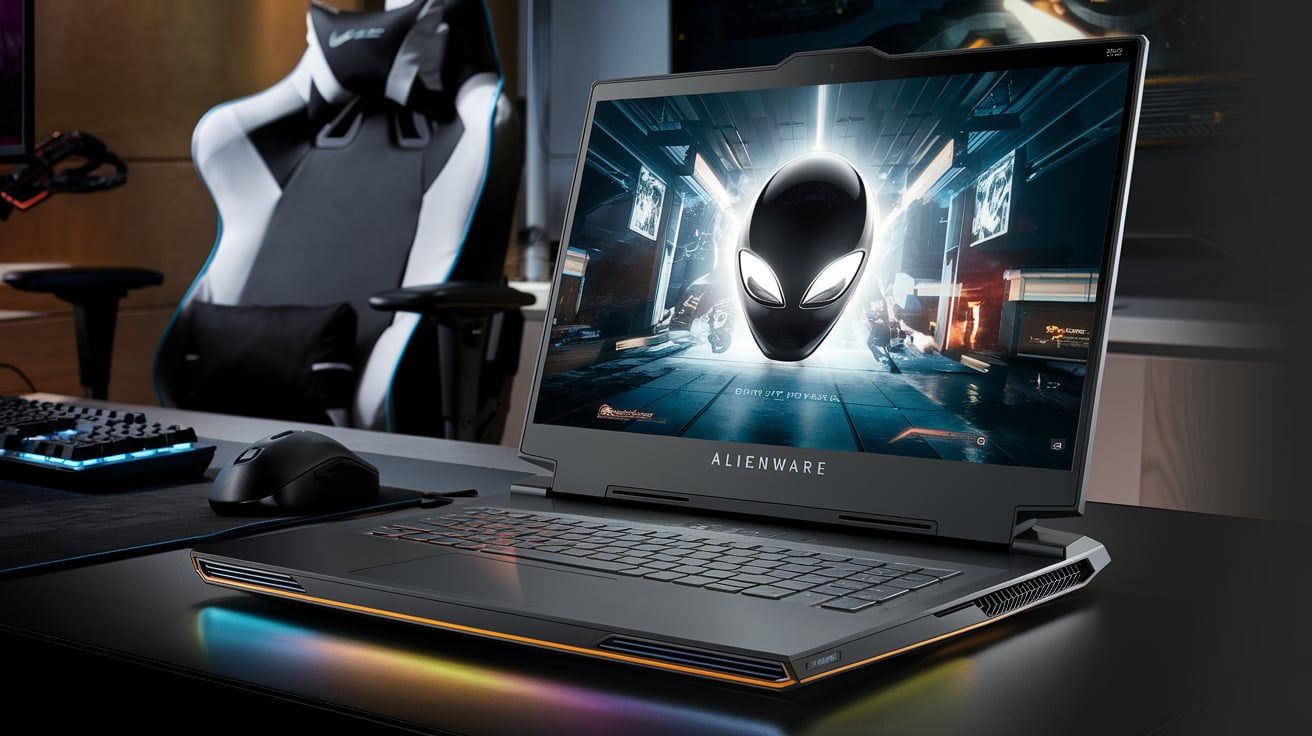
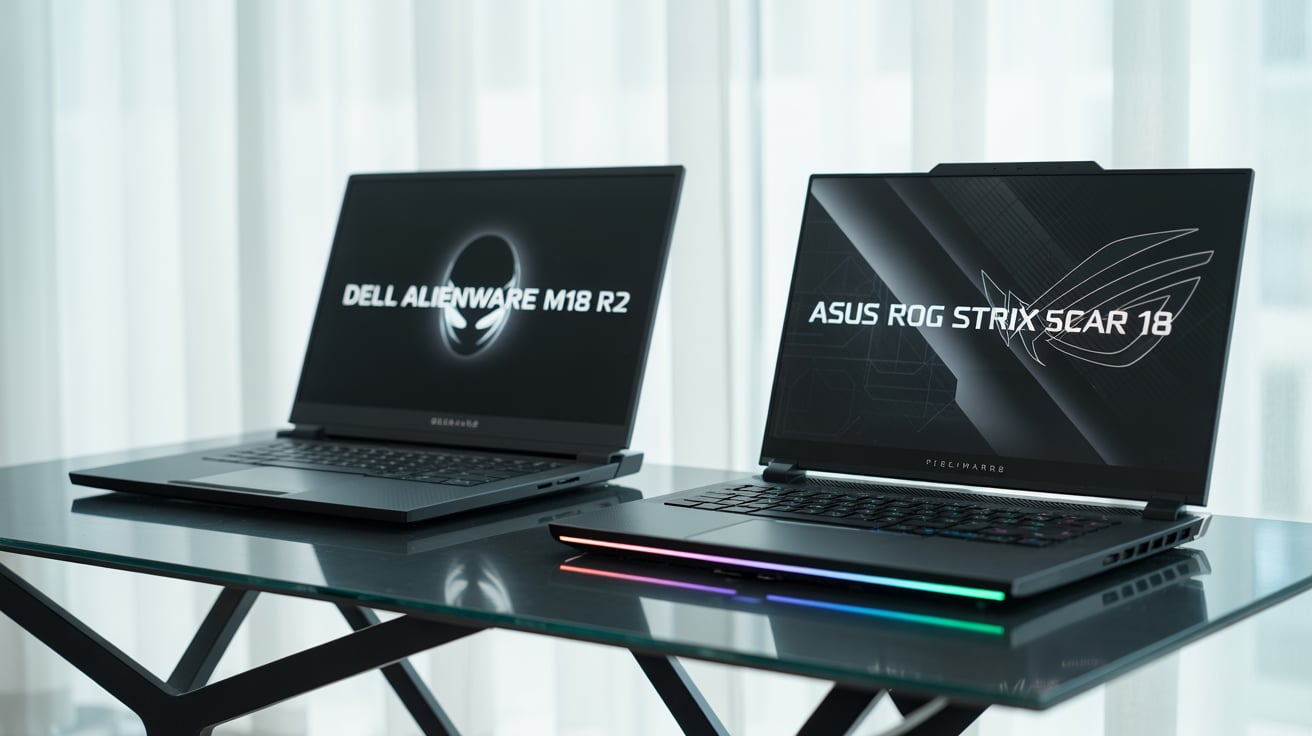
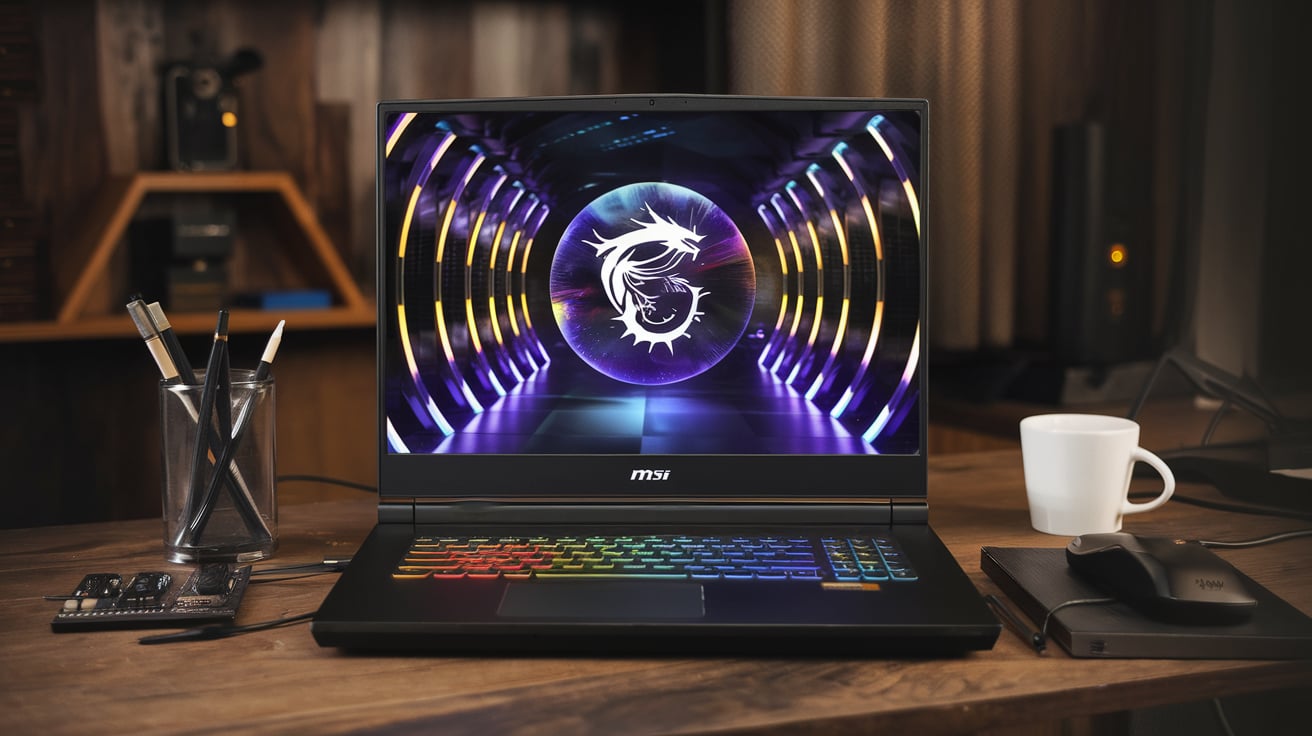
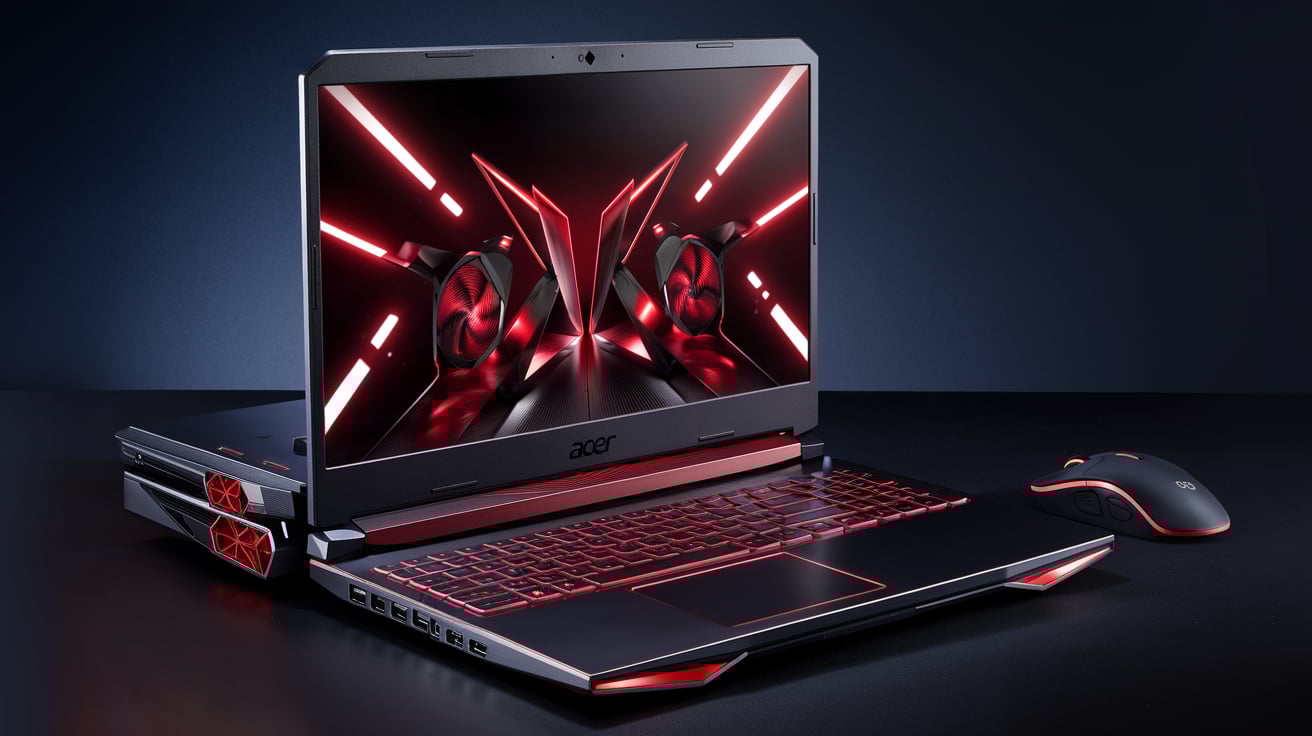
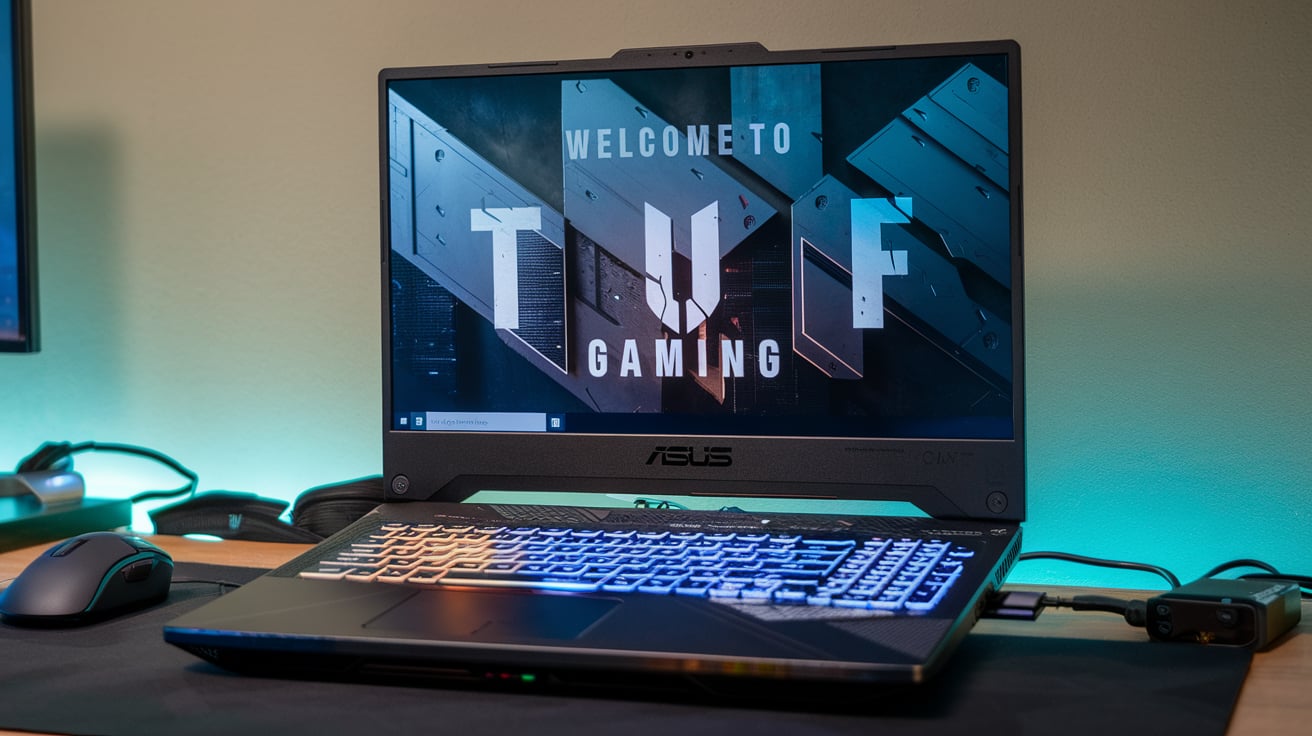
Laptops under ₹1,00,000 like ASUS TUF, Lenovo Legion, and Acer Nitro are also good alternatives.
6. Gaming vs Editing vs Development – Which PC is Best?
1. For Gaming: Prioritize GPU + high refresh rate monitor. Build 2 or Build 3 is perfect.
2. For Editing: Focus on CPU cores, RAM, and SSD. Build 3 and Build 4 are ideal.
3. For Development: Multi-core CPU + 32GB RAM is important. Build 4 is the best choice.
7. Summary
In the ₹35,000 to ₹1,00,000 range, you can get a powerful and versatile PC for advanced development, professional editing, and immersive gaming.
- Beginners can start with the ₹35,000 build.
- Mid-range users should aim for ₹50,000–₹75,000 builds.
- Professionals and serious gamers should invest closer to ₹1,00,000.
By choosing the right configuration, you’ll get a future-proof PC that balances performance, value, and upgrade potential.