 Ekasjot_Singh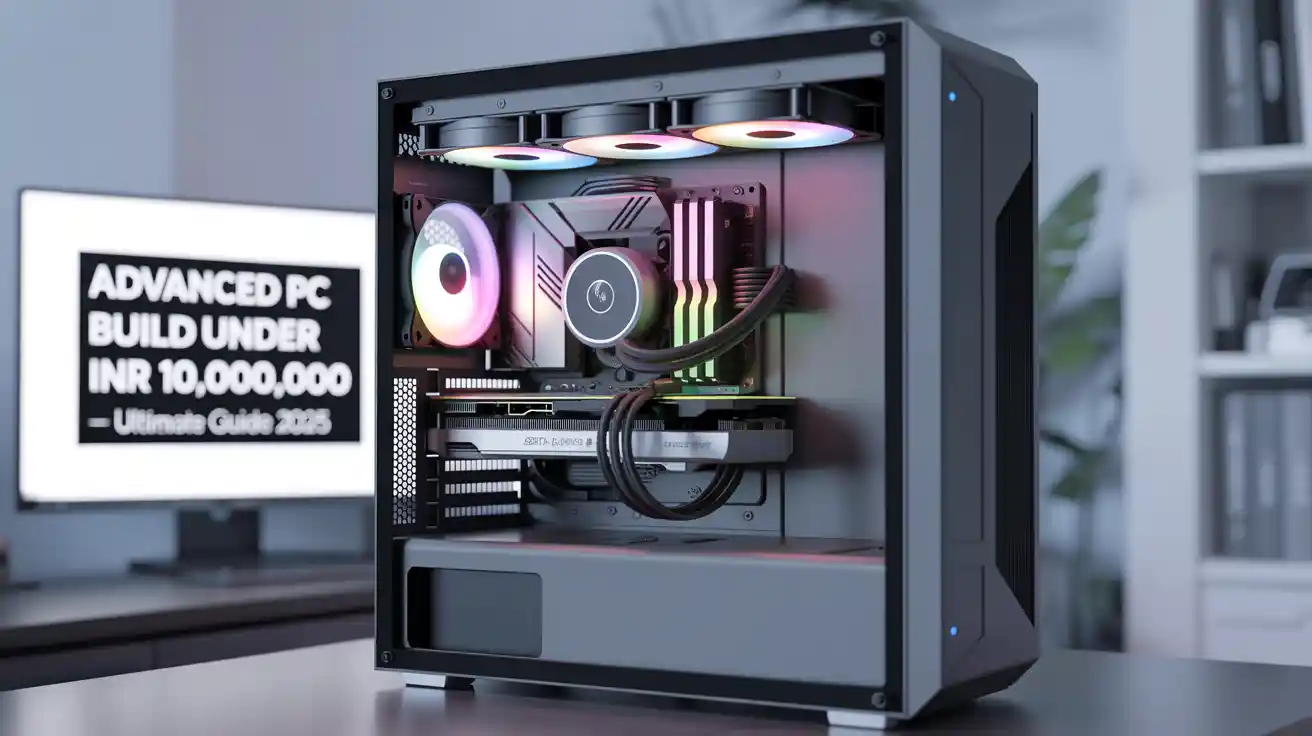
1. Introduction
Building a computer is not just about putting together parts. It is about creating a powerful machine that can handle the most advanced tasks in the world of technology. In today’s digital age, computers are not only used for browsing the internet or playing light games. Professionals use high-end PCs for gaming, software development, 3D rendering, artificial intelligence research, and video editing.
But what if you had a budget of ₹10,00,000 (ten lakh rupees)? That is a huge amount of money for building a PC. With this budget, you can create one of the most advanced and powerful personal computers in India. This build will be so powerful that it can beat even many workstations used in big studios and research labs.
This article is a complete guide for an Advanced PC under ₹10,00,000. We will go through each component like CPU, GPU, RAM, storage, cooling, and power supply. Then we will discuss how this PC performs in different fields like gaming, development, AI research, and video editing. By the end, you will know whether building such a PC is worth it or not.
2. Who is this PC For?
Spending ₹10,00,000 on a PC is not for everyone. A normal user who only uses a computer for browsing, office work, or light gaming does not need such an expensive setup. This kind of super PC is mainly for.
- Hardcore Gamers – People who want to play games in 4K resolution, ultra settings, and with ray tracing enabled. Also, for those who want to future-proof their system for the next 7–8 years.
- Game Developers – Developers who build high-end games need powerful hardware to test graphics, physics engines, and performance.
- 3D Artists & Animators – Professionals working with software like Blender, Maya, or 3ds Max need a strong CPU and GPU for rendering complex animations.
- AI Researchers & Data Scientists – Machine learning and AI training require GPUs with massive computing power. This build is ideal for that.
- Video Editors & Film Makers – Editing 8K raw video files in software like Adobe Premiere Pro or DaVinci Resolve requires a lot of RAM, storage speed, and GPU acceleration.
- Tech Enthusiasts – Some people love building PCs as a passion. They enjoy creating the most powerful rigs just to see how far technology can go.
So, if you fall into one of these categories, this PC is made for you.
3. Core Components Breakdown
Now let’s discuss the parts of this PC one by one. These are the heart and soul of the machine.
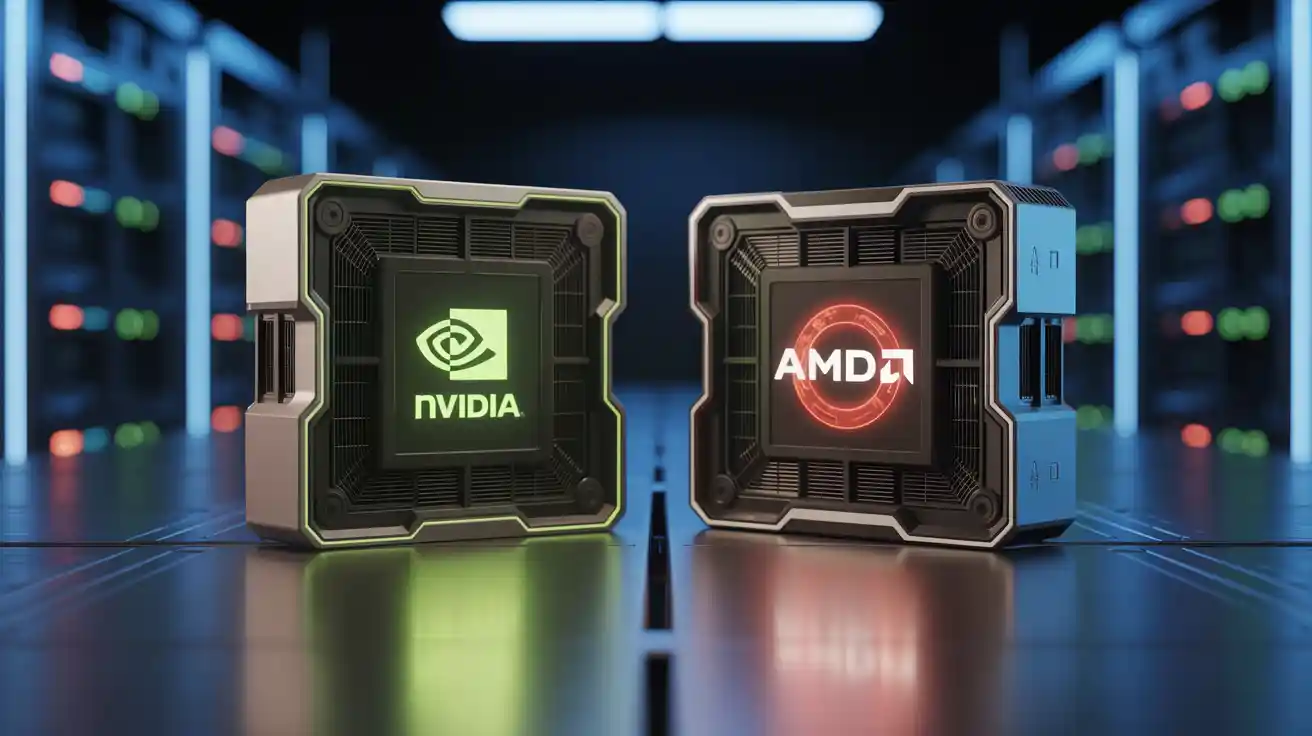
1. CPU – Intel Core i9-14900KS or AMD Ryzen Threadripper 7970X
The CPU (Central Processing Unit) is like the brain of the computer. For this build, we have two options:
- Intel Core i9-14900KS – A very powerful gaming CPU with high clock speeds. It is great for gaming, coding, and tasks that need single-core performance.
- AMD Ryzen Threadripper 7970X – This CPU is more of a workstation beast. It has many cores and threads, which makes it excellent for 3D rendering, video editing, and AI tasks.
Choosing between them depends on your needs. If your main focus is gaming + daily work, Intel is better. If your focus is heavy rendering, editing, or AI research, then AMD Threadripper is the winner.
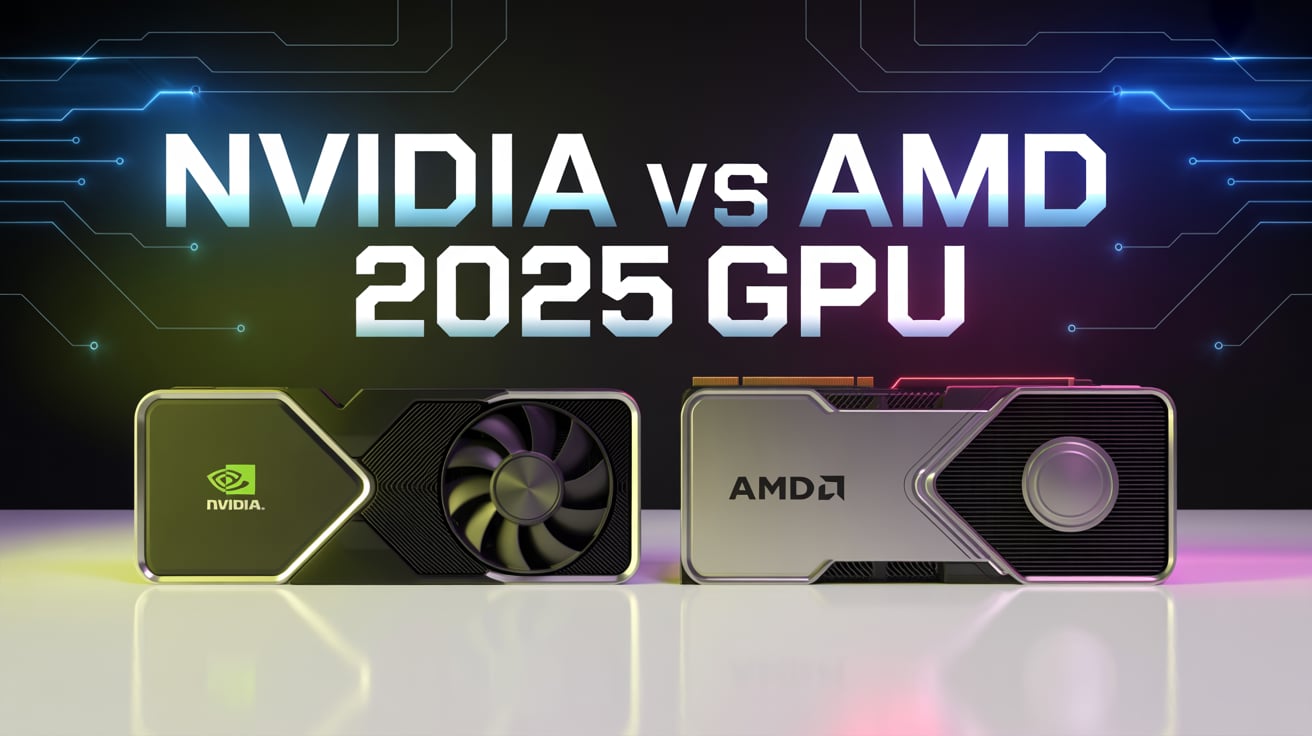
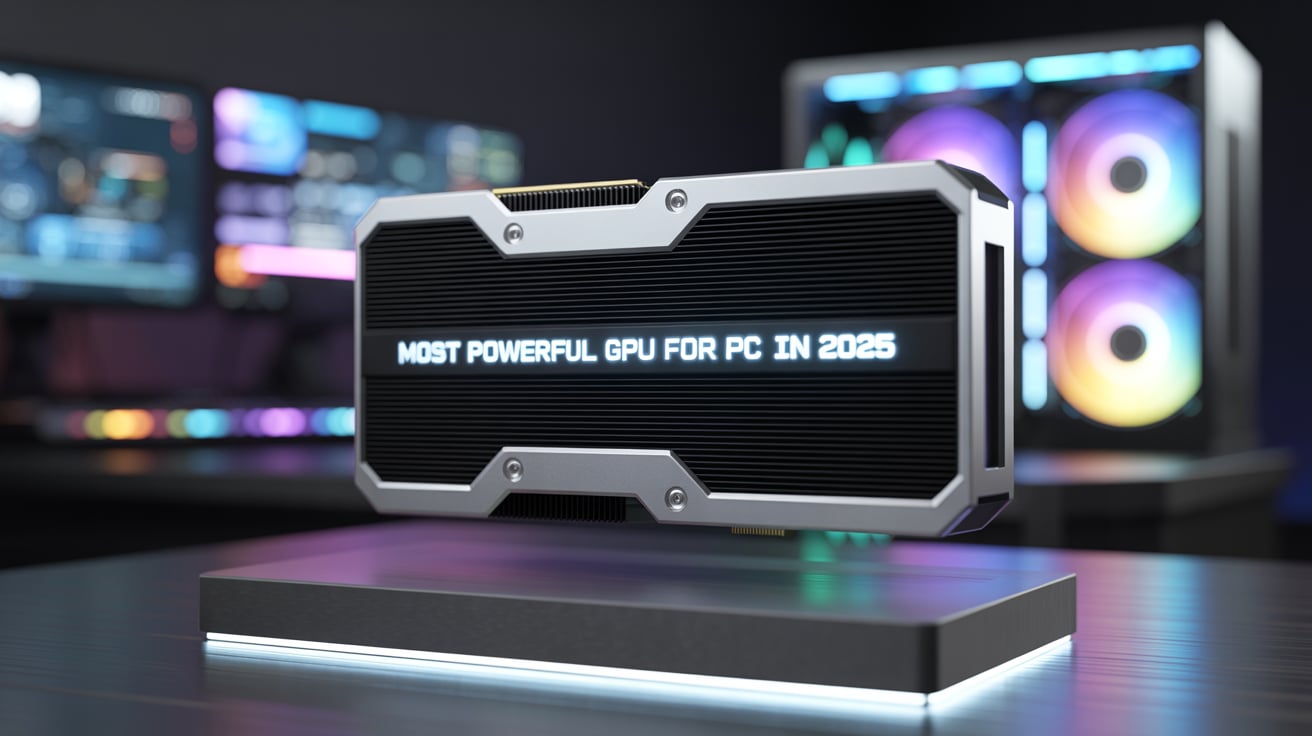
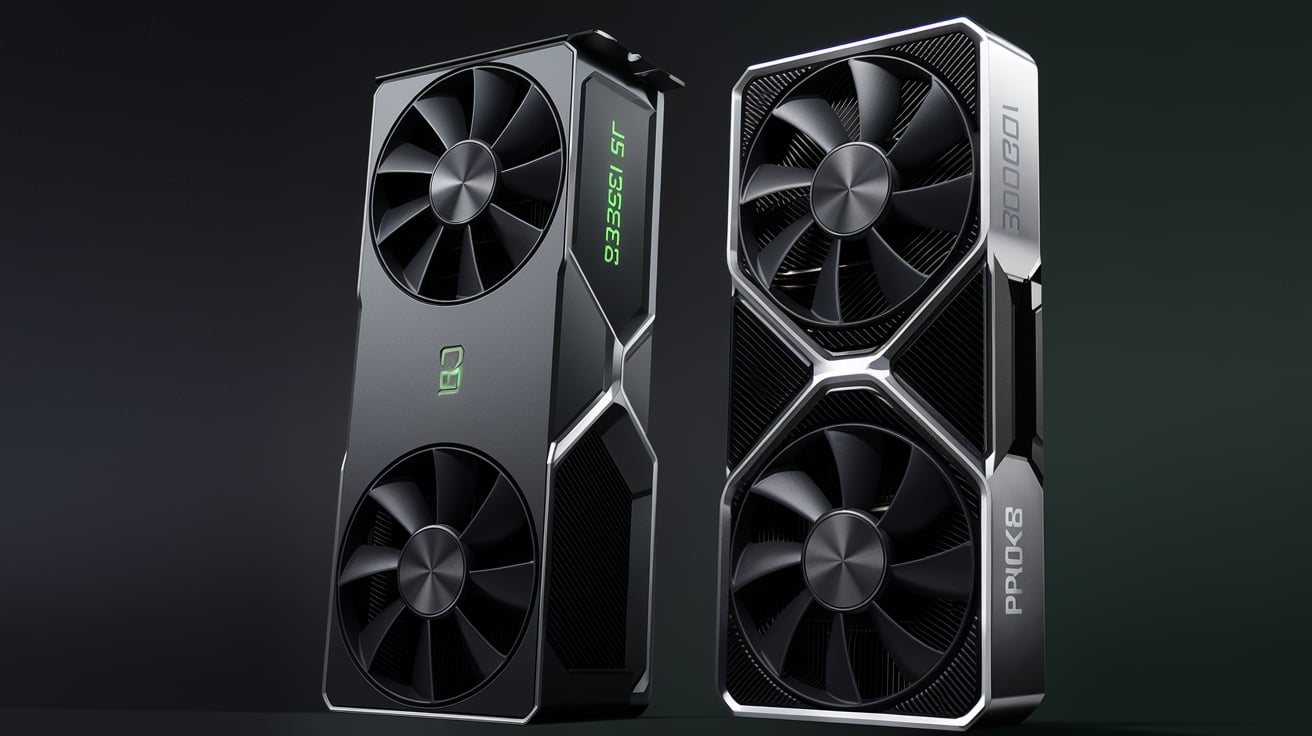
2. GPU – NVIDIA GeForce RTX 5090 Workstation GPU
The GPU (Graphics Processing Unit) is the heart of gaming and also the soul of AI research. The NVIDIA RTX 5090 is the most powerful consumer GPU available.
- It supports real-time ray tracing, which makes games look ultra-realistic.
- It is excellent for 4K and even 8K gaming.
- For AI, it provides massive CUDA cores and Tensor cores that speed up machine learning training.
- For 3D artists, rendering scenes in Blender or Maya is ultra-fast.
This GPU alone costs more than many complete PCs. But if you want top-tier performance, it is worth it.
3. RAM – 256 GB DDR5 7200 MHz
Most normal PCs run on 16 GB or 32 GB RAM. High-end gaming PCs may go up to 64 GB. But this build has a massive 256 GB of DDR5 RAM at 7200 MHz.
- For gaming, this much RAM is overkill. But for professionals, it is gold.
- Video editors working with 8K footage need this much memory.
- AI researchers training large neural networks can use every bit of it.
- Developers running multiple virtual machines (VMs) will find it very useful.
In short, this RAM makes the PC future-proof for the next 10 years.
4. Storage – 1 TB NVMe Gen5 SSD + 4 TB NVMe
Storage is not just about space; it is about speed. This build includes:
- 1 TB NVMe Gen5 SSD – Super-fast storage for Windows and important software. Booting is instant, and apps open in a second.
- 4 TB NVMe SSD – For storing big files like games, videos, AI datasets, and projects.
Compared to normal hard drives, these SSDs are 10–12 times faster. That means zero lag while working on big projects.
5. Cooling – Custom Water Cooling
A PC with so much power generates a lot of heat. If it gets too hot, performance will drop. That is why this build uses custom water cooling.
- Keeps CPU and GPU cool under heavy load.
- Reduces fan noise.
- Makes the PC look stylish with RGB water pipes.
Custom water cooling is expensive, but it ensures the system stays stable even during long gaming or rendering sessions.
6. PSU – 1600W 80+ Platinum
The Power Supply Unit (PSU) is like the heart pumping electricity. This build uses a 1600W 80+ Platinum PSU.
- Enough power to handle all components.
- Future-proof if you want to add more GPUs.
- Platinum rating means it is highly efficient and safe.
Without a good PSU, even the best components cannot perform properly.
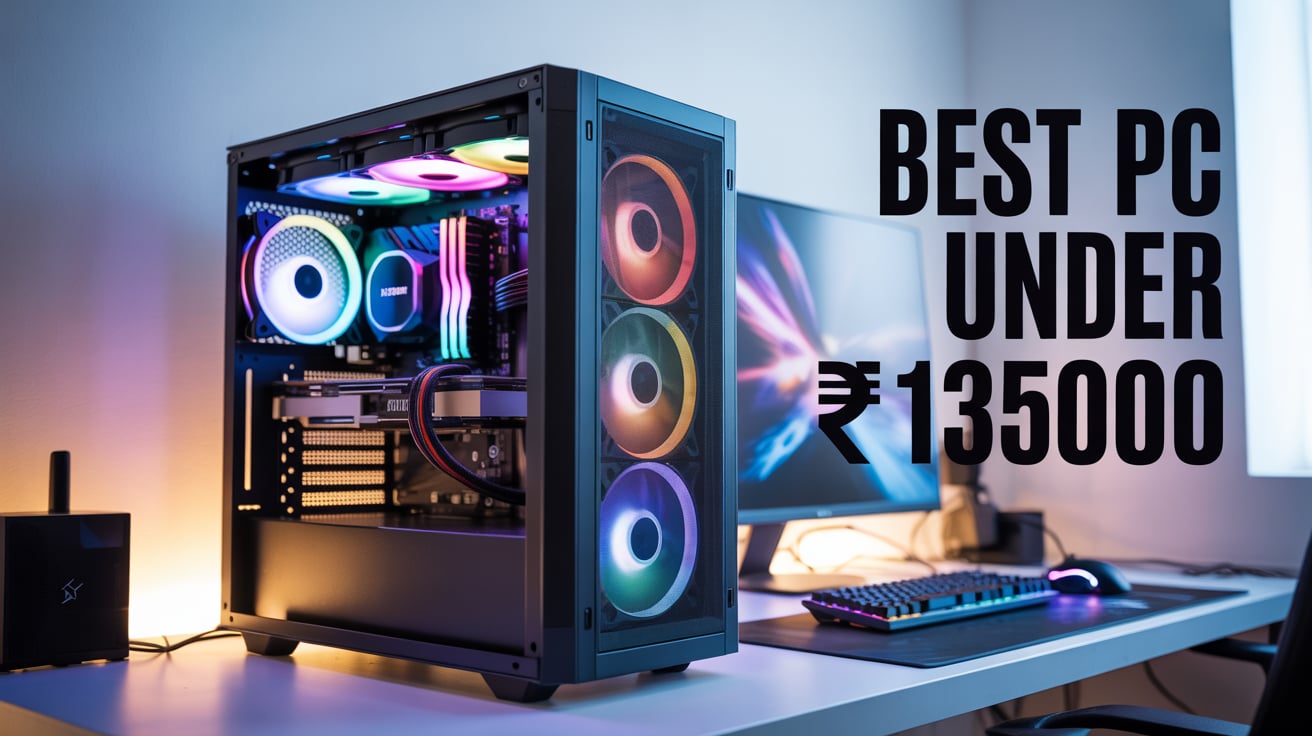
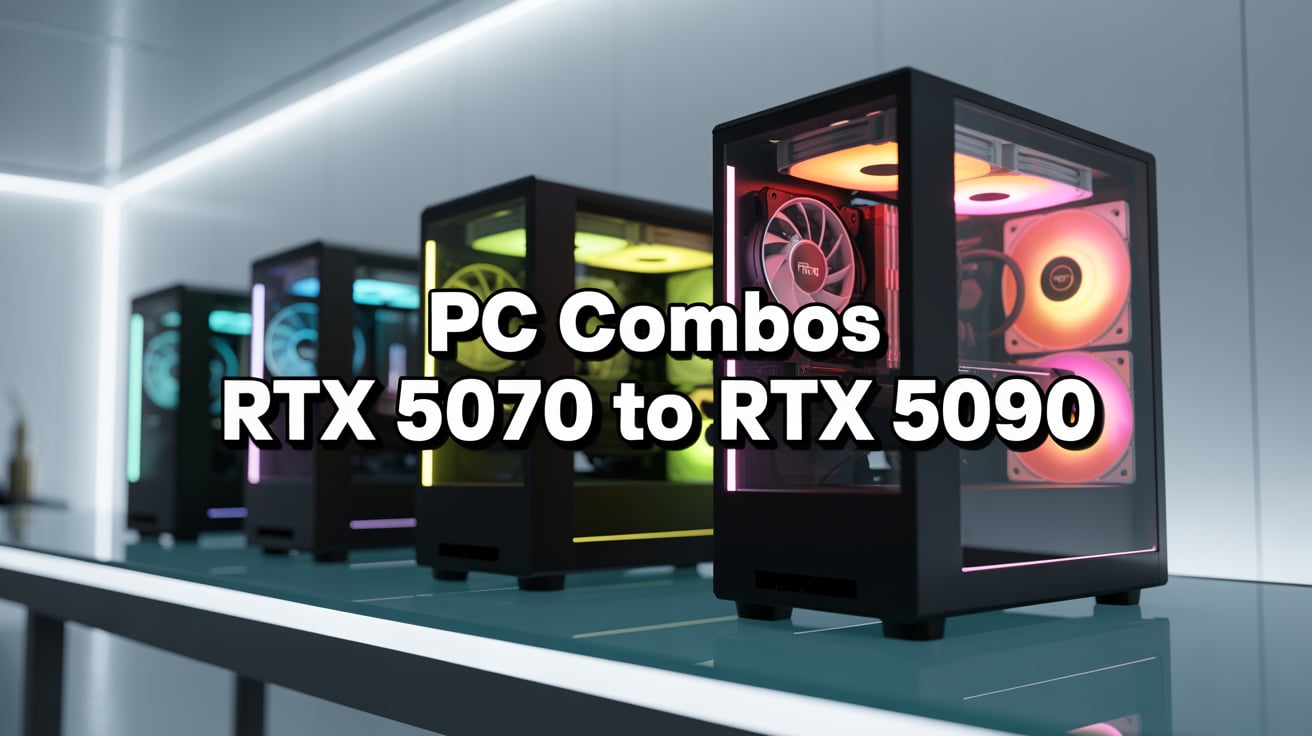
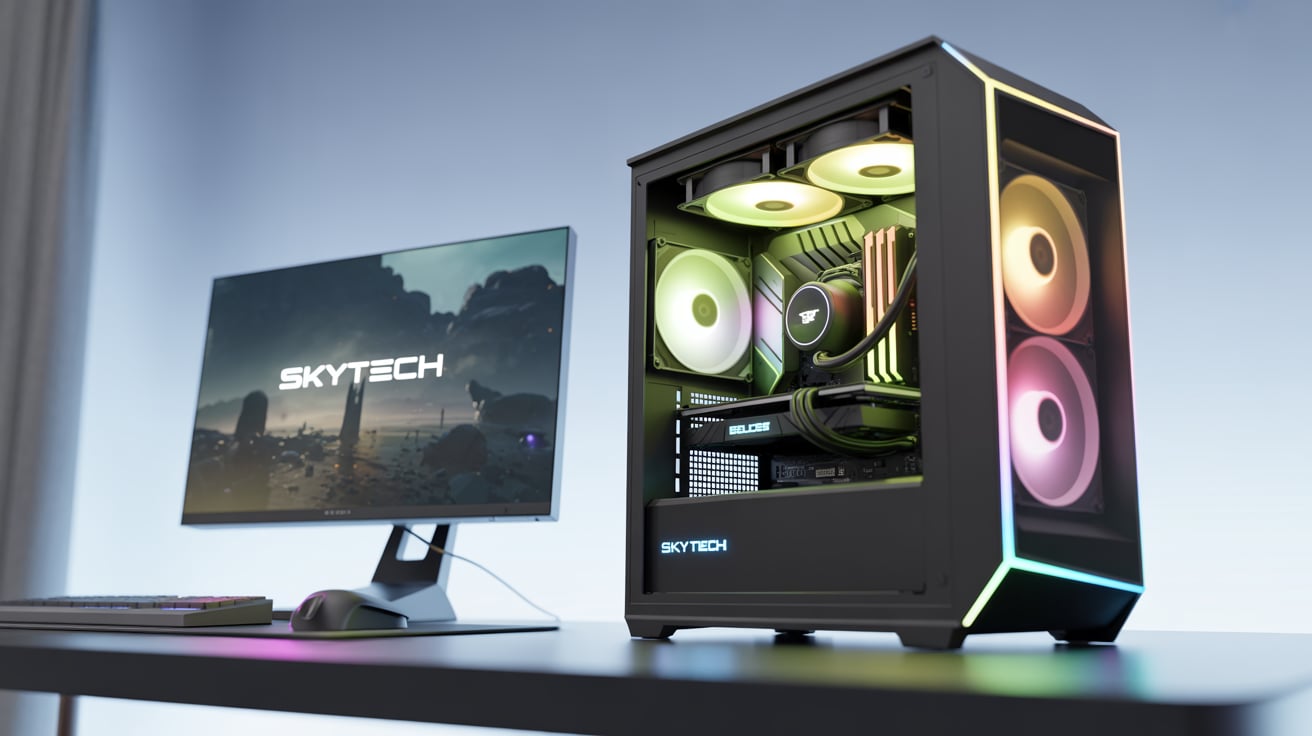
7. Case & Aesthetics
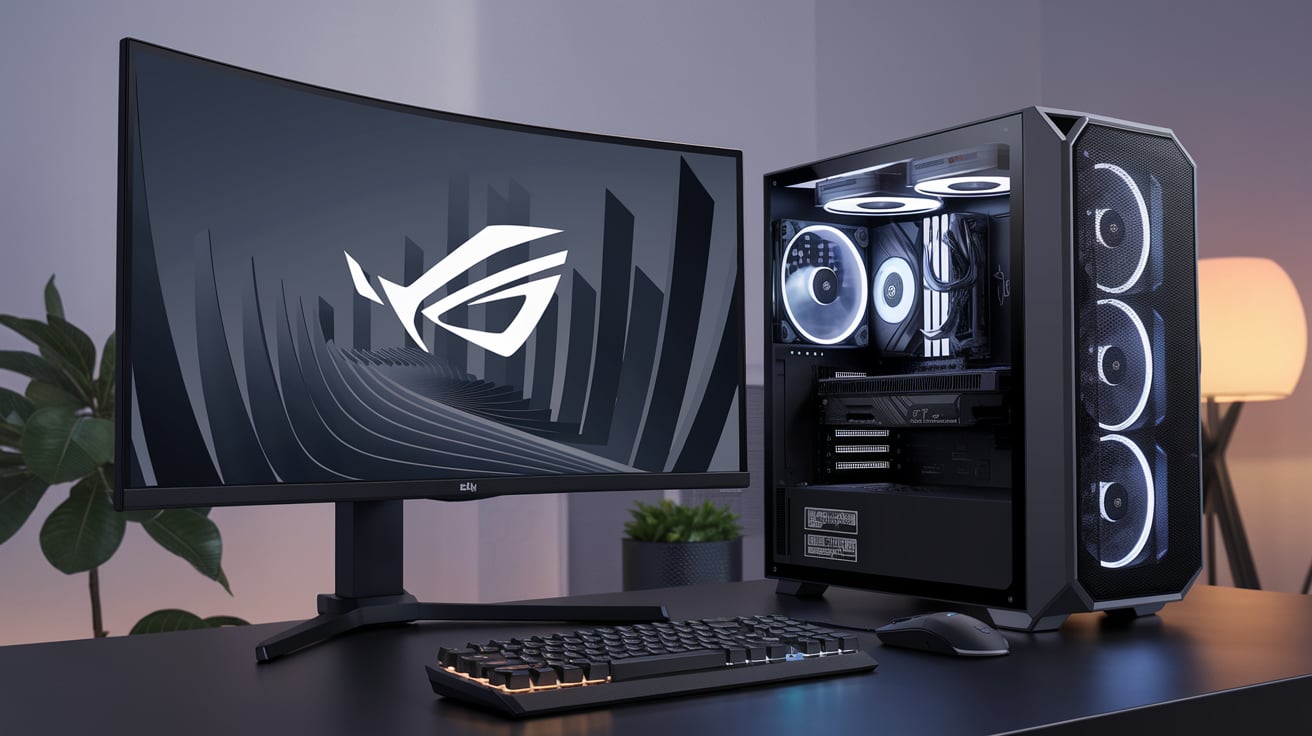
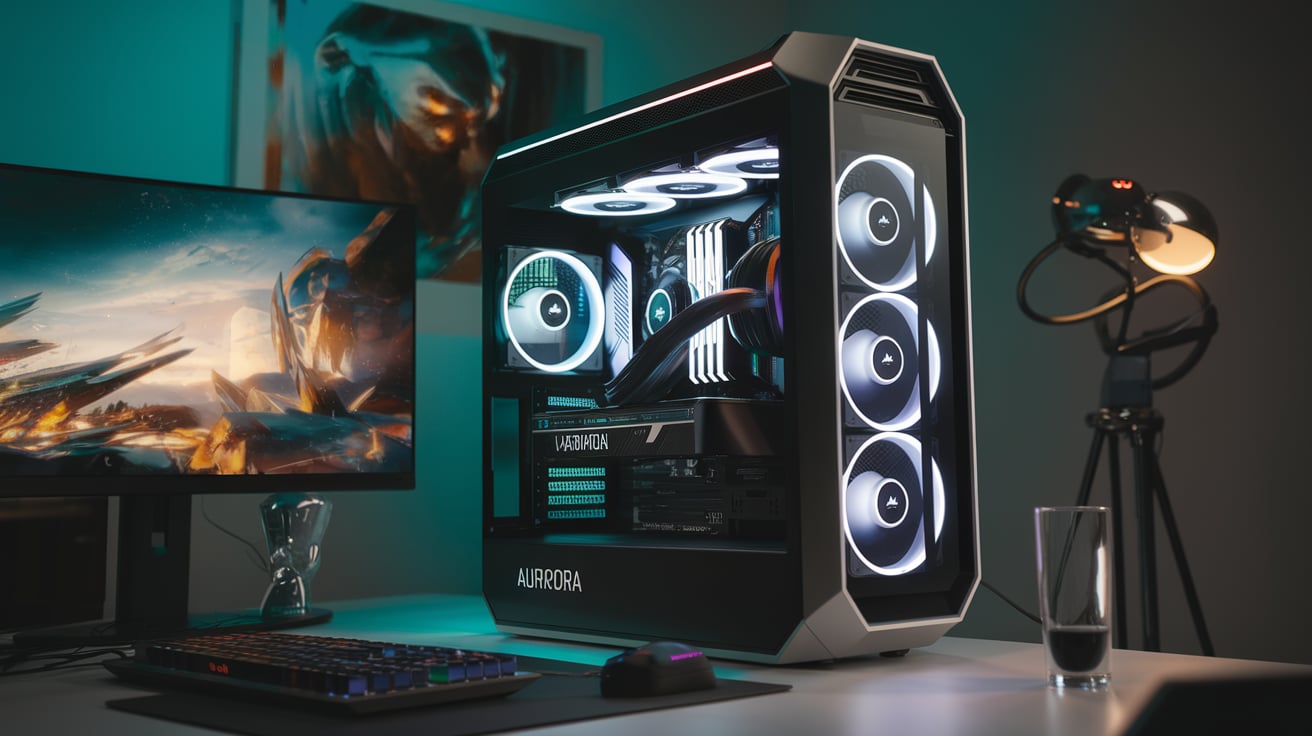
Finally, the case is what holds everything together. For this build, we recommend a big tower case with good airflow and RGB lighting.
- Transparent side panel to show off the components.
- Multiple fans for airflow.
- Space for water cooling pipes.
- Strong build quality.
A powerful PC should also look powerful, and this case does exactly that.
4. Performance in Different Areas
Now that we know the parts, let’s see how this PC performs in different real-world tasks.
1. Gaming Performance
- 4K Gaming – Runs every modern game at ultra settings with ray tracing. Games like Cyberpunk 2077 and GTA VI (upcoming) will run smoothly.
- 8K Gaming – Possible with some optimization. The RTX 5090 can handle it.
- VR Gaming – Perfect for Virtual Reality gaming with smooth frame rates.
- Future-Proof – This PC will easily run games for the next 8–10 years.
2. Development & Programming
For developers:
- Can run multiple coding environments (Python, Java, C++).
- Supports virtual machines and emulators without lag.
- Useful for game developers testing high-end graphics.
This PC is like having multiple computers inside one.
3. 3D Rendering & Animation
- Software like Blender, Maya, and Cinema4D run super smooth.
- Complex 3D models render in minutes instead of hours.
- Animators can preview their work in real time.
For a professional 3D artist, this is a dream PC.
4. AI Research & Machine Learning
AI researchers will love this build:
- GPU acceleration speeds up model training.
- Can handle huge datasets.
- Supports frameworks like TensorFlow and PyTorch easily.
- 256 GB RAM ensures no memory bottlenecks.
Training a model that normally takes a week on a normal PC can be done in 1–2 days here.
5. Video Editing & Production
For video editors:
- Editing 8K raw footage is smooth.
- Color grading and rendering happen in real time.
- Exports are 5–6 times faster than normal PCs.
For film makers, this PC can save hundreds of hours of editing time.
5. Comparison with Cheaper Builds
Some may wonder – why spend ₹10,00,000 when you can build a PC for ₹2–3 lakh?
- A ₹2,00,000 PC can handle 1080p gaming.
- A ₹5,00,000 PC can handle 4K gaming and video editing.
- A ₹10,00,000 PC is for professionals who need the absolute best performance.
So, this build is not just about gaming; it is a workstation for the future.
Feature / Component | ₹2,00,000 PC (Entry-Level Gaming) | ₹5,00,000 PC (High-End Gaming) | ₹10,00,000 PC (Ultimate Workstation) |
CPU | Intel Core i5 / Ryzen 5 | Intel Core i7 / Ryzen 9 | Intel i9-14900KS / AMD Threadripper 7970X |
GPU | RTX 4060 / RX 7600 | RTX 4080 / RTX 4090 | NVIDIA RTX 5090 Workstation GPU |
RAM | 16 GB DDR4 | 64 GB DDR5 | 256 GB DDR5 (7200 MHz) |
Storage | 1 TB NVMe SSD | 2 TB NVMe SSD | 1 TB Gen5 SSD + 4 TB NVMe SSD |
Cooling | Air Cooling | AIO Liquid Cooling | Custom Water Cooling |
PSU | 650W Gold | 1000W Gold | 1600W 80+ Platinum |
Gaming Performance | 1080p High Settings | 4K Ultra Settings | 4K & 8K Ultra + Ray Tracing |
Video Editing | 1080p–2K Projects | 4K Smooth Editing | 4K/8K Raw Editing + Instant Rendering |
3D Rendering | Basic Renders (Slow) | Fast Renders (Good for Pros) | Ultra-Fast Renders (Industry Level) |
AI / Machine Learning | Limited, Not Ideal | Good for Small Models | Best for Large Datasets & Training |
Future-Proofing | 3–4 Years | 5–6 Years | 8–10 Years |
Best For | Beginners & Gamers | Gamers + Content Creators | Professionals, Researchers, Enthusiasts |
6. Why Spend ₹10,00,000 on a PC?
- Future Proofing – You will not need an upgrade for 8–10 years.
- Time Saving – Saves hours in rendering, editing, and AI training.
- Professional Use – If you earn money from gaming, editing, or research, this PC is an investment.
- Passion – Some people just love having the best machine possible.
7. Possible Upgrades in Future
Even though this PC is top-of-the-line, future upgrades can include:
- Adding more GPUs for AI research.
- Expanding storage to 10 TB NVMe.
- Adding more advanced AI accelerator cards.
8. Tips for Maintaining this PC
- Keep it dust-free with regular cleaning.
- Check water cooling pipes for leaks.
- Update drivers and BIOS regularly.
- Use a UPS to protect from power cuts.
- Monitor temperatures with software.
9. Final Verdict
The Advanced PC under ₹10,00,000 is not just a computer. It is a powerhouse that can handle gaming, development, AI, rendering, and editing without breaking a sweat.
For a normal user, this is too much. But for professionals, researchers, and passionate gamers, this PC is worth every rupee. It is not only about power, but also about saving time, improving productivity, and enjoying the best possible experience.
If you are serious about your work or passion and have the budget, then this is the ultimate PC you can build in India today.