 Ekasjot_Singh
1. Introduction
When building or upgrading a computer, the question always comes up: Which part is more important—the CPU or the GPU? For everyday tasks like browsing or writing code, the CPU does most of the work. But when it comes to gaming, video editing, AI programming, 3D design, or other heavy workloads, the GPU becomes the real powerhouse.
A GPU (Graphics Processing Unit) is no longer just about “graphics.” In modern times, it powers everything from gaming visuals to AI-driven applications, machine learning, 3D rendering, and even some coding workflows. Choosing the right GPU can mean the difference between smooth, fast results—or endless waiting and bottlenecks.
But with so many options from NVIDIA, AMD, and Intel, people get confused: Which one GPU can handle everything?
This article will walk you through:
- Why GPUs matter so much.
- What features to look for.
- How different tasks (coding, gaming, editing, AI) use the GPU.
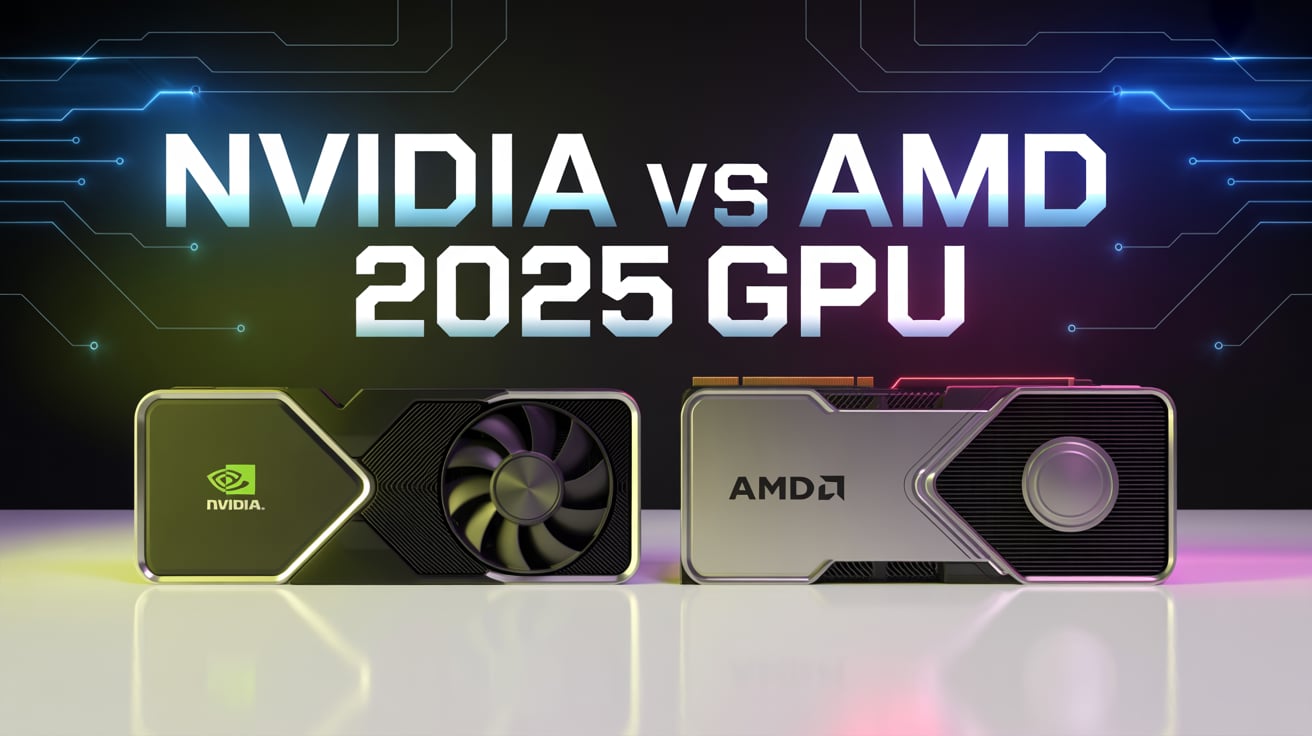
- A comparison of NVIDIA, AMD, and Intel cards.
- The best options in 2025.
- And finally, the one GPU that is best overall for all types of work.
2. Why the GPU is So Important
Unlike a CPU, which handles a few complex tasks at a time, a GPU is designed to handle thousands of small tasks simultaneously. That makes it perfect for.
- Gaming → Rendering high-quality images at high frame rates.
- Video editing → Rendering 4K/8K videos, adding effects, color grading.
- Machine learning & AI → Running large models with billions of parameters.
- Advanced coding → Accelerating frameworks like TensorFlow, PyTorch, CUDA, and simulation tools.
- Heavy workloads → 3D modeling, CAD design, data visualization, and scientific research.
If you want a PC that can truly do everything, you can’t ignore the GPU.
3. Key Things That Make a GPU Powerful
Before you buy a GPU, here are the main features that matter.
1. VRAM (Video Memory)
- 8GB → Enough for light tasks and basic gaming.
- 12–16GB → Good for coding, gaming at 1440p, and 4K editing.
- 24–32GB+ → Needed for AI development, simulations, 8K editing.
2. Cores (CUDA/Stream Processors)
- More cores = more power for parallel workloads.
- NVIDIA calls them CUDA cores, AMD calls them Stream Processors.
- AI & Ray Tracing Cores
- For gaming realism and AI acceleration.
- Only found in modern GPUs.
3. Driver & Software Support
- NVIDIA has the strongest ecosystem (CUDA, AI libraries, stable drivers).
- AMD is excellent for gaming and open-source users.
- Intel is still growing, but great for budget builds.
4. Power & Cooling
- High-end GPUs need strong PSUs and cooling.
Always check compatibility with your PC case.
4. GPU Needs by Workload
1. Advanced Development & Coding
- AI/ML coding → Needs high VRAM and CUDA cores (NVIDIA wins here).
- Software development → Any mid-range GPU works, unless you need GPU acceleration.
- Data science / simulations → Requires workstation-level GPUs with 24GB+ VRAM.
2. Gaming
- 1080p gaming → RTX 4060 / RX 7600.
- 1440p & 4K gaming → RTX 4070 Ti, RTX 4080, RX 7900 XTX.
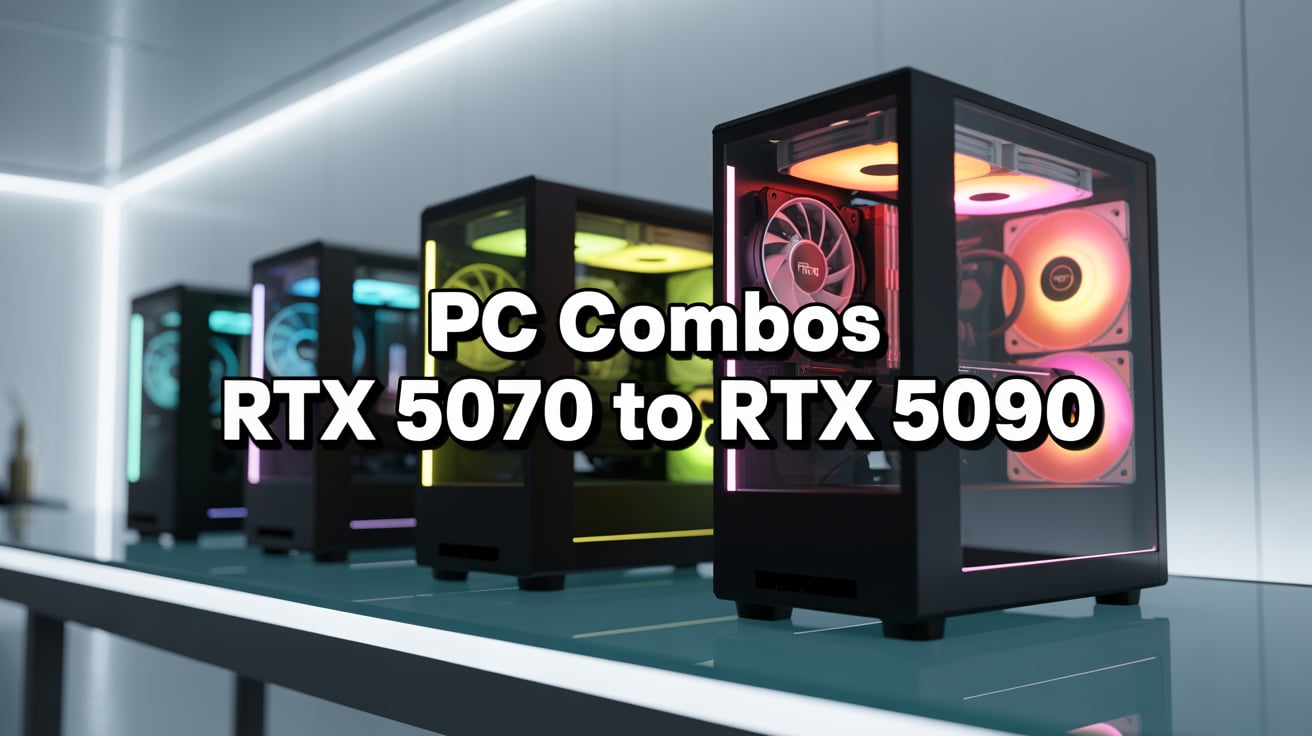
- Ultra 4K with ray tracing → RTX 5090 (next-gen flagship).
3. Video Editing & 3D Work
- 4K editing → Needs 12GB+ VRAM.
- 8K editing → Needs 24GB+ VRAM.
- NVIDIA cards are best because of NVENC encoding.
4. Heavy Work (Simulations, CAD, Research)
- Needs workstation cards with massive VRAM (RTX 6000 Ada, A6000).
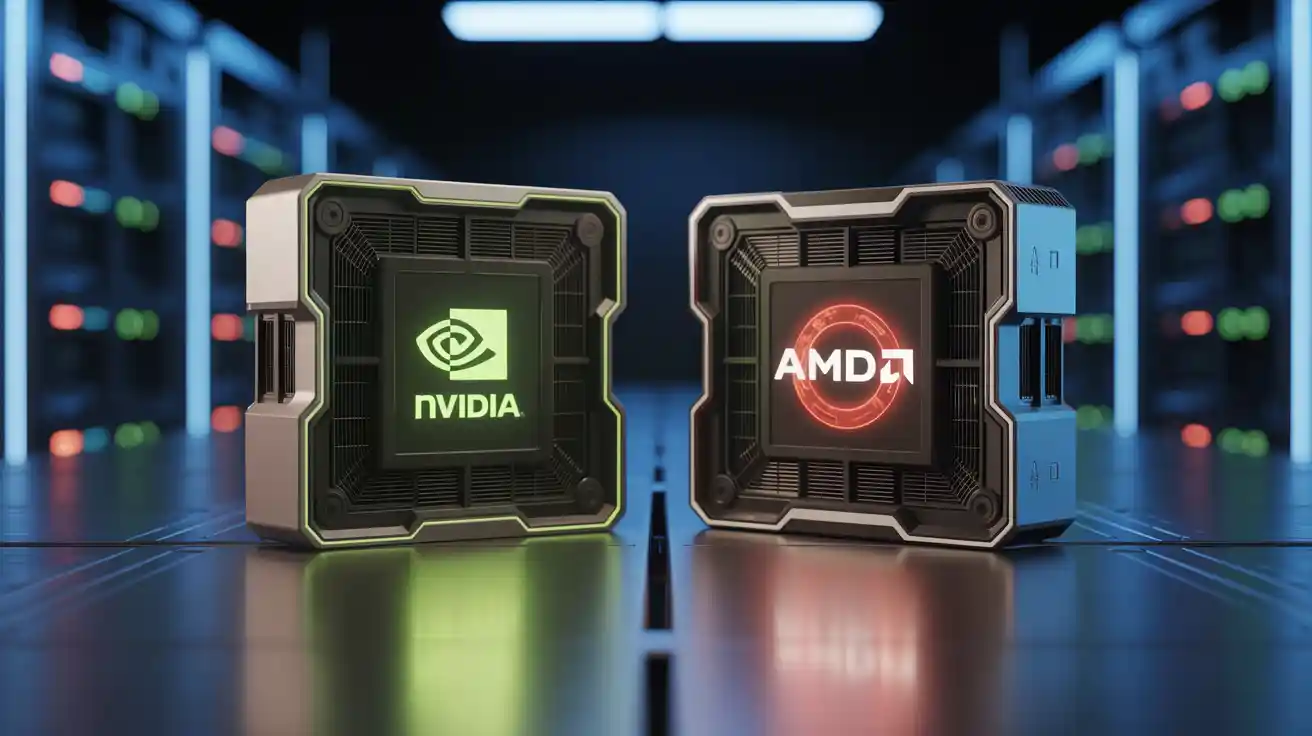
5. NVIDIA vs AMD vs Intel
1. NVIDIA
- Best for AI, ML, and professional coding.
- Strongest drivers and ecosystem.
- Great for gaming with ray tracing + DLSS.
- Expensive.
2. AMD
- Excellent value for gaming and editing.
- More VRAM for less money.
- Weak AI/ML support compared to NVIDIA.
3. Intel
- Good for budget builds.
- Great video encoding performance.
- Still not ready for heavy professional work.
6. Best GPUs in 2025
Here are the top contenders:
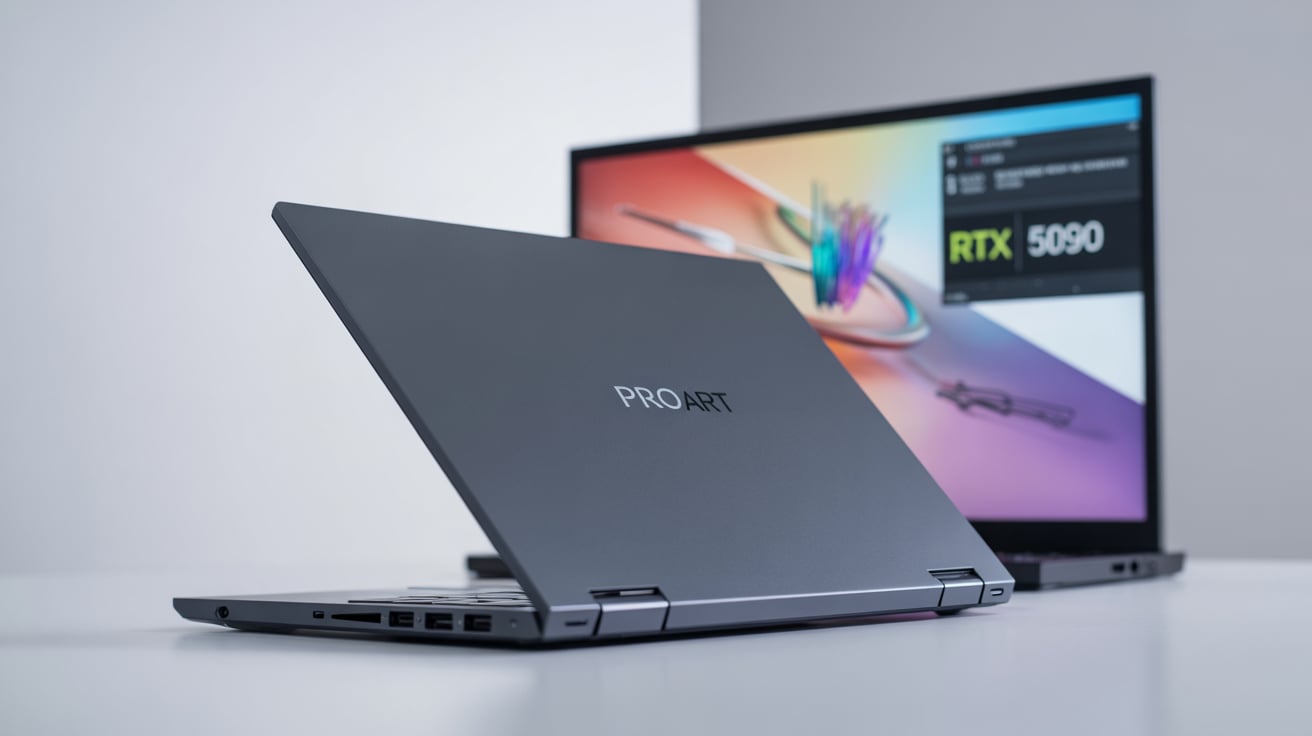
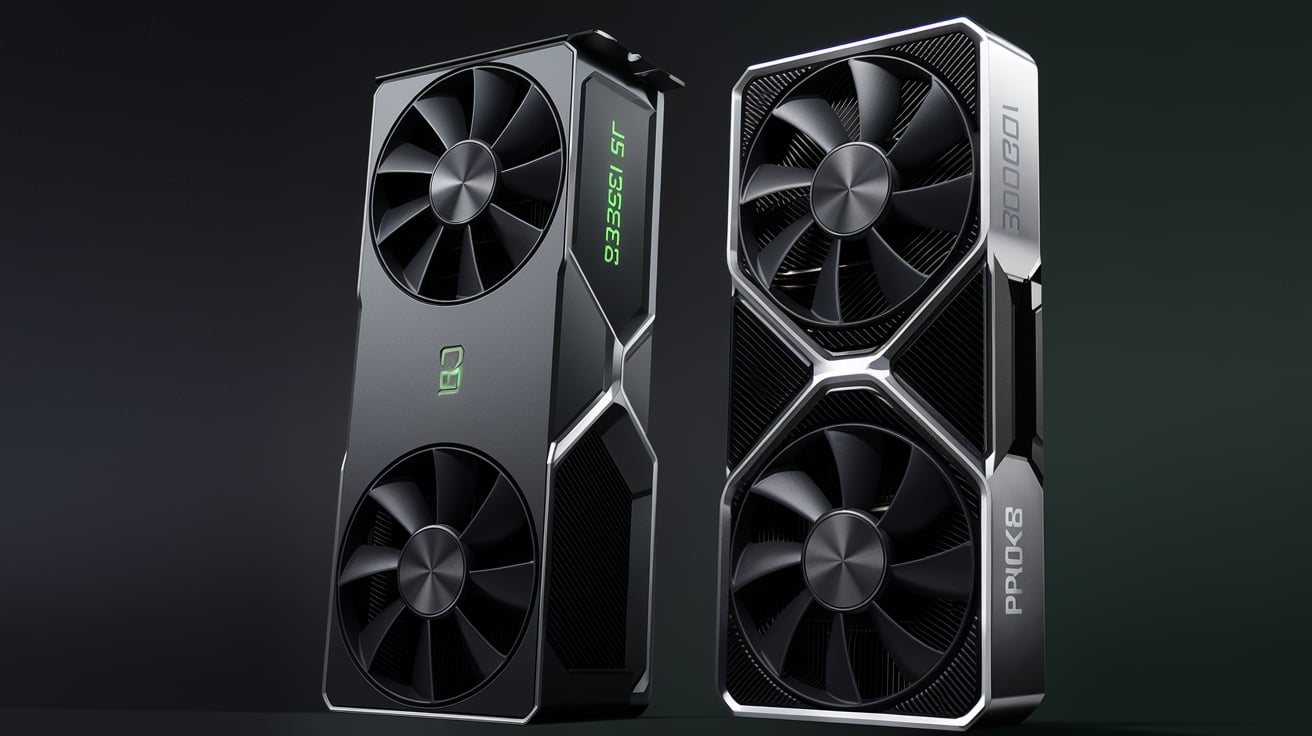
- NVIDIA RTX 5090 → Best all-rounder (32GB VRAM, next-gen power).
- NVIDIA RTX 6000 Ada → Best for professionals (48GB VRAM, workstation).
- AMD RX 7900 XTX → Best value for gaming + editing.
- NVIDIA RTX 4070 Ti Super → Best mid-range choice.
- Intel Arc A770 → Best budget option.
7. The One Overall Best GPU
Now, the real question: Which single GPU is the best for all tasks together—development, coding, gaming, editing, and heavy work?
The winner is: NVIDIA GeForce RTX 5090
1. Why?
- 32GB GDDR7 VRAM → Enough for AI, 8K editing, heavy coding.
- Next-gen CUDA & Tensor cores → Perfect for AI and ML workloads.
- DLSS + Ray tracing → Best gaming visuals at 4K.
- NVENC & strong drivers → Smooth editing performance.
- Future-proof → Will stay powerful for years.
It is expensive, but if you want one GPU that can truly do everything, the RTX 5090 is the most balanced and future-ready choice in 2025.
8. Conclusion
Choosing a GPU depends on your needs, but if your goal is one card that handles everything—advanced development, coding, gaming, editing, and heavy workloads—the NVIDIA RTX 5090 is the best choice overall.
For professionals working only on AI or simulations, workstation cards like the RTX 6000 Ada are better. For gamers on a budget, AMD RX 7900 XTX or NVIDIA RTX 4070 Ti Super are great. But for an all-in-one beast, nothing beats the RTX 5090 in 2025.