 Ekasjot_Singh
1. Introduction: Why This Comparison Matters
Gaming laptops are no longer just about powerful specs—they’re about performance, cooling, design, battery life, and overall experience. Two big names in the gaming laptop market are:
- HP OMEN 16 with Intel Core i7-14650HX
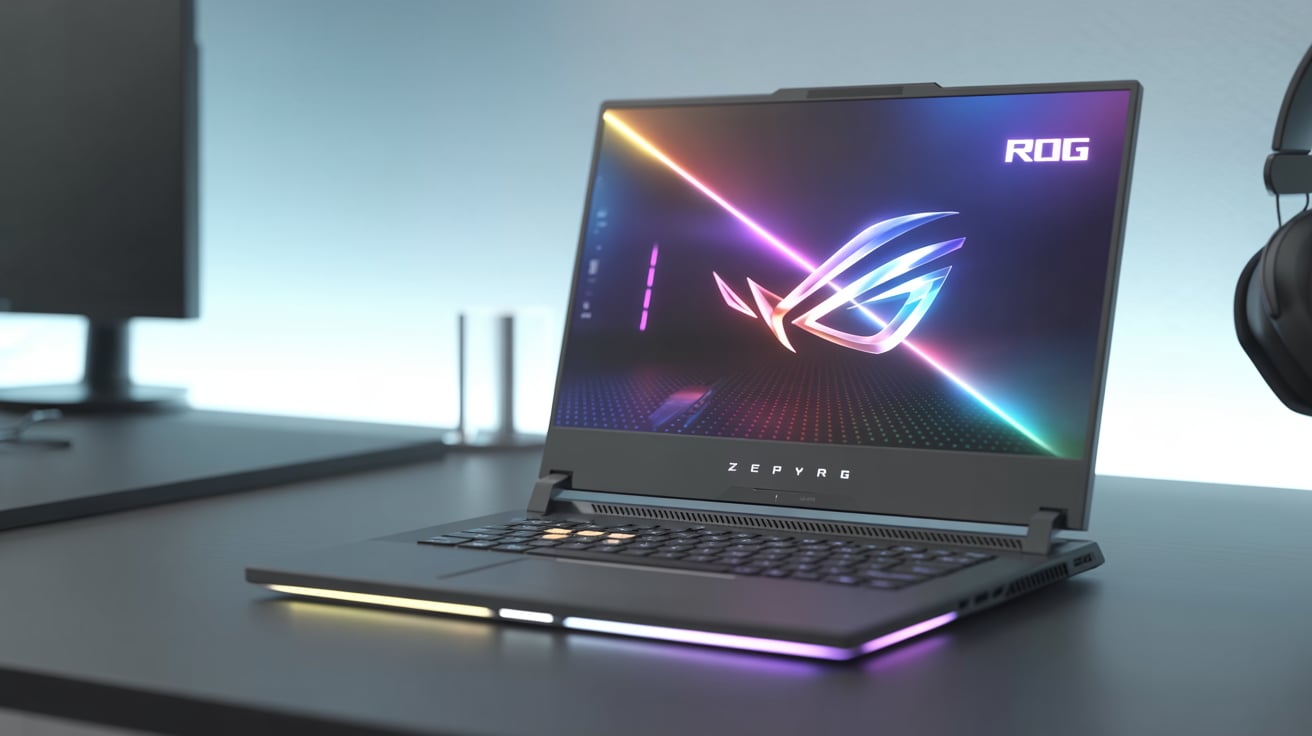
- ASUS ROG Strix G16 with Intel Core i7-13650HX
Both are top-tier gaming laptops with 13th-generation and 14th-generation Intel HX-series CPUs. But which one should you buy?
This guide is designed to help you understand the differences and similarities between these two machines in easy-to-understand language, even if you’re not a tech expert.
2. Processor Comparison: i7-14650HX vs i7-13650HX
Intel Core i7-14650HX (HP OMEN 16)
- Generation: 14th Gen
- Cores & Threads: 16 Cores (8 Performance + 8 Efficiency), 24 Threads
- Base Clock: 2.2 GHz
- Turbo Boost: Up to 5.2 GHz
- Cache: 30MB Smart Cache
- TDP (Power Draw): 55W – 157W (depending on load)
Intel Core i7-13650HX (ASUS ROG Strix G16)
- Generation: 13th Gen
- Cores & Threads: 14 Cores (6 Performance + 8 Efficiency), 20 Threads
- Base Clock: 2.6 GHz
- Turbo Boost: Up to 4.9 GHz
- Cache: 24MB
- TDP: Similar range as i7-14650HX
Easy Explanation:
The i7-14650HX in the OMEN 16 is slightly more powerful, newer (14th Gen), and comes with more cores and higher turbo boost, which helps in gaming, multitasking, and future-proofing.
3. Graphics: GPU Performance
Both laptops can come with powerful NVIDIA GPUs like the RTX 4060 or RTX 4070.
HP OMEN 16 GPU Options:
- NVIDIA GeForce RTX 4060 (8GB)
- NVIDIA GeForce RTX 4070 (8GB)
ASUS ROG Strix G16 GPU Options:
- NVIDIA GeForce RTX 4060 (8GB)
- NVIDIA GeForce RTX 4070 (8GB)
GPU Performance (Approximate):
Game (1080p Ultra) | RTX 4060 | RTX 4070 |
Cyberpunk 2077 | 70 FPS | 90 FPS |
Call of Duty: MW3 | 100 FPS | 120 FPS |
GTA V | 120 FPS | 150 FPS |
Note: Both laptops perform very similarly in graphics as long as the GPU model is the same. However, ASUS ROG tends to allow higher power limits (TGP) for better performance.
4. Display: Visual Experience
HP OMEN 16 Display:
- Size: 16.1 inches
- Resolution: QHD (2560 x 1440) or FHD (1920 x 1080)
- Refresh Rate: Up to 240Hz
- Color Accuracy: 100% sRGB
- Panel Type: IPS anti-glare
ASUS ROG Strix G16 Display:
- Size: 16.0 inches
- Resolution: QHD (2560 x 1600)
- Refresh Rate: 240Hz
- Color Accuracy: 100% DCI-P3
- Panel Type: IPS-level
Verdict:
ASUS ROG Strix G16 wins slightly in display with its 16:10 aspect ratio, better color gamut (DCI-P3), and sharper QHD+ resolution. This makes it ideal for both gamers and content creators.
5. Cooling System: Keeping it Cool Under Pressure
HP OMEN 16 Cooling:
- Dual-fan setup with wide vents
- OMEN Tempest Cooling Technology
- 3-sided venting and 5-way airflow
ASUS ROG Strix G16 Cooling:
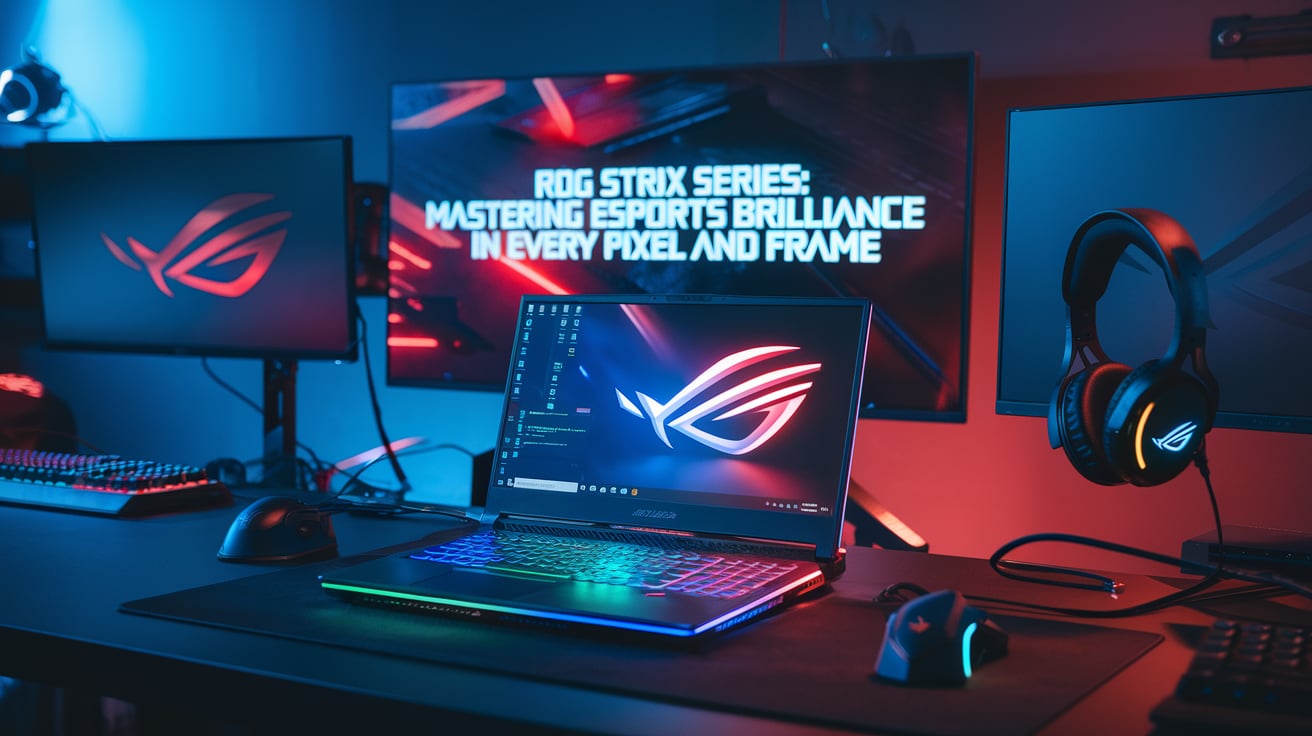
- ROG Intelligent Cooling
- Liquid metal thermal compound on CPU
- Triple-fan design (in some models)
- 6 heat pipes and 4 exhaust vents
Winner:
ASUS ROG Strix G16 is better in cooling. It uses liquid metal and has extra heat pipes and optimized airflow, making it ideal for long gaming sessions.
6. RAM & Storage
Both laptops come with:
- 16GB DDR5 RAM (expandable to 32/64GB)
- 512GB or 1TB PCIe Gen 4 SSD
✅ Upgradeability:
Feature | HP OMEN 16 | ASUS ROG Strix G16 |
RAM Slots | 2 SODIMM Slots | 2 SODIMM Slots |
Storage Slots | 2 M.2 Slots | 2 M.2 Slots |
Both are fully upgradeable, so future-proofing is not an issue.
7. Keyboard & Touchpad
HP OMEN 16:
- 4-zone RGB keyboard
- N-key rollover
- Decent key travel
- Large, smooth touchpad
ASUS ROG Strix G16:
- Per-key RGB (Aura Sync support)
- Deeper key travel
- Game-specific hotkeys (volume, mic, etc.)
- Precision touchpad
Verdict:
ASUS wins for gaming aesthetics and feel. The per-key RGB and Aura Sync compatibility give it an edge for gamers who love style and customization.
8. Battery Life
HP OMEN 16:
- 6-cell 83Wh battery
- Battery backup: 4-5 hours on average use
ASUS ROG Strix G16:
- 4-cell 90Wh battery
- Battery backup: 5-6 hours on average use
With gaming, both drop to 1.5–2 hours.
Conclusion:
ASUS lasts slightly longer due to power optimization in its display and components.
9. Build Quality & Design
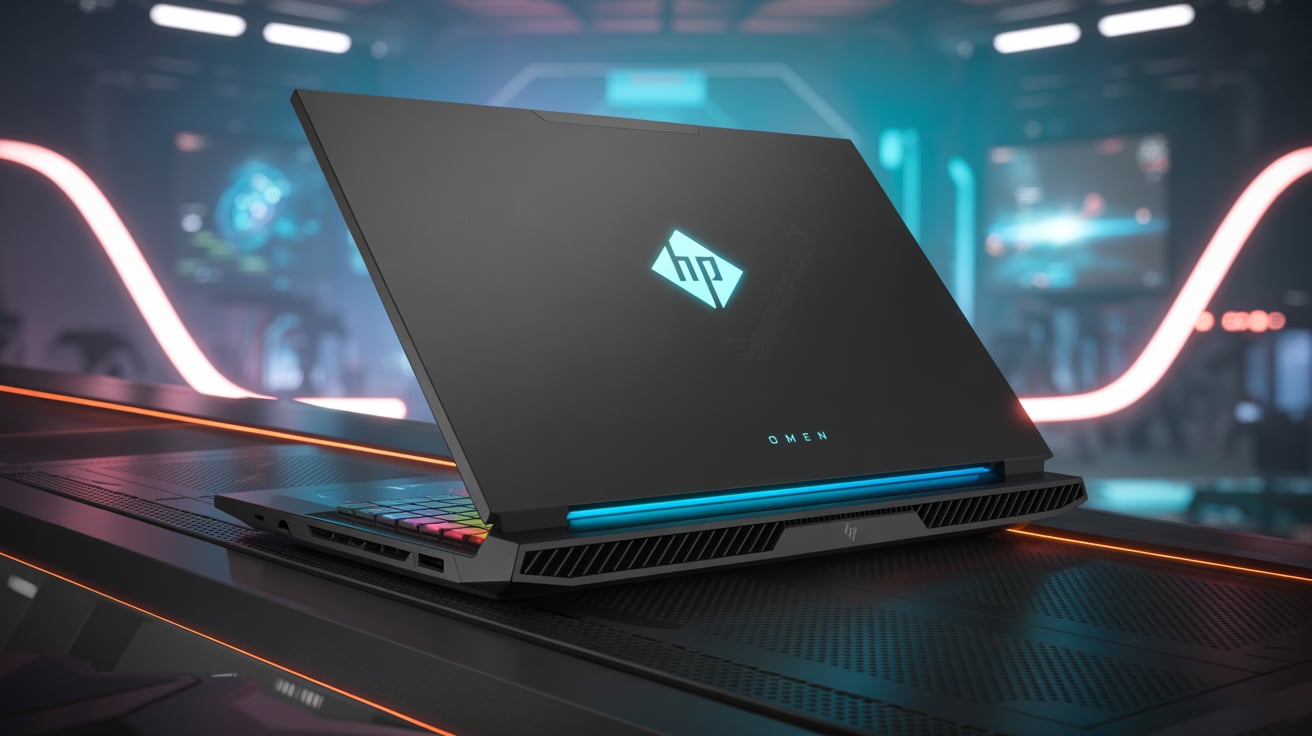
HP OMEN 16:
- Premium aluminum & plastic mix
- Subtle gamer aesthetic (more minimal)
- RGB OMEN logo on lid
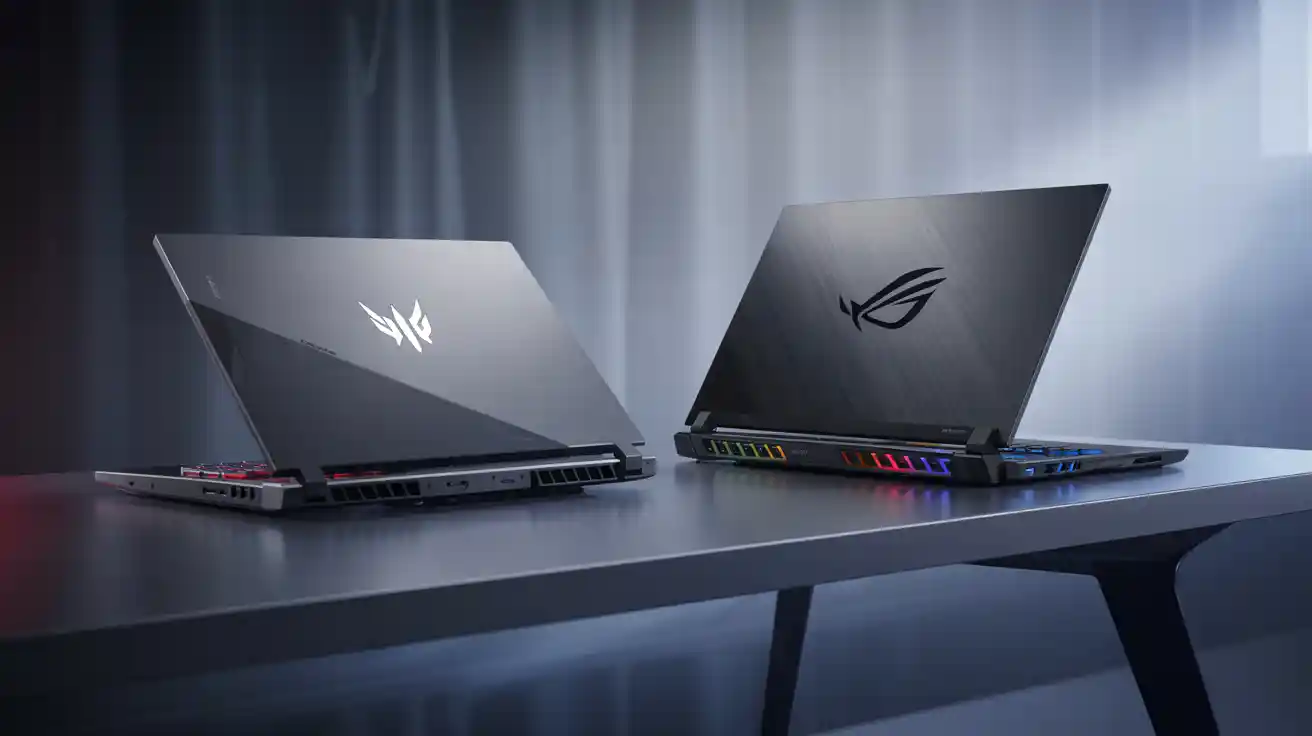
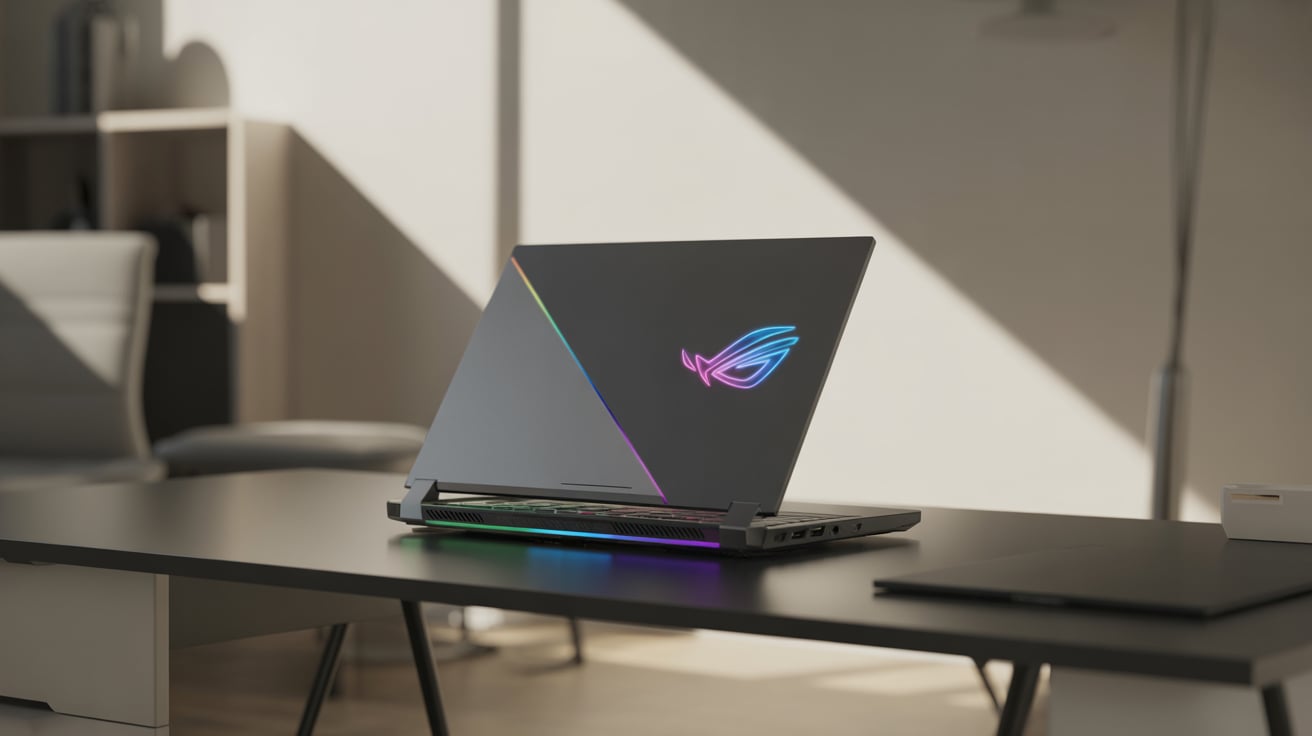
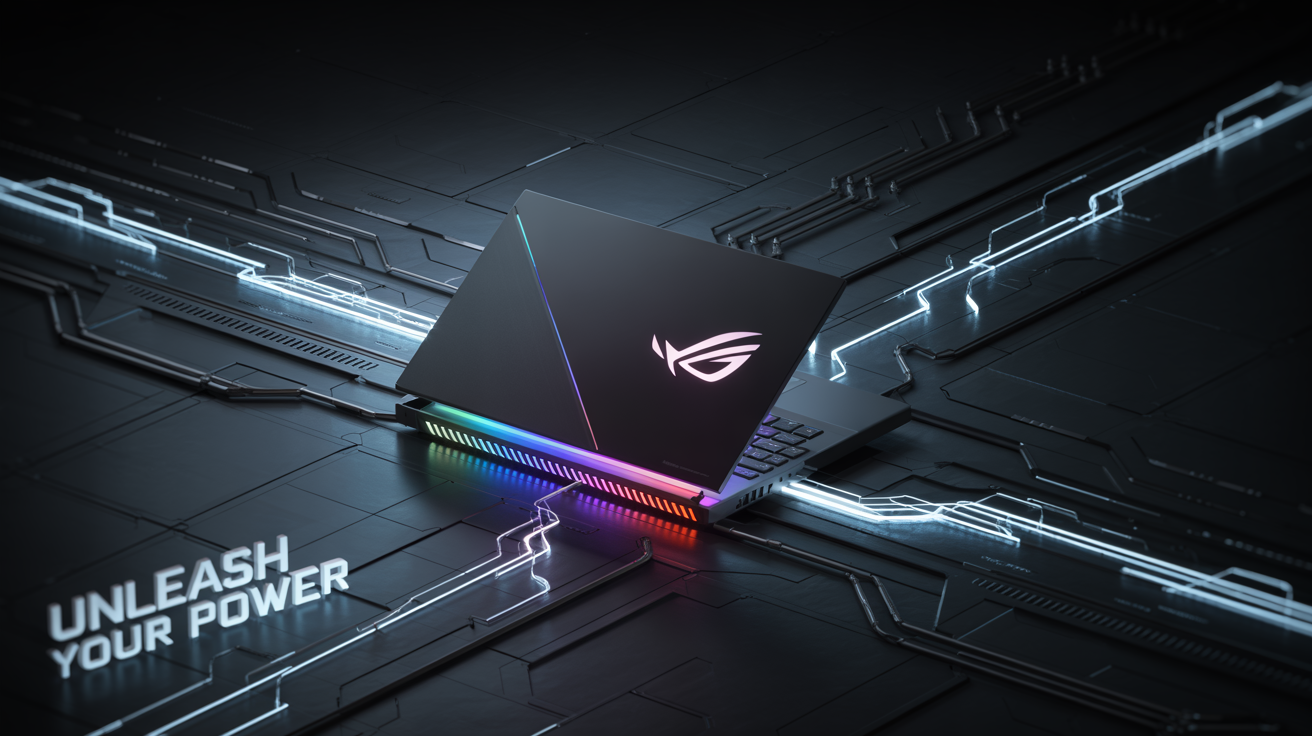
ASUS ROG Strix G16:
- Stylish, futuristic look
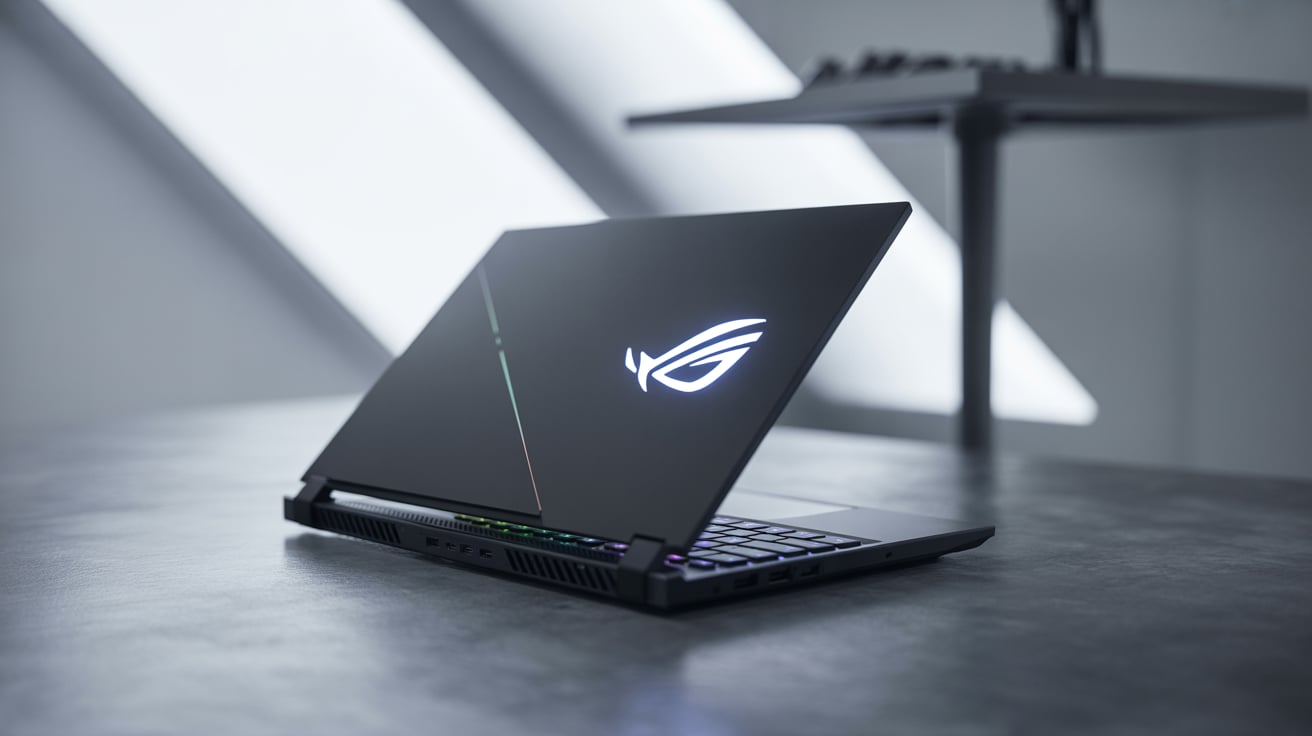
- RGB light bar across bottom
- Customizable aesthetics
- Military-grade durability
Verdict:
HP is more professional-looking, while ASUS ROG is for those who want a flashy, bold design. Choose based on your style.
10. Ports & Connectivity
Feature | HP OMEN 16 | ASUS ROG Strix G16 |
USB-A Ports | 3 | 2 |
USB-C / Thunderbolt 4 | 1 | 1 |
HDMI | Yes (2.1) | Yes (2.1) |
Ethernet (RJ45) | Yes | Yes |
Audio Jack | Yes | Yes |
Wi-Fi & Bluetooth | Wi-Fi 6E, Bluetooth 5.3 | Wi-Fi 6E, Bluetooth 5.2 |
Both offer excellent connectivity, but HP gives more USB-A ports which is handy for peripherals.
11. Software Experience
HP OMEN Gaming Hub:
- System vitals monitor
- Performance controls
- Network booster
- Light customization
ASUS Armoury Crate:
- Real-time system monitoring
- Game profiles
- Aura Sync lighting control
- Fan curve control
Both are excellent, but ASUS Armoury Crate has more gamer-focused tools.
12. Pricing in India (As of 2025)
Model | Starting Price (INR) |
HP OMEN 16 (i7 + RTX 4060) | ₹1,34,990 |
HP OMEN 16 (i7 + RTX 4070) | ₹1,64,990 |
ASUS ROG Strix G16 (i7 + RTX 4060) | ₹1,44,990 |
ASUS ROG Strix G16 (i7 + RTX 4070) | ₹1,69,990 |
ASUS ROG is generally a bit more expensive, but comes with more visual flair and better cooling.
13. Real-World Use Cases
Task | Winner | Why? |
Gaming | ASUS ROG Strix G16 | Better cooling & per-key RGB |
Video Editing | HP OMEN 16 | Newer CPU with higher cores |
Content Creation | ASUS ROG Strix G16 | Better screen & color accuracy |
Everyday Use | HP OMEN 16 | Lower price, still powerful |
Travel & Portability | Tie | Both weigh around 2.5–2.6kg |
14. Pros & Cons
HP OMEN 16
Pros:
- Powerful 14th Gen CPU
- Great price-to-performance
- Clean, professional look
- OMEN Gaming Hub is easy to use
Cons:
- Slightly lower screen quality
- Cooling is decent but not best-in-class
ASUS ROG Strix G16
Pros:
- Fantastic cooling system
- Better color-rich display
- Bold RGB and gamer aesthetics
- Aura Sync & Armoury Crate software
Cons:
- A bit more expensive
- Can be flashy for professional settings
15. Final Verdict: Which One Should You Buy?
Scenario | Recommended Laptop |
You want the best gaming experience | ASUS ROG Strix G16 |
You want performance at a better price | HP OMEN 16 |
You care about RGB and design | ASUS ROG Strix G16 |
You prefer minimalistic professional looks | HP OMEN 16 |
16. Summary
Both the HP OMEN 16 and ASUS ROG Strix G16 are excellent gaming laptops, and you won’t go wrong with either. Your choice depends on what matters most to you:
- Power & affordability? → Go with HP OMEN 16
- Style, cooling & RGB performance? → Choose ASUS ROG Strix G16
Gaming is personal—your machine should match your lifestyle, budget, and performance needs. Hope this detailed guide made your decision easier.