 Ekasjot_Singh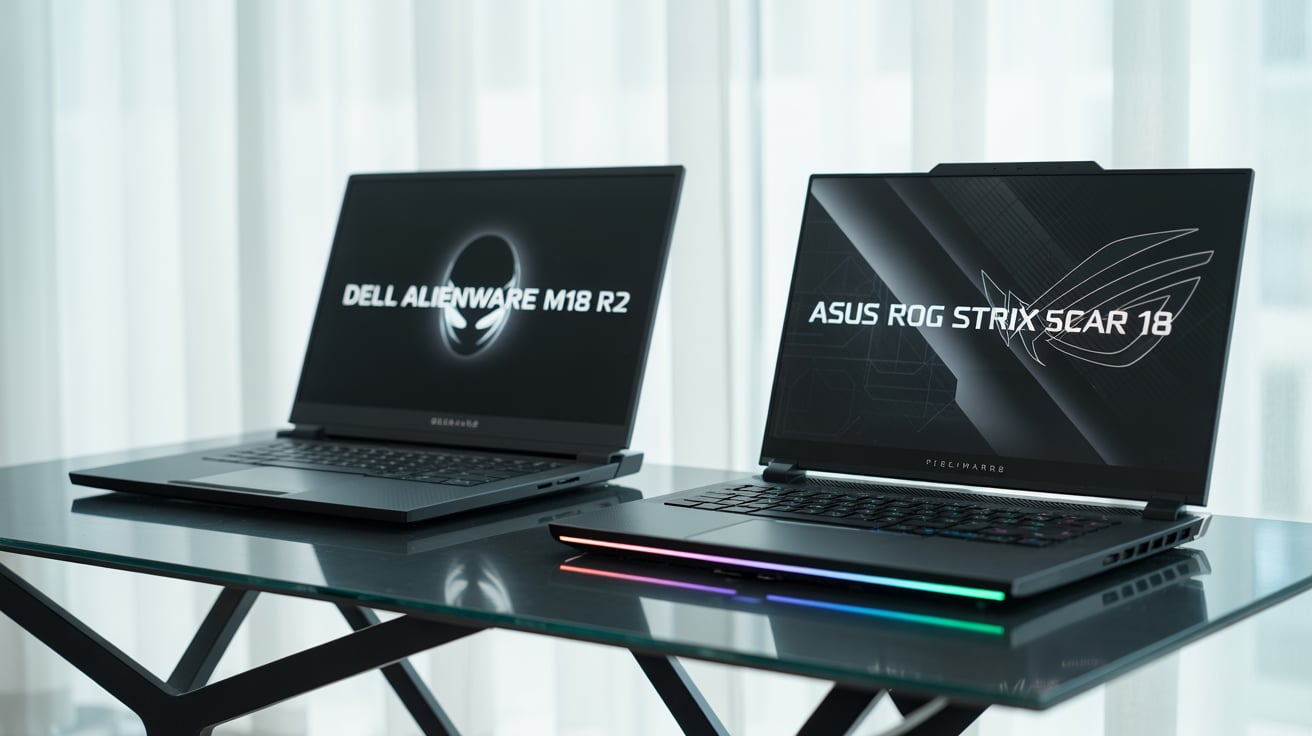
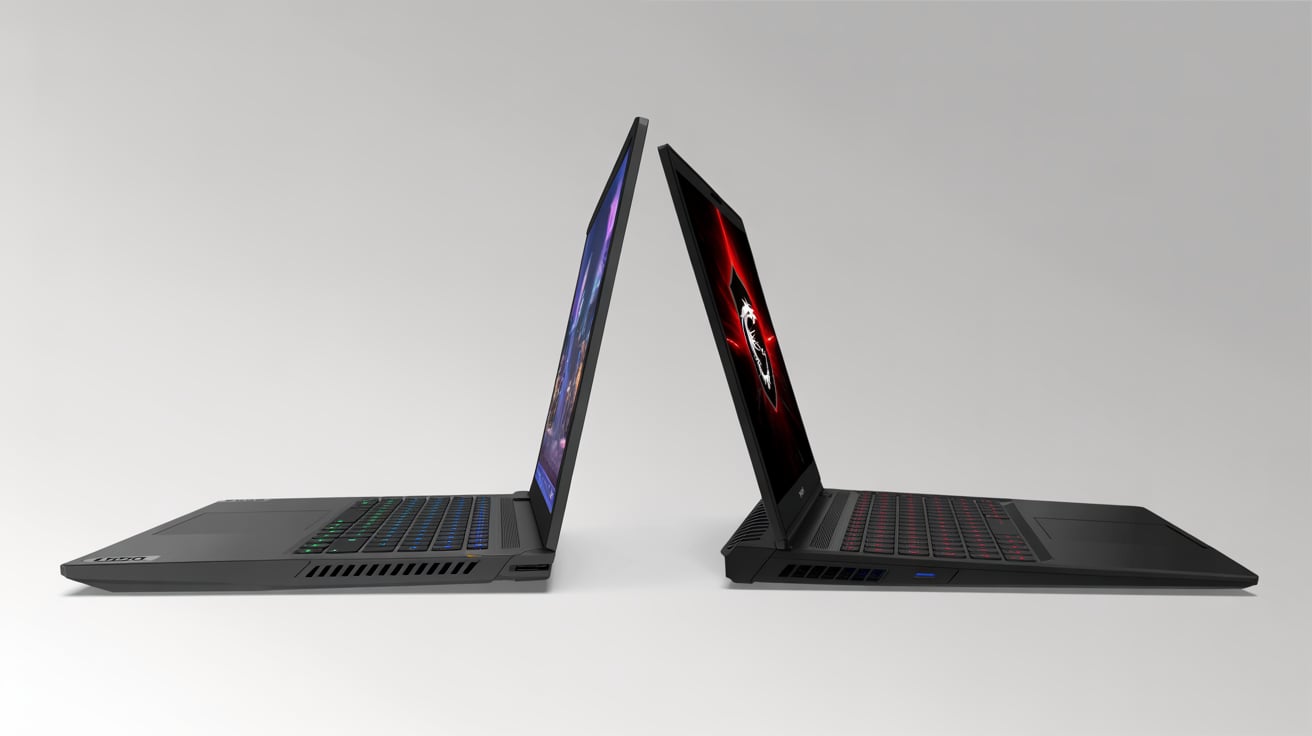
Gaming laptops are now more powerful than ever, and 18-inch laptops are taking things to the next level. Two of the most popular options in 2025 are the Dell Alienware M18 R2 and the Asus ROG Strix Scar 18. Both machines are absolute beasts, built for gamers who want top-level performance, big screens, and desktop-level power.
But which one should you buy?
This detailed, easy-to-understand comparison will help you choose the right laptop for your needs.
1. Overview
Let’s start by understanding both laptops in simple terms.
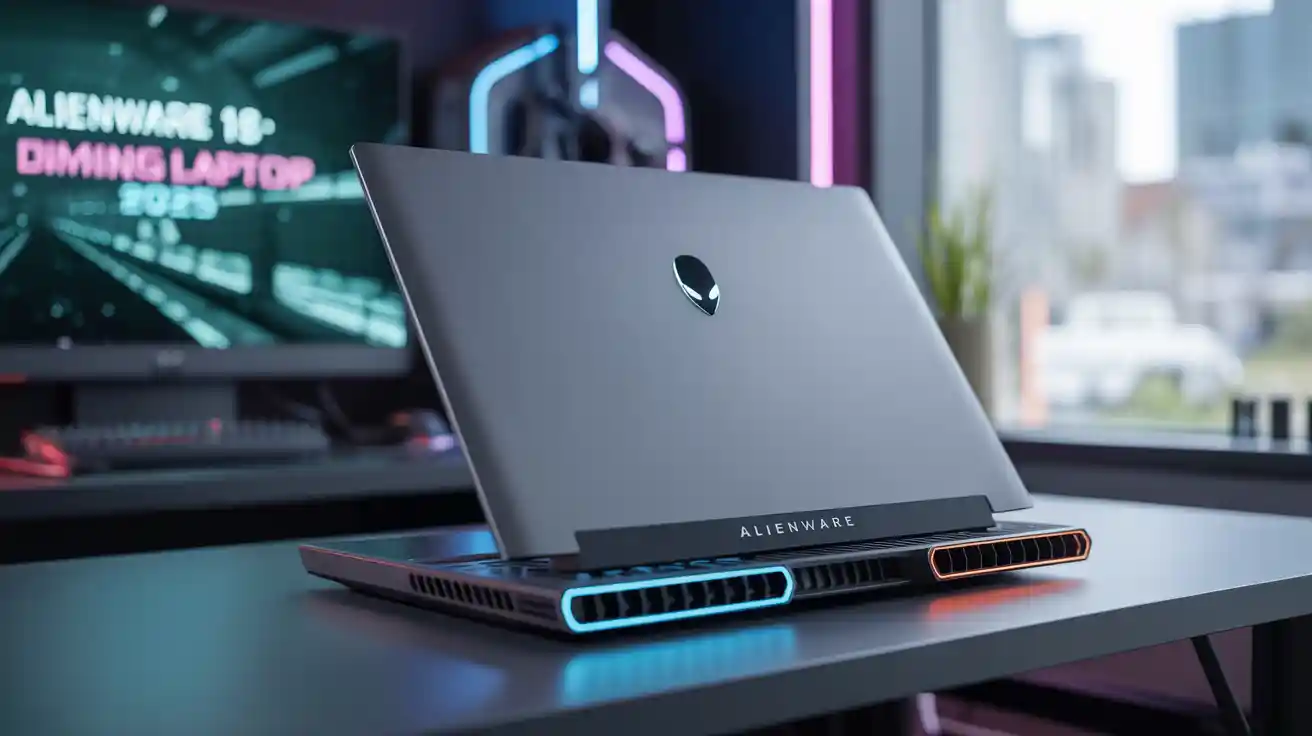
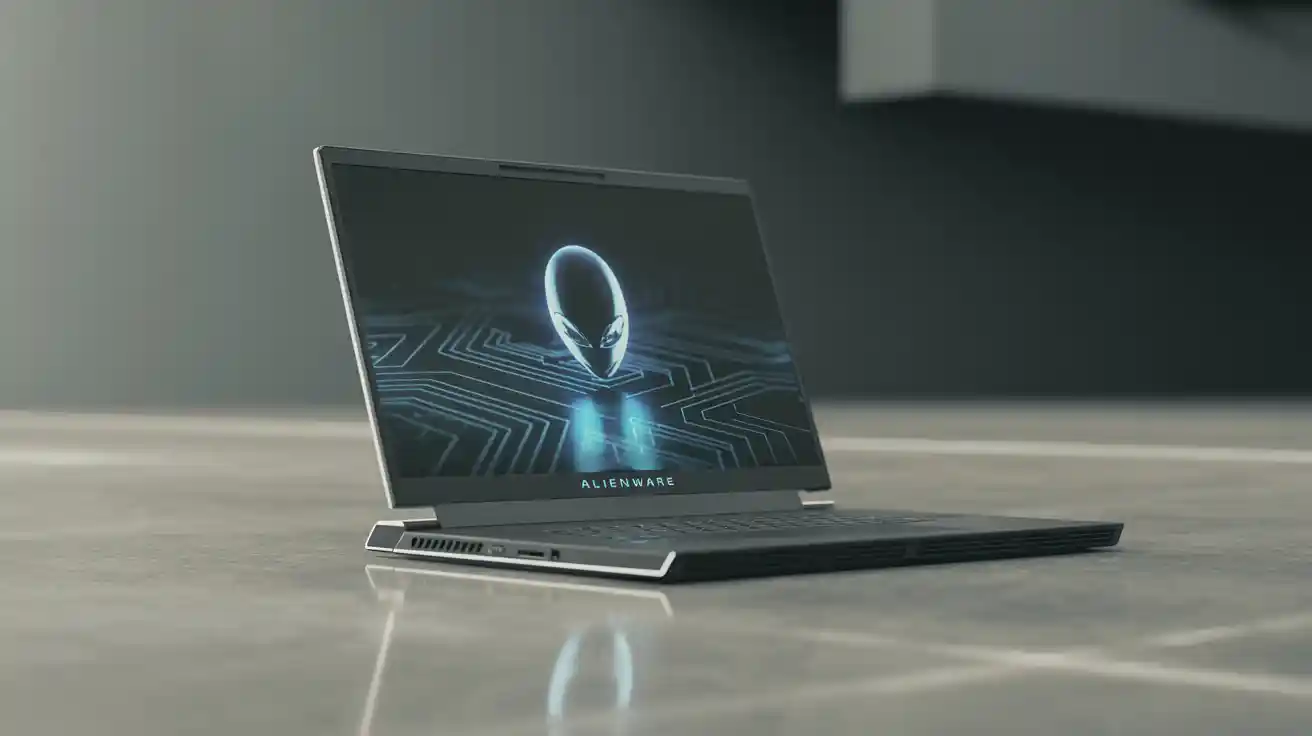
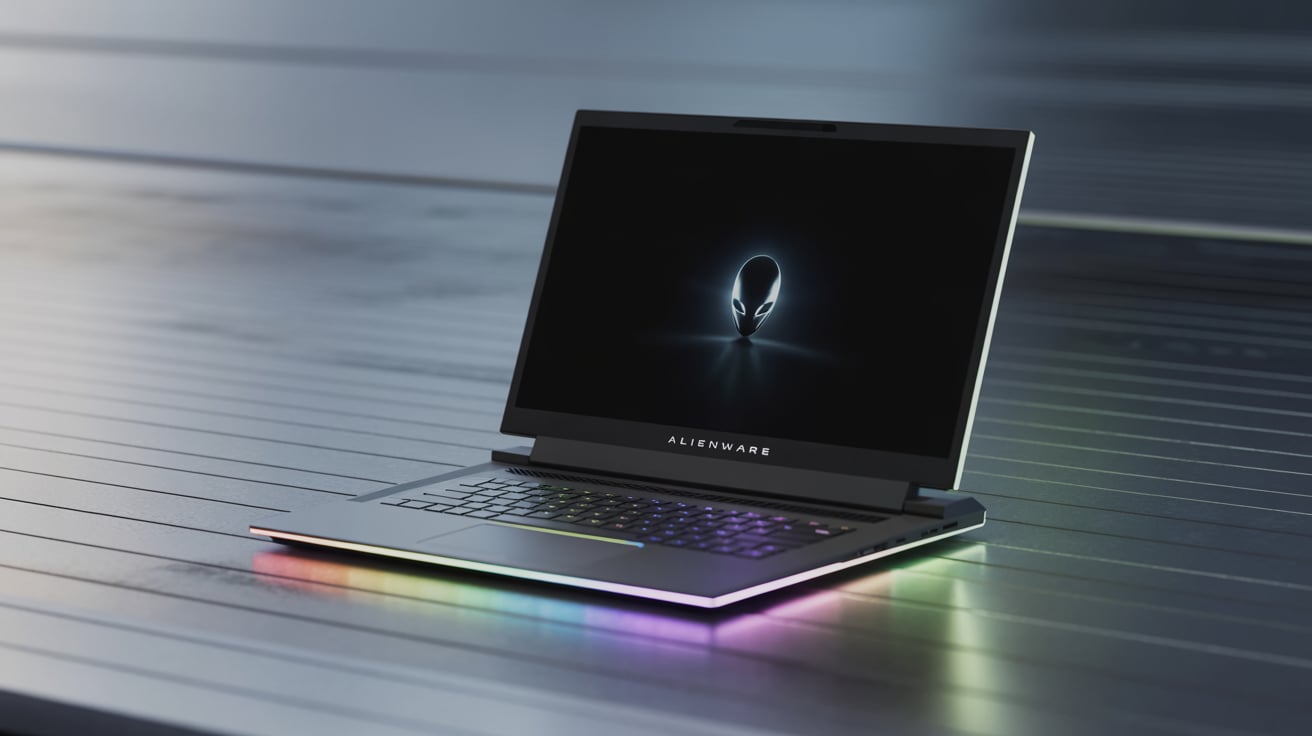
Dell Alienware M18 R2 (2025)
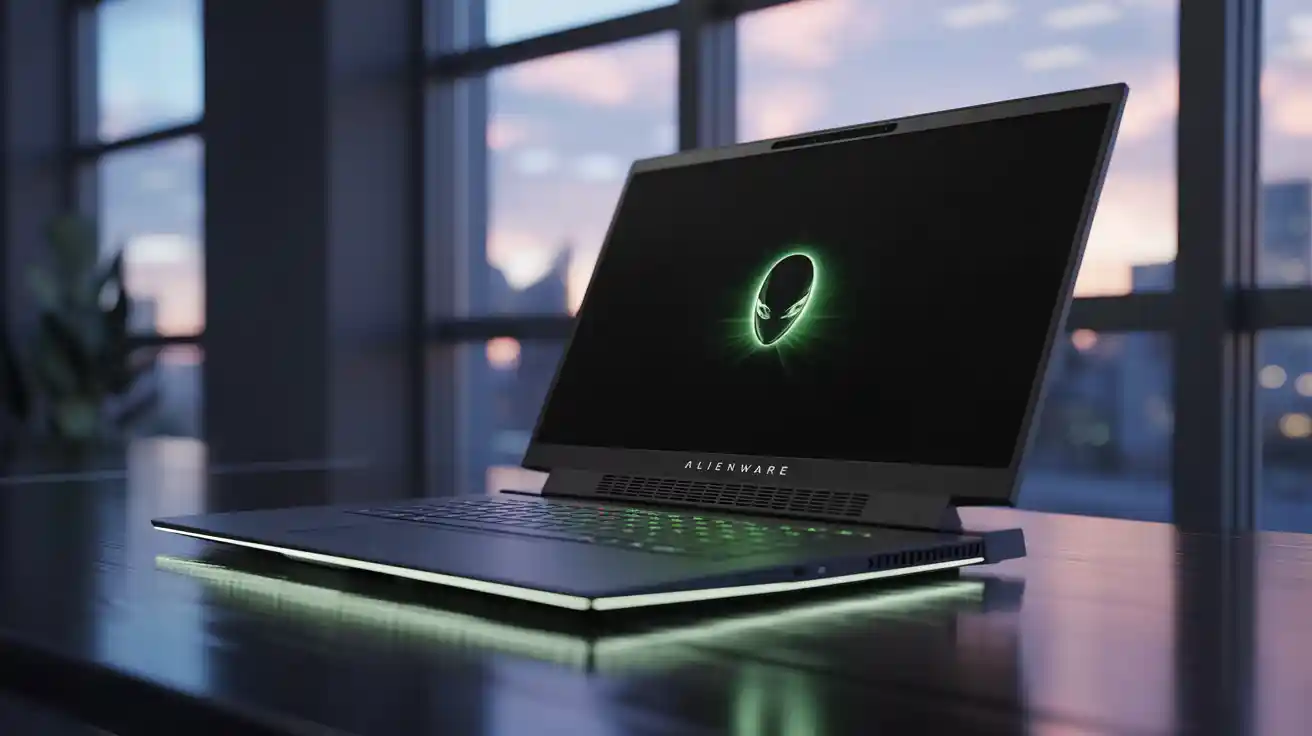
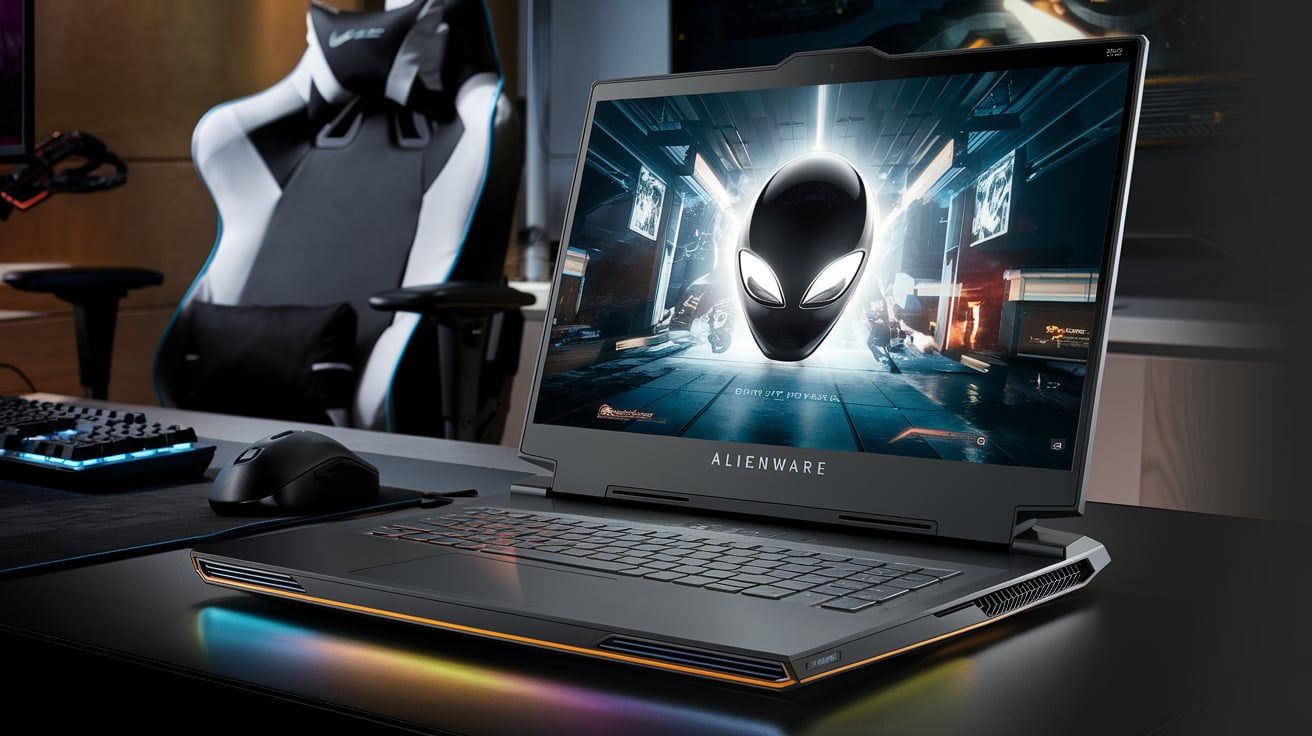
The Alienware M18 R2 is Dell’s latest 18-inch gaming laptop. It’s part of their high-end Alienware series, known for premium designs and powerful hardware. The M18 R2 is designed for gamers who want everything—speed, display size, cooling, and future-proof hardware.
Top Features:
- 18-inch QHD+ display
- Up to Intel Core i9-14900HX
- Up to NVIDIA RTX 4090 GPU
- Advanced Cryo-tech cooling
- AlienFX lighting system
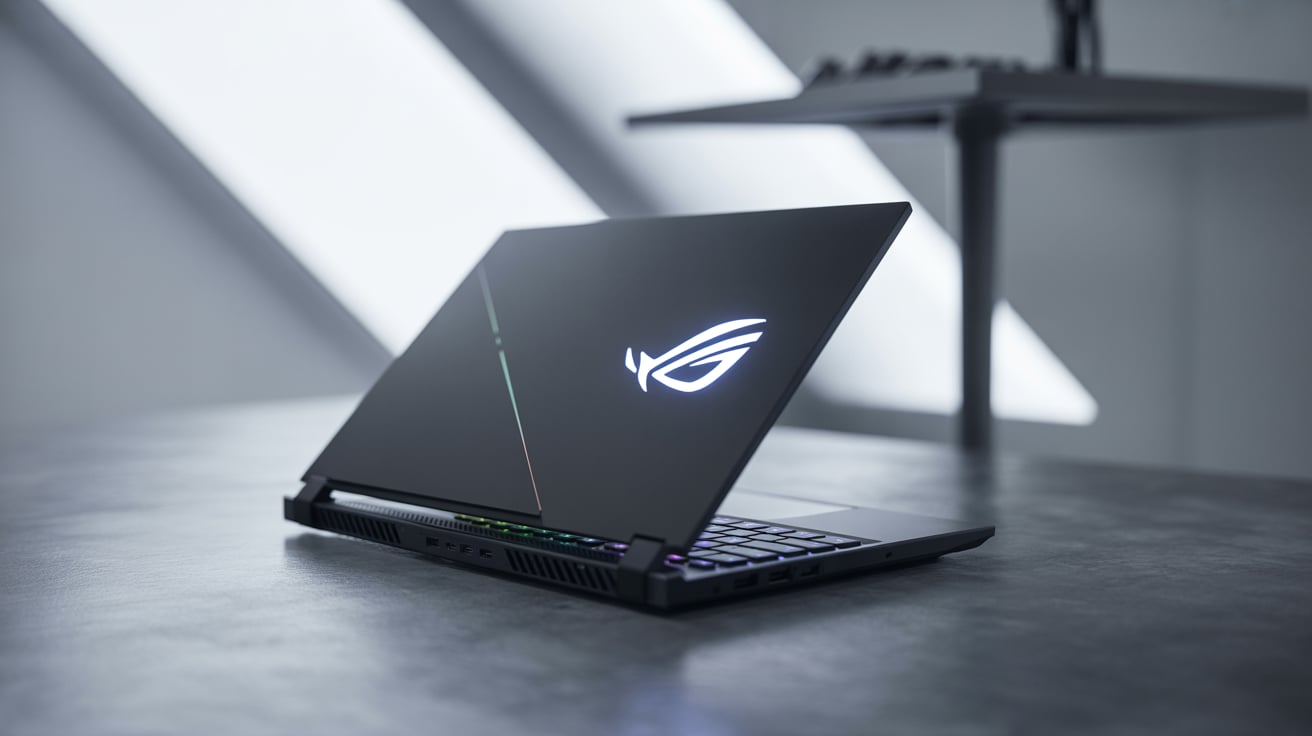
Asus ROG Strix Scar 18 (2025)
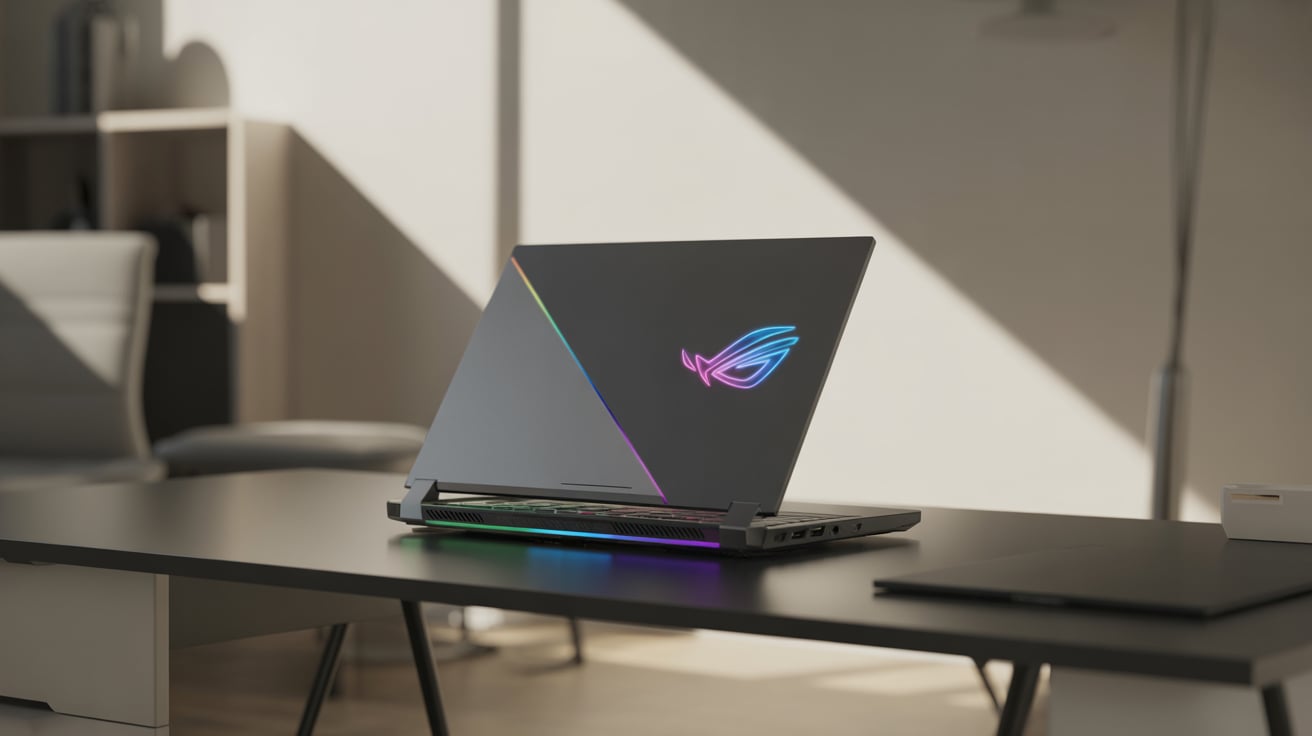
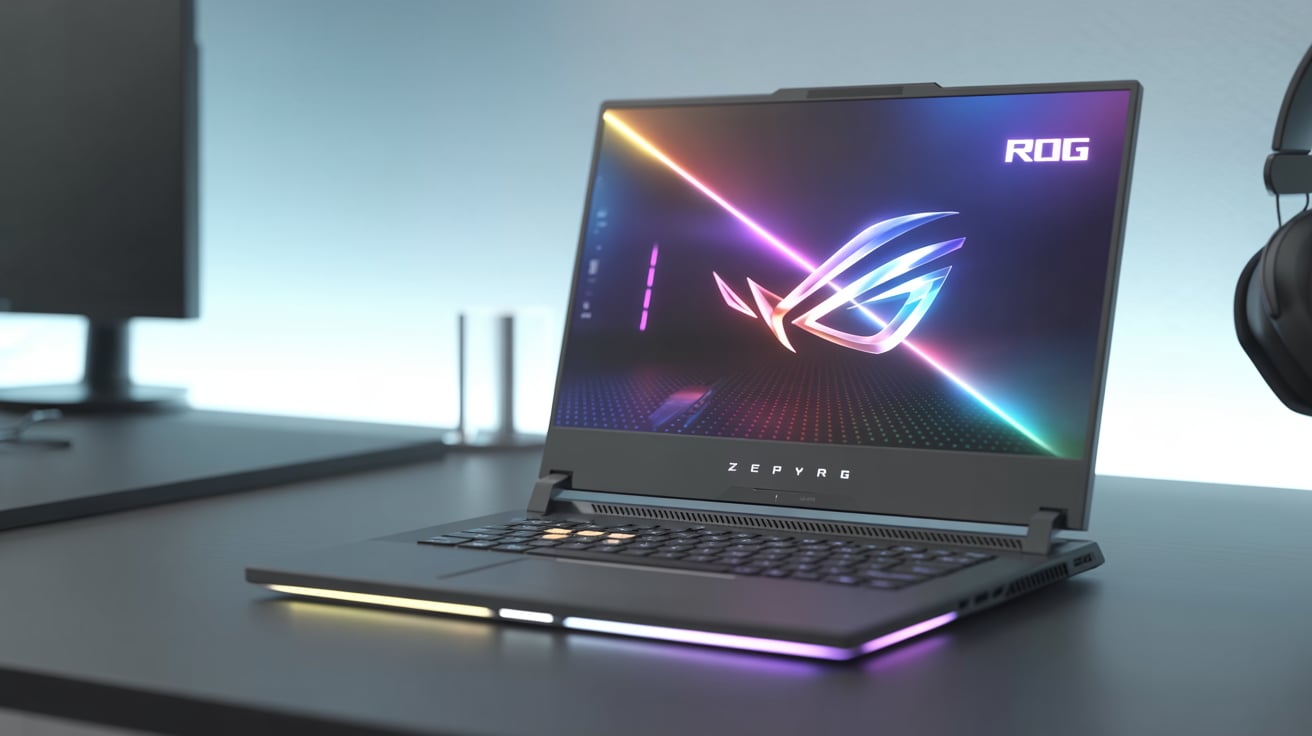
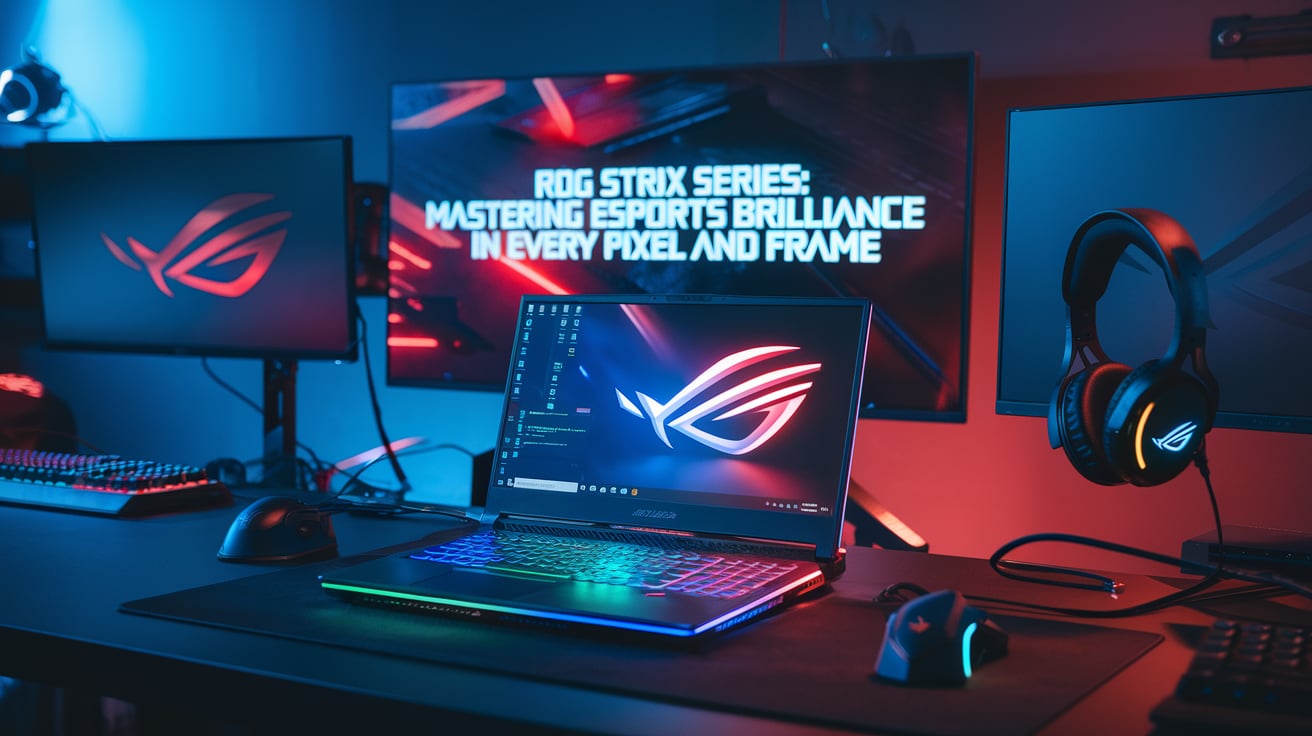
Asus ROG (Republic of Gamers) Strix Scar 18 is another flagship gaming laptop. It combines strong performance, RGB aesthetics, and sharp design. The Scar 18 is built for esports, streaming, and AAA gaming with no compromises.
Top Features:
- 18-inch Nebula HDR QHD+ display
- Up to Intel Core i9-14900HX
- Up to NVIDIA RTX 4090 GPU
- Liquid metal cooling
- Per-key RGB lighting with Aura Sync
2. Design & Build Quality
Alienware M18 R2
- Look & Feel: Futuristic design with dark silver finish.
- Build Quality: Very solid, using premium aluminum and magnesium alloy.
- Size & Weight: Big and heavy (around 4 kg). Not for carrying daily.
- RGB Lighting: AlienFX RGB zones on the keyboard, logo, and back.
ROG Strix Scar 18
- Look & Feel: More aggressive gamer look with RGB lighting on all sides.
- Build Quality: Plastic chassis but strong and stylish.
- Size & Weight: Slightly lighter than Alienware (around 3.1–3.3 kg).
- RGB Lighting: Per-key RGB with full underglow light bar.
Winner: Tie – Alienware looks more premium; Asus is more colorful and slightly lighter.
3. Display
Both have stunning 18-inch screens. But let’s break down the details.
Alienware M18 R2
- Size: 18 inches
- Resolution: 2560 x 1600 (QHD+)
- Refresh Rate: 165Hz or 480Hz
- Panel Type: IPS
- G-SYNC: Yes
- Color Accuracy: Good (100% DCI-P3)
ROG Strix Scar 18
- Size: 18 inches
- Resolution: 2560 x 1600 (QHD+)
- Refresh Rate: 240Hz (Nebula HDR)
- Panel Type: Mini LED (more contrast)
- G-SYNC: Yes
- Color Accuracy: Excellent (100% DCI-P3)
Winner: Asus – Thanks to the Mini LED screen and better brightness with HDR support.
4. Performance (CPU & GPU)
Both laptops can be customized with the best specs. Let’s look at the power inside.
Processor (CPU)
Both use the Intel Core i9-14900HX, a 24-core beast:
- Cores: 8 performance + 16 efficiency cores
- Max Boost Clock: Up to 5.8 GHz
- Performance: Handles all games and software like a desktop CPU.
Graphics (GPU)
Both support up to NVIDIA GeForce RTX 4090 Laptop GPU:
- VRAM: 16GB GDDR6
- Ray Tracing, DLSS 3.5
- TGP (Power): 175W+
RAM & Storage
- RAM: Up to 64GB DDR5 (Alienware), Up to 32GB/64GB DDR5 (Asus)
- Storage: Up to 8TB SSD (Alienware), Up to 2TB SSD (Asus, user-upgradable)
Winner: Tie – Both offer extreme performance. Alienware has higher storage options.
5. Cooling System
Keeping the laptop cool is key to stable gaming.
Alienware M18 R2
- Tech: Alienware Cryo-tech
- Fans: Dual fans with quad heat pipes
- Vapor chamber: Yes (on higher configs)
- Noise: Loud under full load
ROG Strix Scar 18
- Tech: Liquid metal on CPU and GPU
- Fans: Dual Arc Flow fans
- Vapor chamber: Yes
- Noise: Slightly quieter than Alienware
Winner: Asus – More advanced cooling with liquid metal on both CPU and GPU.
6. Keyboard & Touchpad
Alienware M18 R2
- Keyboard: Full-size, mechanical-like keys
- Lighting: Per-zone RGB with AlienFX
- Touchpad: Big and responsive
ROG Strix Scar 18
- Keyboard: Optical-mechanical keys (fast response)
- Lighting: Per-key RGB with Aura Sync
- Touchpad: Smooth and precise
Winner: Asus – Optical-mechanical keys are faster and more responsive.
7. Audio
Alienware M18 R2
- Speakers: 4-way stereo with smart amp
- Audio Quality: Loud and clear, but not very bass-heavy
ROG Strix Scar 18
- Speakers: 4 speakers with Dolby Atmos
- Audio Quality: Better soundstage, richer sound
Winner: Asus – Better audio for games, movies, and music.
8. Battery Life
Big laptops aren’t great for battery life, but let’s compare.
Alienware M18 R2
- Battery: 97Wh
- Usage Time: 2–4 hours average (gaming drains faster)
ROG Strix Scar 18
- Battery: 90Wh
- Usage Time: 3–5 hours average
Winner: Asus – Slightly more efficient for non-gaming tasks.
9. Ports & Connectivity
Alienware M18 R2
- Ports: 2x USB-C (1 with Thunderbolt 4), 3x USB-A, HDMI 2.1, miniDP, RJ45 Ethernet, headphone jack, microSD
- Wi-Fi: Wi-Fi 7
- Bluetooth: 5.3
ROG Strix Scar 18
- Ports: 2x USB-C (1 with Thunderbolt 4), 2x USB-A, HDMI 2.1, RJ45 Ethernet, headphone jack
- Wi-Fi: Wi-Fi 6E
- Bluetooth: 5.3
Winner: Alienware – More ports and newer Wi-Fi 7.
10. Software & Features
Alienware M18 R2
- Software: Alienware Command Center for performance, lighting, fan control
- Extra Features: Overclocking profiles, Cryo-tech cooling customization
ROG Strix Scar 18
- Software: Armoury Crate for system monitoring, fan speeds, lighting
- Extra Features: MUX switch, AI noise cancelation, Scenario Profiles
Winner: Tie – Both offer powerful software with deep control.
11. Price
Prices can vary depending on specs.
Alienware M18 R2
- Starting: Around ₹3,00,000 INR / $2,800 USD
- Fully loaded: ₹4,20,000+ INR / $4,000+ USD
ROG Strix Scar 18
- Starting: Around ₹2,90,000 INR / $2,700 USD
- Fully loaded: ₹3,90,000 INR / $3,800+ USD
Winner: Asus – Slightly better value for money.
12. Pros & Cons
Alienware M18 R2
Pros
- Premium metal build
- Higher storage options
- Better connectivity
- Reliable performance
Cons
- Heavier
- Louder under load
- Expensive
ROG Strix Scar 18
Pros
- Stunning Mini LED display
- Optical-mechanical keyboard
- Better cooling and audio
- Great value for money
Cons
- Mostly plastic build
- Slightly lower max storage
13. Which One is Right for You?
Let’s make it simple.
Buy Alienware M18 R2 if:
- You want a premium metal build.
- You need maximum storage (up to 8TB SSD).
- You want better connectivity (Wi-Fi 7, more ports).
- You love the Alienware design.
Buy Asus ROG Strix Scar 18 if:
- You want better display quality (Mini LED).
- You want better keyboard and audio.
- You care about performance with better cooling.
- You want slightly better battery and lower weight.
- You want more value for your money.
14. Final Verdict
Both the Alienware M18 R2 and ROG Strix Scar 18 are monsters in the gaming laptop world. They offer desktop-like performance in a laptop body. The Alienware is perfect for those who value build quality, higher storage, and iconic design. The Asus ROG Strix Scar 18, however, offers better display, cooling, and audio at a better price.